
1Pick the session jobChoose whether you are building, fixing, designing, exporting or learning something advanced.
Use this area when a track needs direction: open a workbook, print a checklist, fix the mix, speed up the DAW session and get the idea closer to finished.
Create a free account and keep 92 mix fixes, 10 genre workbooks, 7 DAW shortcut routes and the Advanced Production Masterclass together in one clean dashboard — organised by what you actually hear and the job you are trying to finish, so the answer is beside the session when you need it.
 Preview
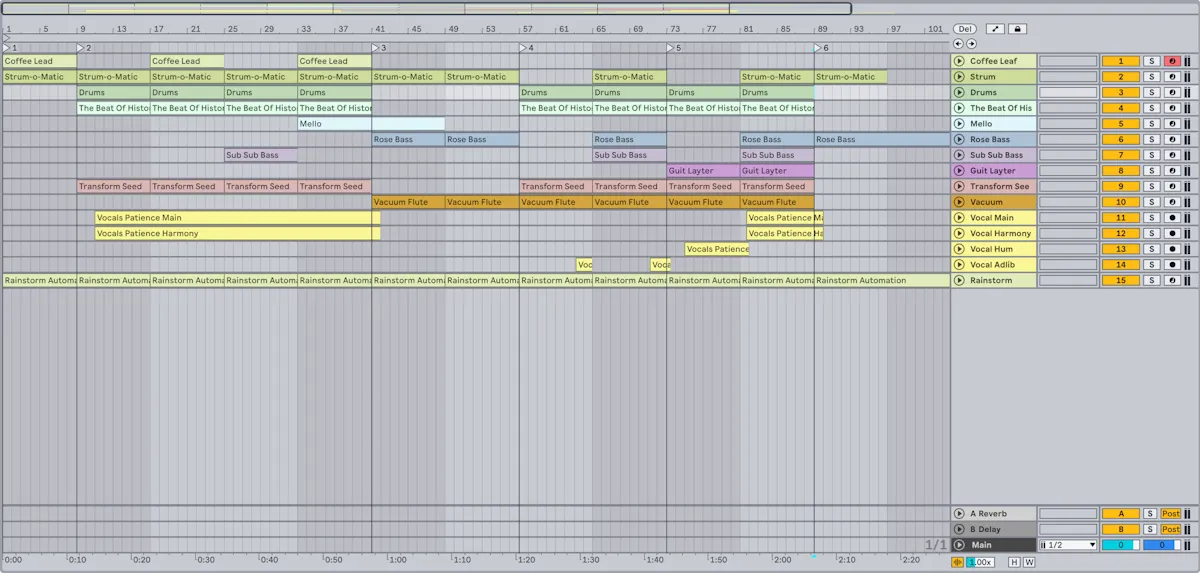
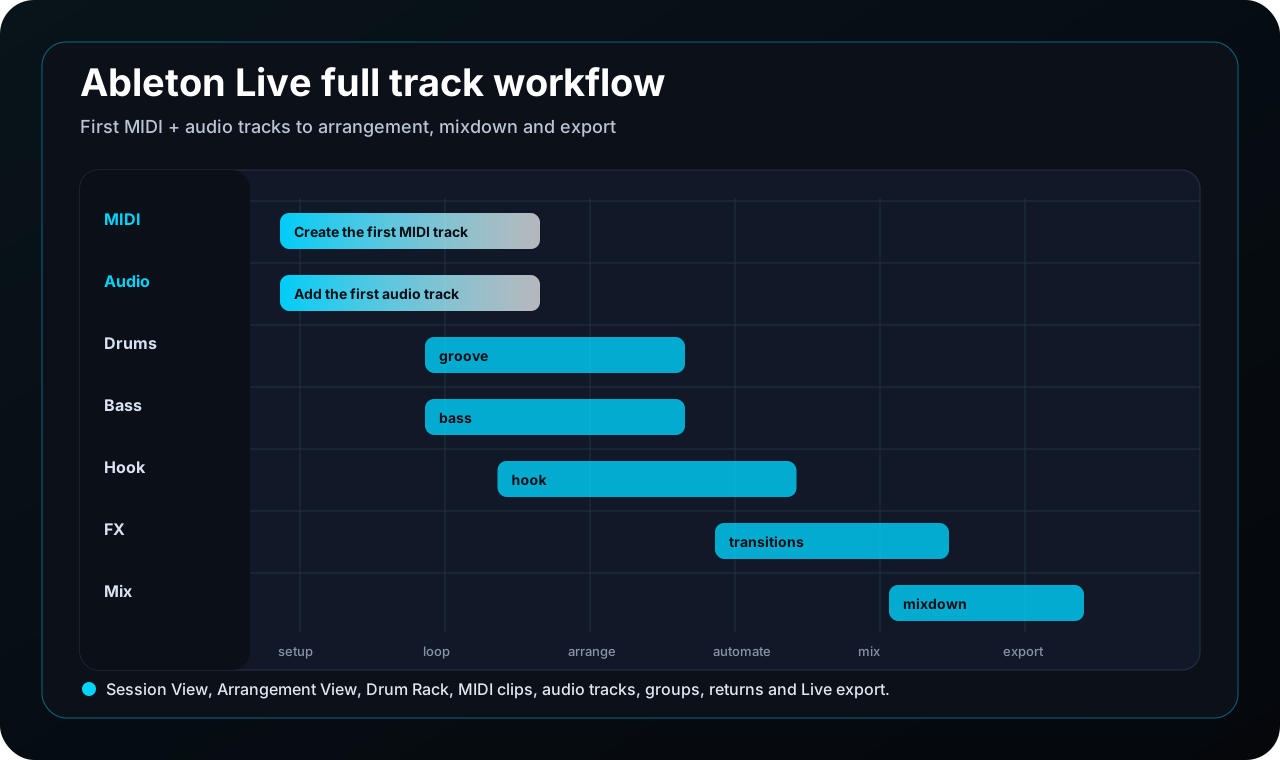
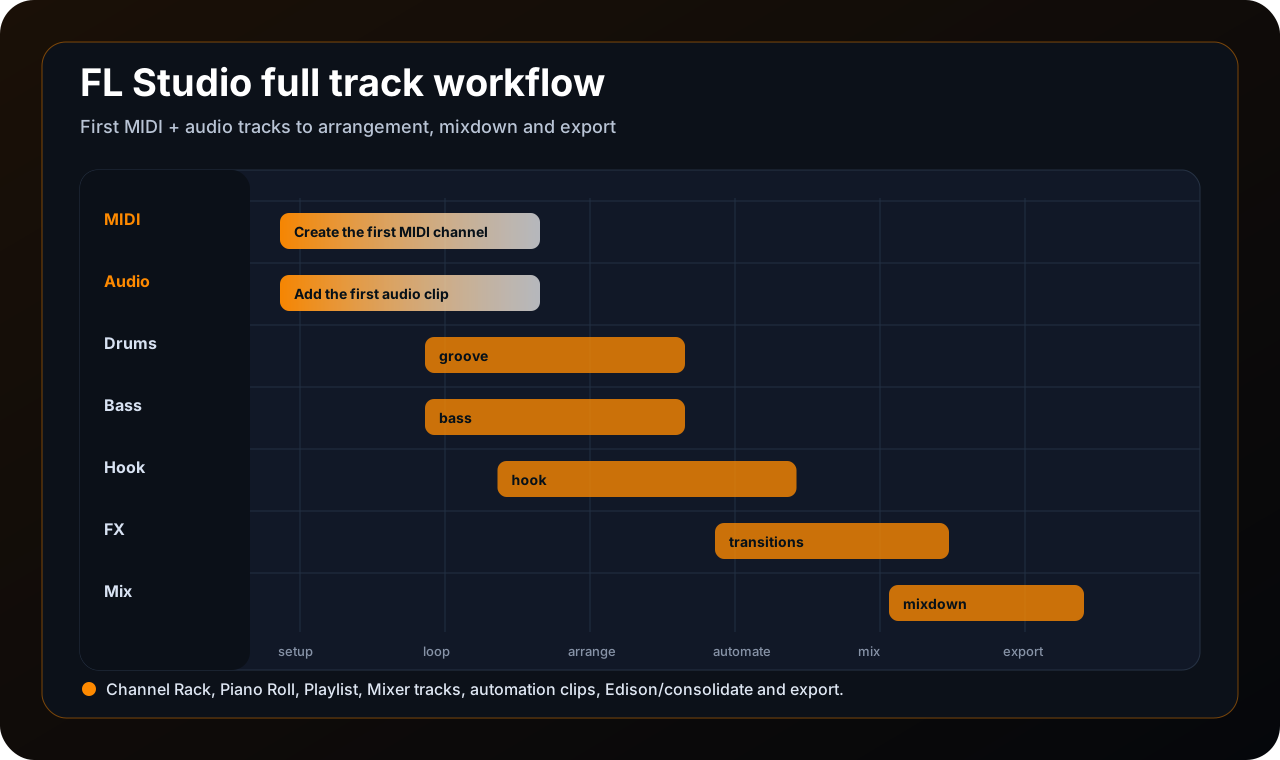
See how each DAW route moves from the first MIDI/audio track through arrangement, automation, mixing and export.
Members get a cleaner dashboard route. Preview
Open the public mixing hub, then use the member area for Mix Fixes, printable checks and problem-led routes.
92 member mix fixes are organised by what you hear. Preview
Start with oscillators, filters, ADSR, modulation and FX, then build Reese basses, supersaws, pads and plucks.
Members can jump straight to the next lesson.Check your inbox for the Producer Hub verification email. If it has not arrived, send it again below.
You are signed in. Start with the route that matches today's session, then use the guide, PDF or checklist inside the track before opening another random tutorial.
 Focused sessions

7 DAW starter templates — every DAW, professionally set up. Routing, gain staging, device chains and an arrangement map, ready to build in five minutes.
Get the pack →This is the cleaned-up route map for the members page. It puts the advanced guide, DAW paths, PDFs and Mix Fixes into obvious lanes instead of making you hunt through the whole library.
Use this order when you are not sure where to start. It keeps the page practical: learn the route, use one resource, fix the real issue, then finish the track.
These are the big routes we want new members to notice straight away. Start with the part of the session that is stuck, then follow that path instead of bouncing around random tips.
Use the full-track routes for Ableton, FL Studio, Logic, Cubase, Bitwig, Pro Tools and Reason when you need the whole session mapped out.
Open DAW walkthroughs
Use the public Mixing Masterclass with the member Mix Fixes library when a track sounds muddy, harsh, narrow, weak or unfinished.
Open mixing path
Learn oscillators, filters, ADSR, modulation, LFOs and FX, then build Reese basses, supersaws, trance gates, pads and plucks.
Open synthesis path
Move past beginner advice with arrangement systems, synthesis decisions, resampling, mid/side control, hard mixing topics, stems and revision workflow.
Open advanced guideStart here when you want a focused genre route. Each workbook gives you production moves, arrangement checks, mix direction and a member PDF you can keep beside the session.
Groove, kick/bass weight, chord stabs, sidechain pump and clean club mix energy.
Download PDF
2-step rhythm, swing, rolling sub bass, vocal chops and tight garage arrangement.
Download PDF
Fast drums, controlled sub, reese layers, neuro movement and translation checks.
Download PDF
Sample mood, drum pocket, 808 tuning, vocal space and beat export workflow.
Download PDF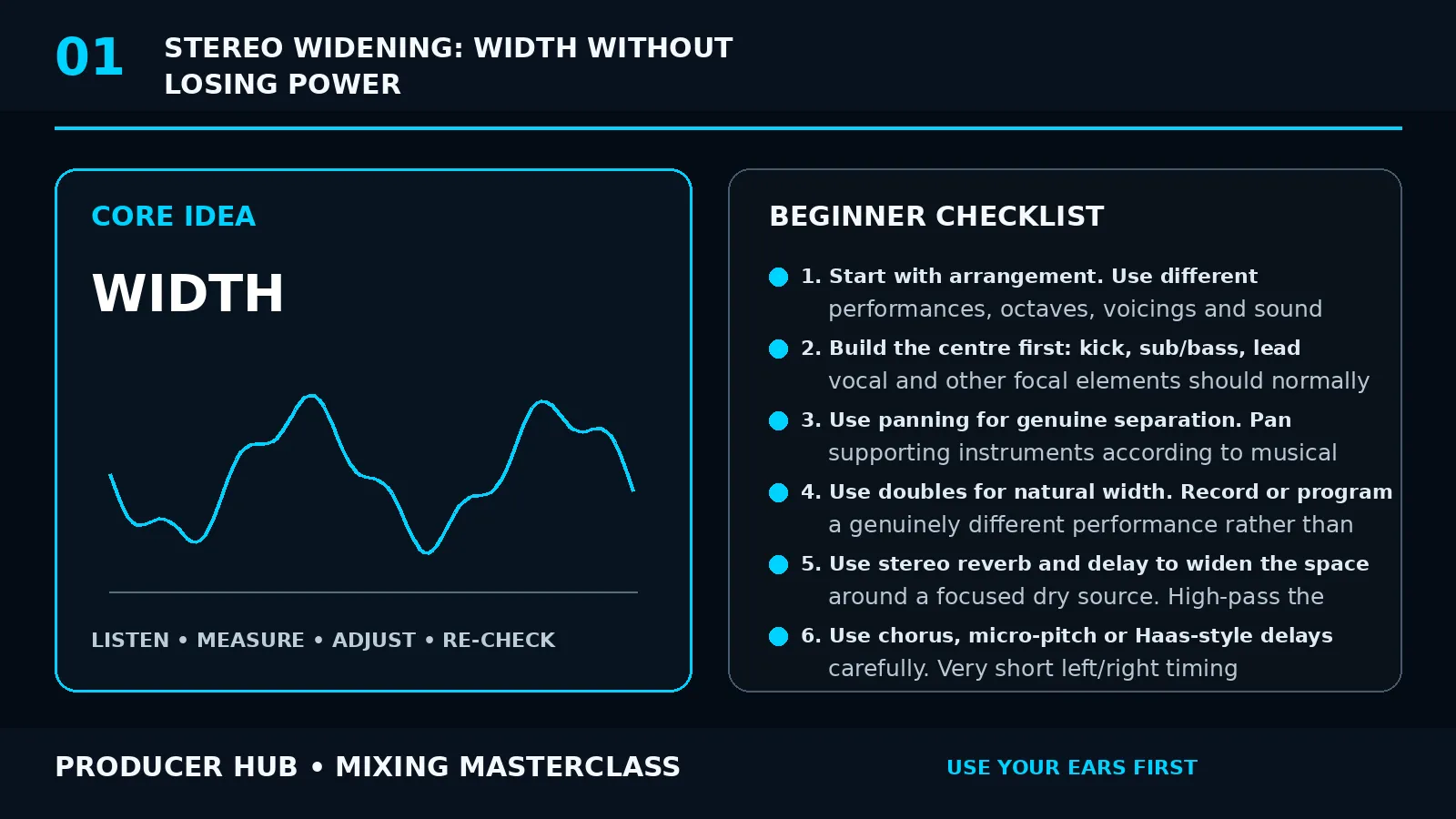
Supersaw stacks, emotional breakdowns, rolling bass and dramatic release energy.
Download PDF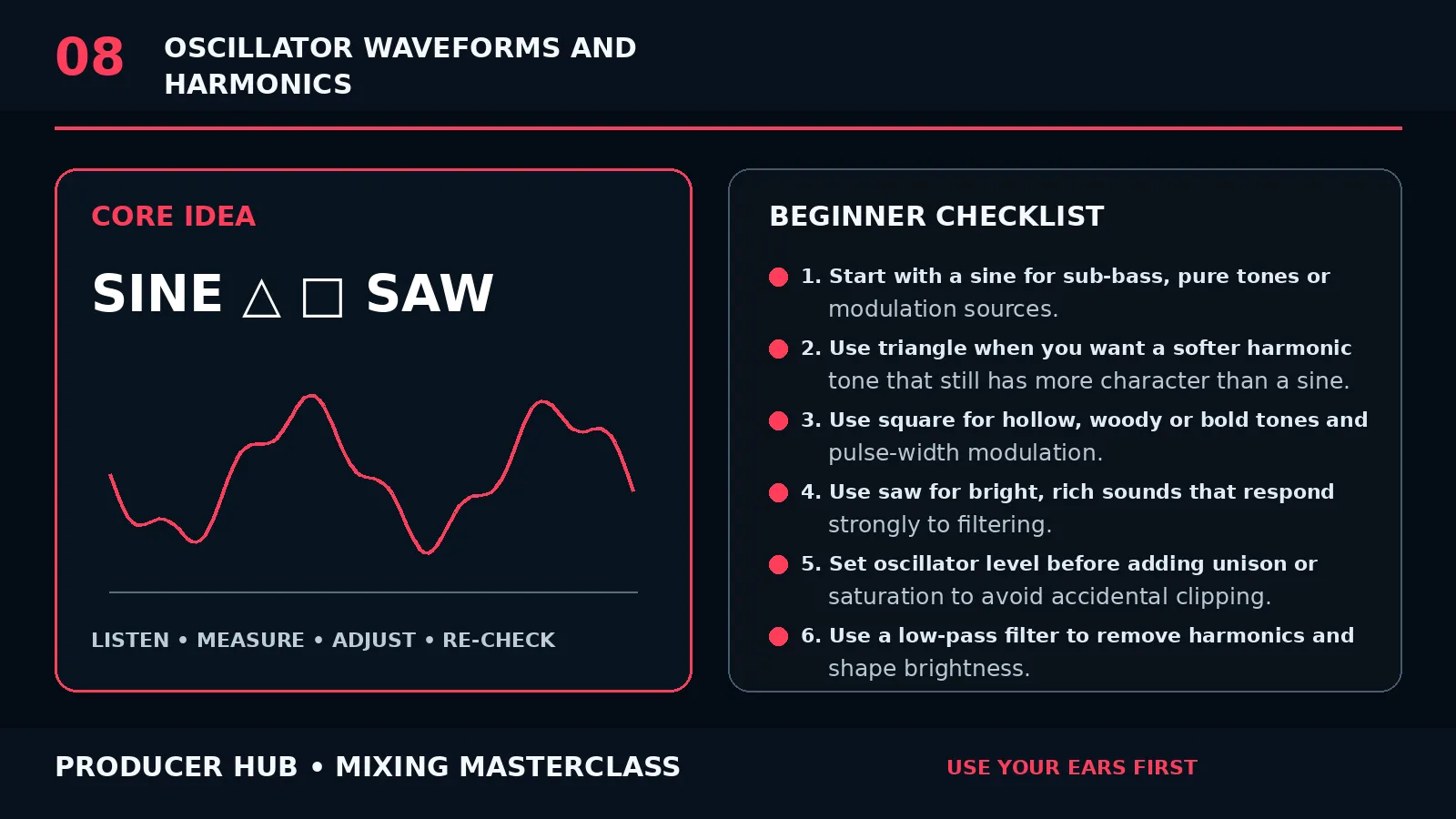
Wide chords, vocal chops, pitch movement, soft drums and drop call-response.
Download PDFKick pressure, rumble bass, percussion detail, repetition and long-form tension.
Download PDF
Dusty drums, vinyl texture, jazz chords, tape movement and intimate mix space.
Download PDF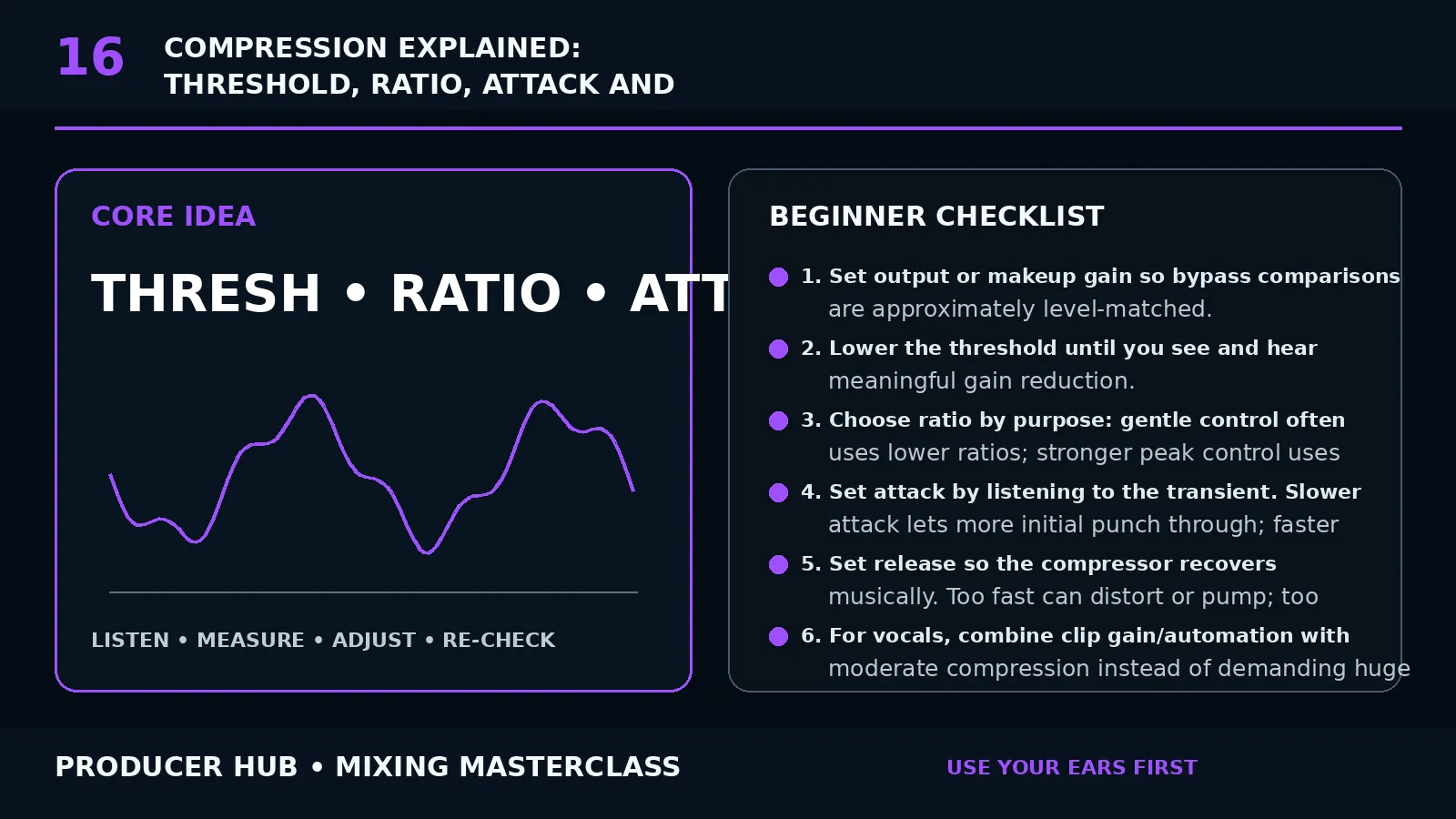
Half-time impact, sub control, growl bass design, resampling and heavy drops.
Download PDFTexture beds, drones, field recordings, space, restraint and emotional pacing.
Download PDFFull advanced walkthrough for synthesis, routing, mixing, stereo translation, stems, delivery and revision discipline.
Open guide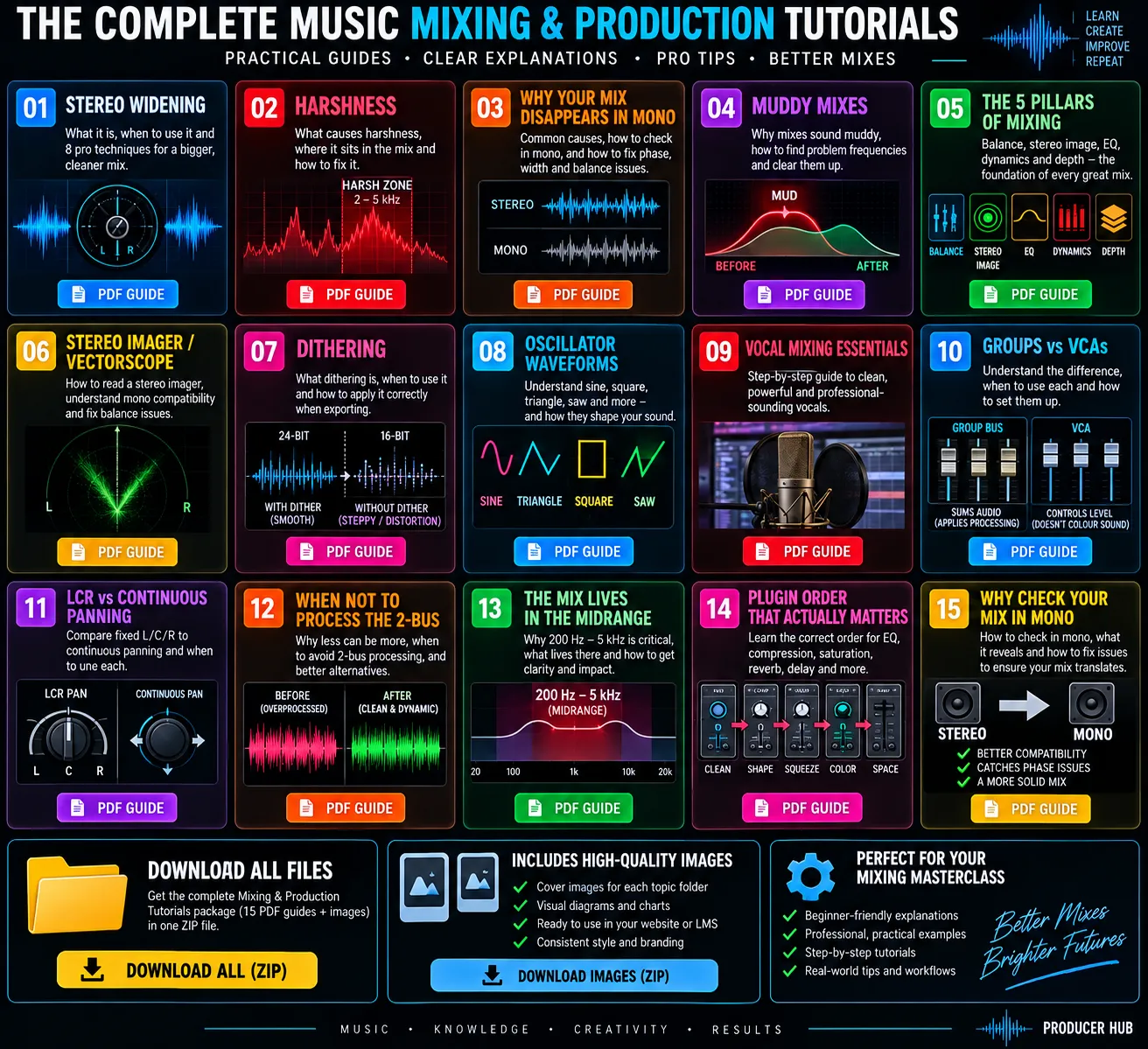
Gain staging, mix checks, advanced mixing, sound design and mastering/export resources.
Open core resourcesShortcut sheets for Ableton Live, FL Studio, Logic Pro, Bitwig, Cubase, Pro Tools and Reason.
Open DAW shortcuts
Routing, track layout, gain staging, device chains and a 32-bar arrangement map — a full workbook for finishing more music in Live.
Download PDF
Mixer routing, gain staging, Fruity device chains and an arrangement map — a full workbook for faster FL tracks.
Download PDF
Summing stacks, gain staging, Channel EQ chains and an arrangement map — a full workbook for Logic.
Download PDF
Group channels, gain staging, Frequency/DaTube chains and an arrangement map — a full workbook for Cubase.
Download PDF
Aux/bus routing, gain staging, EQ3/Dyn3 chains and an arrangement map — a full workbook for Pro Tools.
Download PDF
Group routing, gain staging, EQ+/Tool chains and an arrangement map — a full workbook for Bitwig.
Download PDF
Rack routing, gain staging, ECM/Scream chains and an arrangement map — a full workbook for Reason.
Download PDFUse checklists when the session needs clarity, width or export discipline.
Shortcuts, setup flows and first-session routes for your main DAW.
Check the track against real records before export and feedback.
10 genre workbooksProduction, arrangement and mix direction for the most useful Producer Hub genre routes.Core mix sheetsPractical PDFs for gain, EQ, headroom, sound design, advanced routing and export decisions.DAW speed sheetsShortcut PDFs for the main DAWs so writing, editing and arranging gets faster.New this monthThis is where fresh member PDFs, templates, packs and practical monthly drops land.Pick one route and follow it all the way through. Producer Hub works best when the resources turn into finished tracks, cleaner recordings and better mix decisions.
Start a trackUse the starter pack, first-track guide and arrangement checklist before opening another plugin.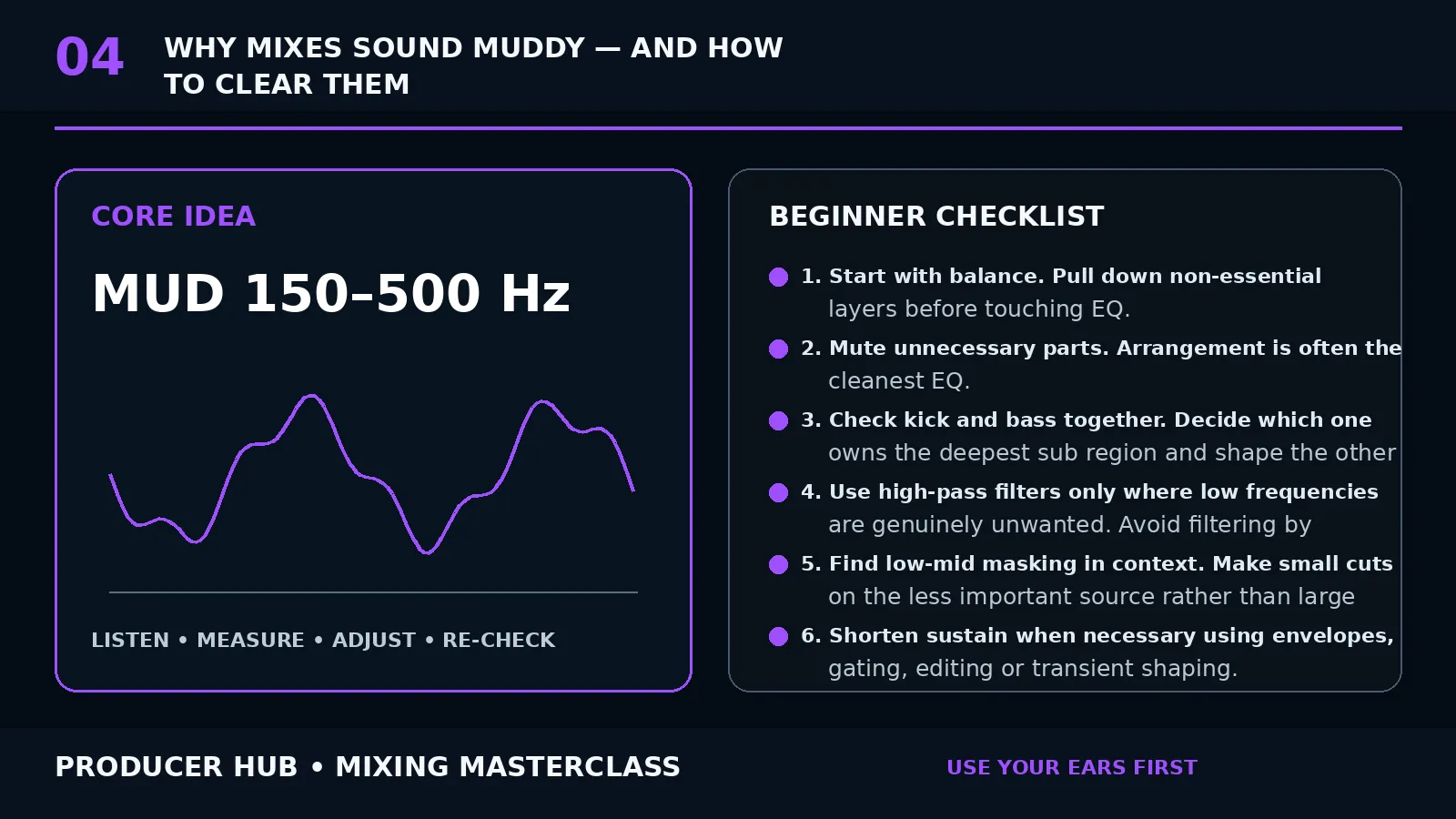 Fix the mixUse the gain, EQ, headroom, mud, stereo and compression routes when a real mix problem appears.Set up gearConnect your interface, choose headphones, place monitors and build a clean beginner studio path.Finish and releaseRun the export checklist, release checklist and final reference pass before you share the track.
Use these routes after the free sheets and member tutorials. They point to useful review pages, Amazon gear searches and Plugin Boutique categories without pretending a new purchase replaces practice.
Start with the checklist, fix the obvious workflow problem, then buy the thing that removes friction from real sessions: monitoring, clean input gain, faster keys, a better vocal chain or a plugin you will use this month.
Open gear guides How affiliate links workSome gear and plugin links may earn Producer Hub a commission at no extra cost to you. Recommendations are grouped by production job first.
Each toolkit links public lessons with member downloads so you are not jumping around the whole site while producing.
Gain staging, EQ, headroom, compression, stereo width, mud control and final mix checks.
Open mixing routes
Shortcuts, setup routes, first-session workflows, vocal chains, mixing/routing and export lessons.
Open DAW toolkits
Interface setup, headphones, monitors, MIDI controllers, vocal recording basics and studio buying paths.
Open gear setup
Arrangement, export, release checklists and reference habits for finishing more music.
Open finish pathThis gives members a reason to come back. Each month we can feature a practical route, a download and a gear/setup decision.
GearStart with the new interface hub, then use gain staging and headroom PDFs once your inputs and outputs are working.
Open interface hub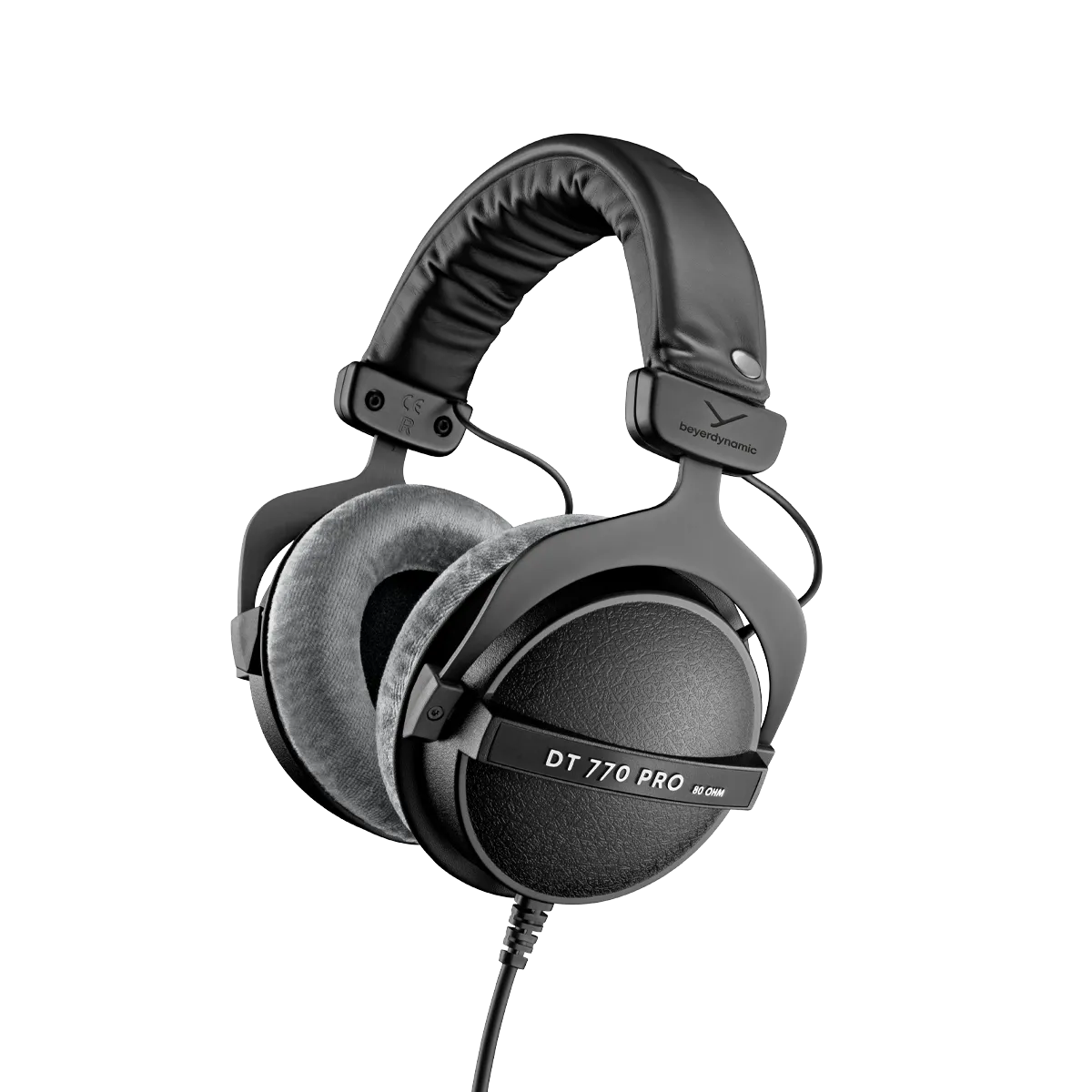 Monitoring
Use the new headphone hub before buying monitors. Learn one closed-back reference properly, then check mixes elsewhere.
Open headphone hub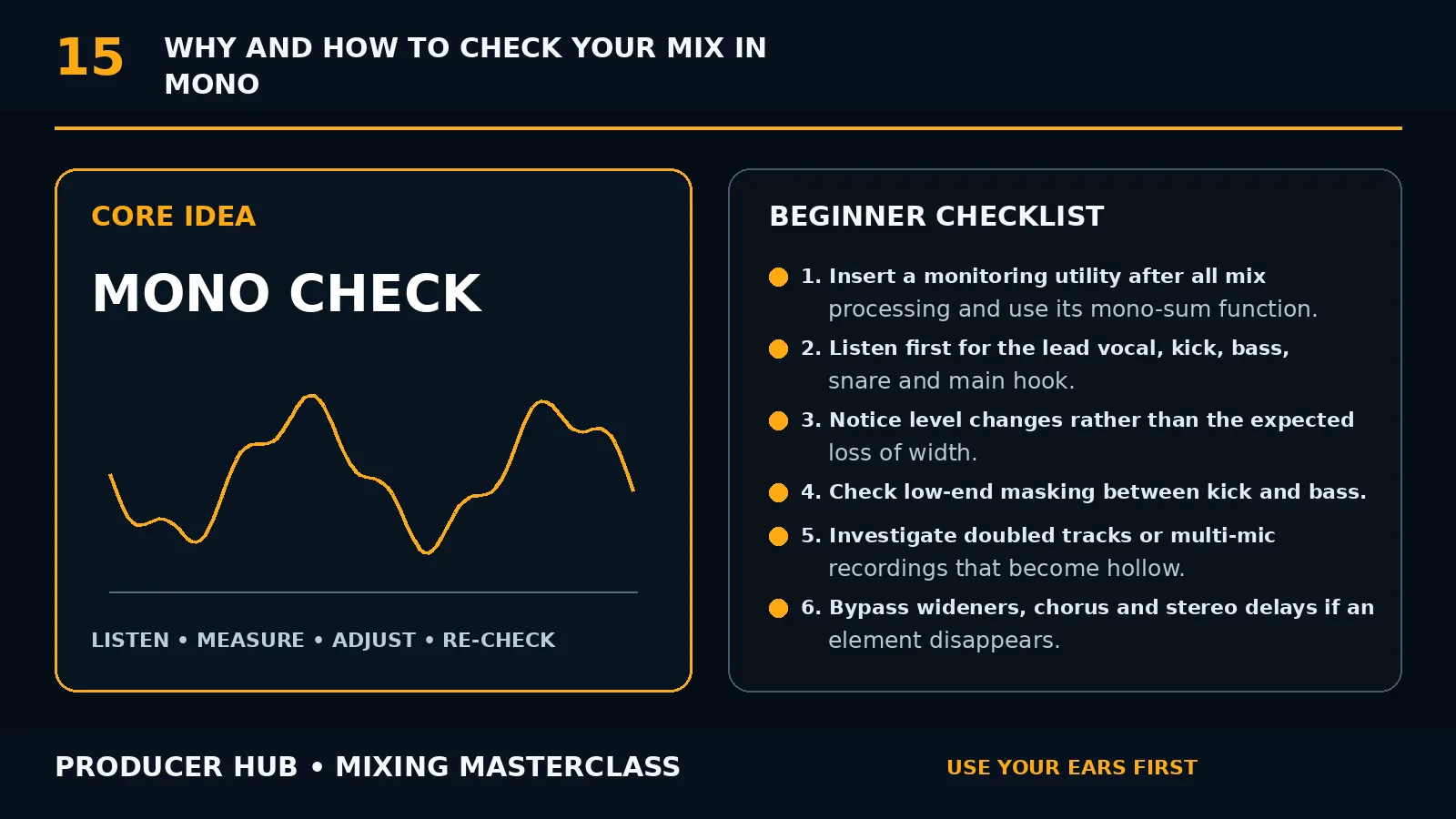 Mix
Download the gain staging and mixing headroom PDFs before pushing another limiter onto the master bus.
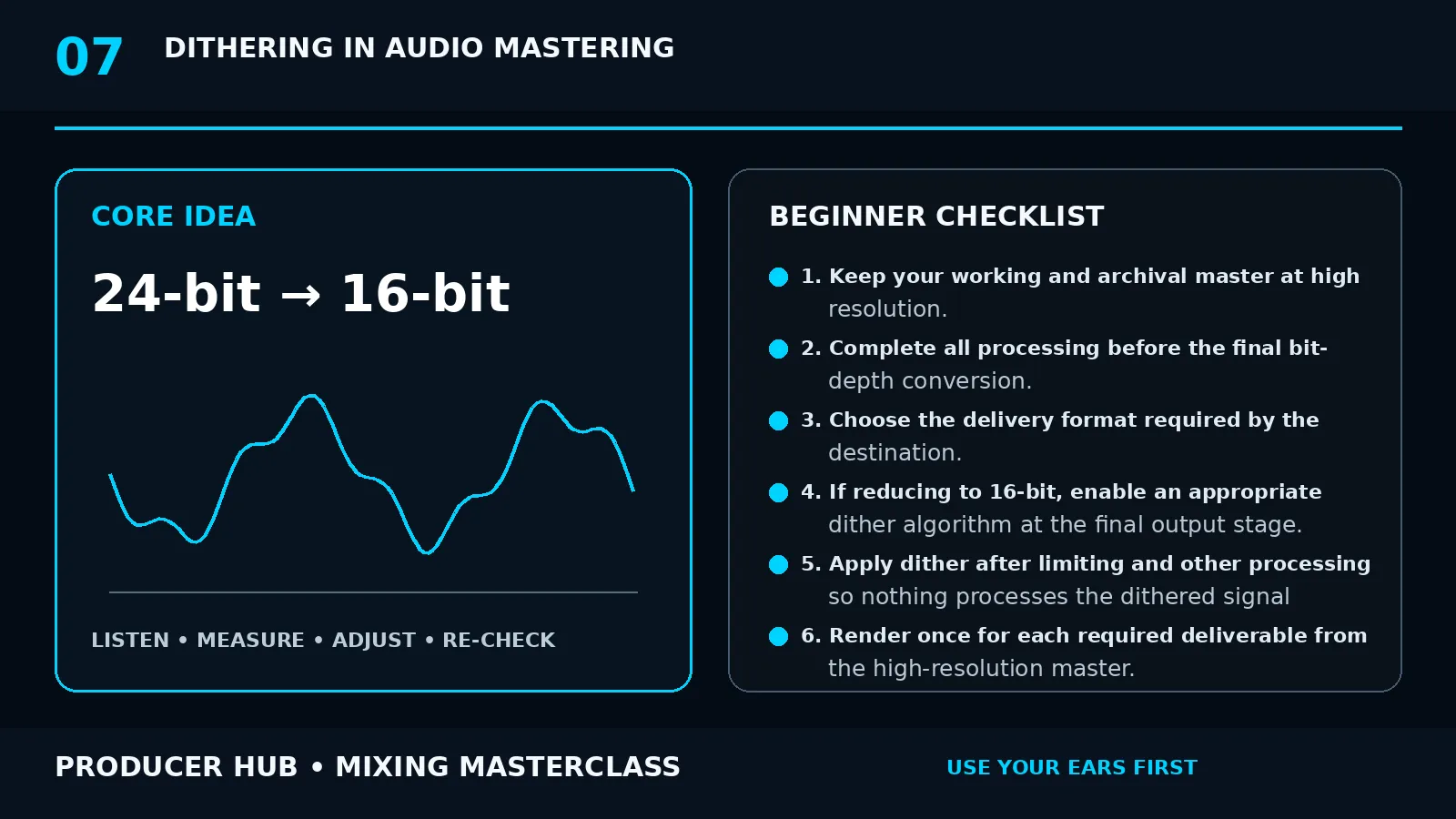
Open downloadsReleaseUse the mastering/export and release checklist PDFs before uploading a track, sending stems or sharing a demo.
Open release pathEach DAW route has setup, writing, recording, sampling, mixing, automation and export lessons. Use the shortcut PDFs when you want speed beside the session.
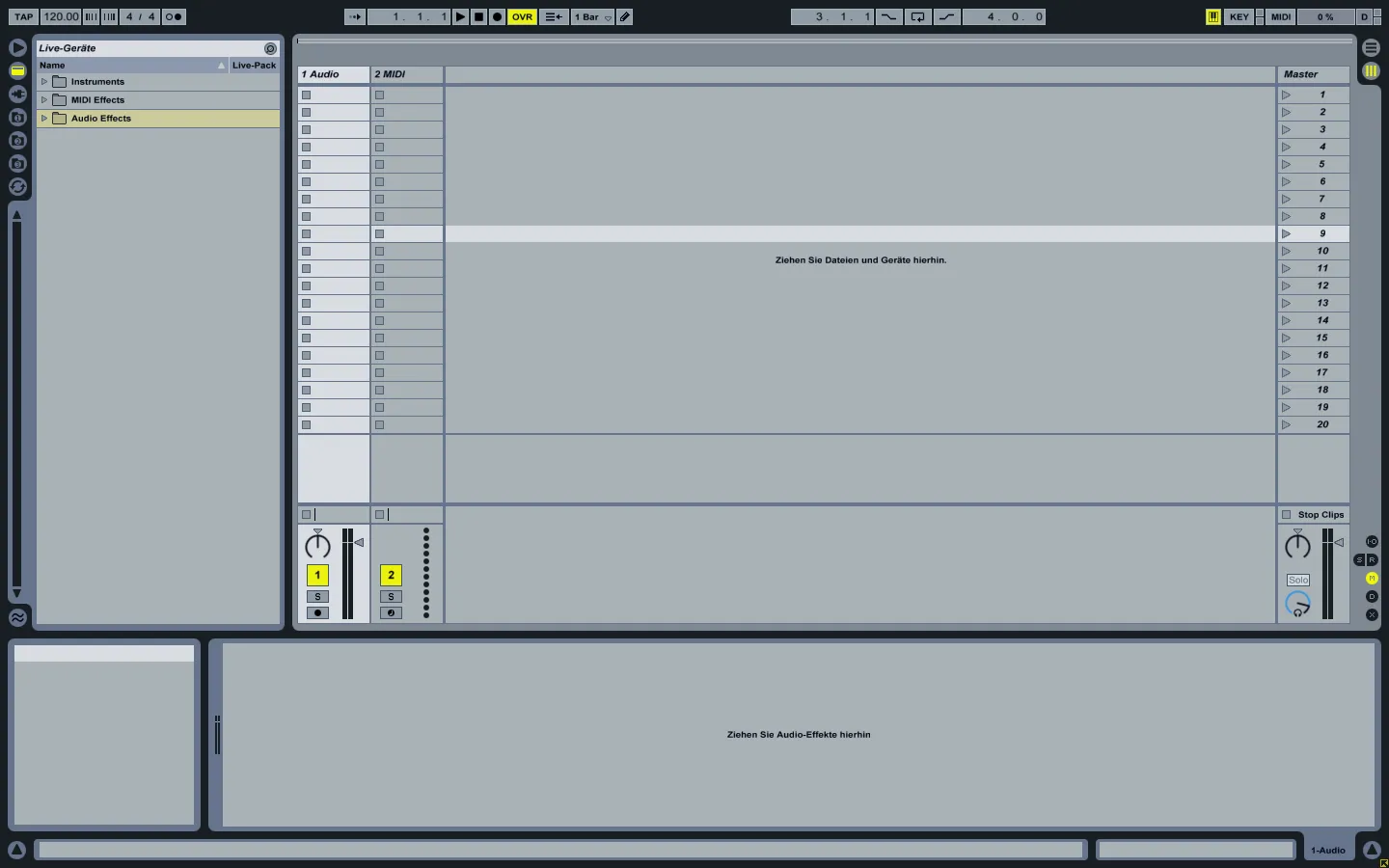
AbletonBuild loops, arrange faster, record audio, automate movement and export clean stems.
Open Ableton hubFL StudioTurn patterns into arrangement, tighten drums, route mixer tracks and export properly.
Open FL Studio hubLogic ProSession setup, MIDI, recording, mixing busses, automation and export routes.
Open Logic hubCubaseUse Cubase for recording, MIDI, routing, automation, stem export and arrangement decisions.
Open Cubase hubBitwigCreative modulation, sampling, arrangement and export workflows for electronic producers.
Open Bitwig hubPro ToolsTrack vocals, edit audio, organise sessions and export files cleanly.
Open Pro Tools hubReasonBuild synth chains, route devices, arrange songs and export finished tracks.
Open Reason hubShortcut PDFsDownload the shortcut PDF for your DAW and keep it open while writing.
Open downloadsGear should remove friction, not become the hobby. Use these routes to buy the next useful thing and set it up properly.
 Interface
Pick the right interface, set input gain, connect monitors/headphones and avoid latency confusion.
Audio interface hub Headphones
Pick closed-back first, learn its bass and top-end behaviour, then reference on other systems.
Headphone hub Monitors
Small-room placement, listening triangle, reference tracks and avoiding excessive low-end in bedrooms.
Small-room monitors Starter kit
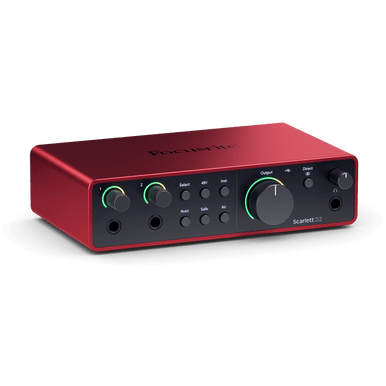
Interface, headphones, controller and accessories first. Add monitors and microphones when the workflow needs them.
Starter kitThis section is for the last 20 percent: arrangement checks, references, export settings, stem naming and release prep.
Arrangement passUse the starter pack and genre workbook to check intro, main section, breakdown, transitions and final energy. Mix reference passCheck low end, vocal level, width, harshness and translation instead of randomly adding more plugins.Export passUse the loudness/export and mastering/export PDFs before bouncing final WAV, MP3 and stems.
 Release passUse the release checklist for file names, artwork notes, metadata, platform checks and final listening.
Pick the problem your track actually has. Each card links to a full public lesson and pairs with the member PDFs below.
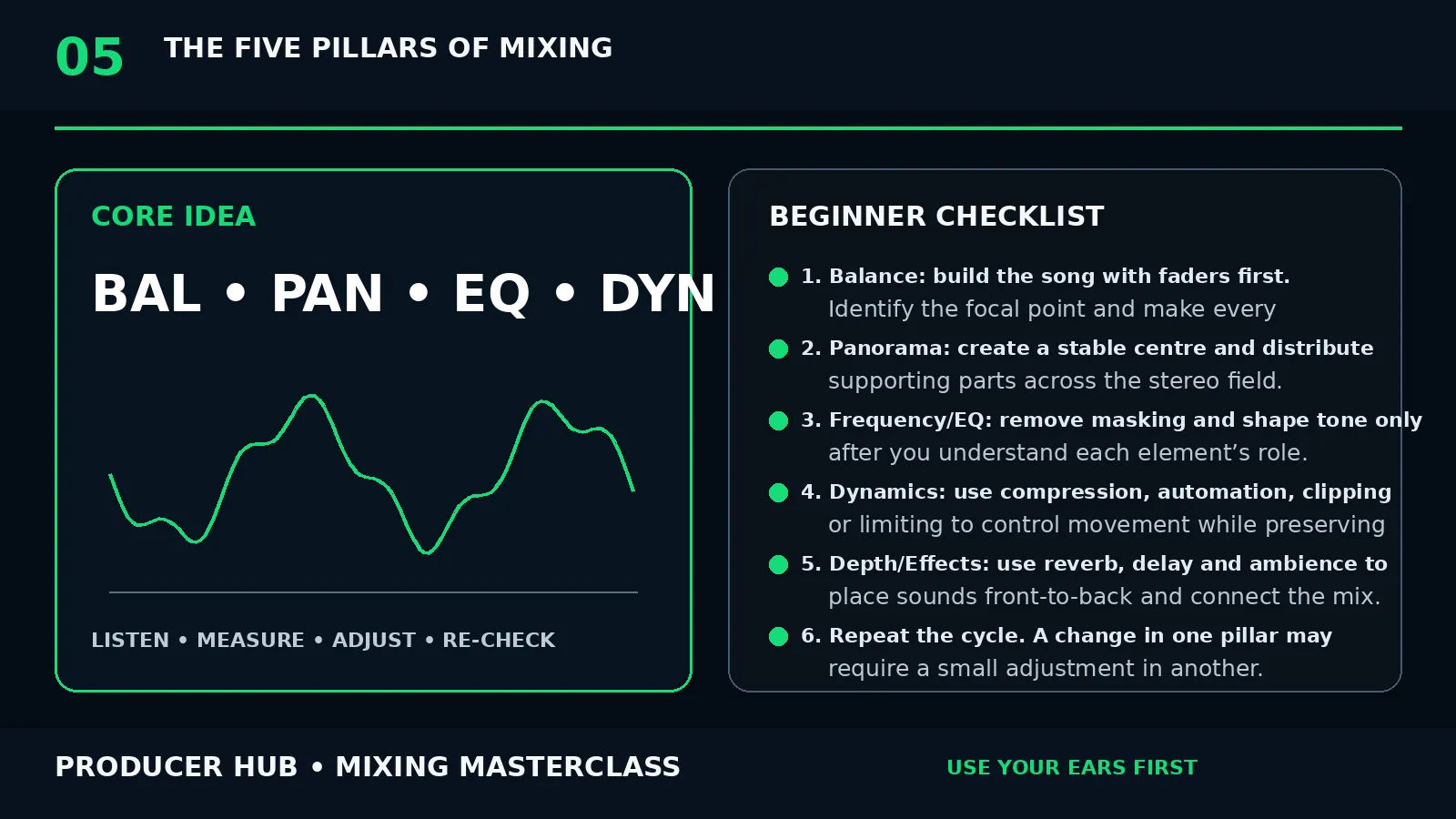
Use faders, grouping and references before EQ. This route is for tracks that feel messy but not obviously broken.
Open lesson
Clean low-mids, shorten reverb tails and give the hook ownership instead of cutting everything thin.
Open lesson
Keep kick, sub, lead vocal and main hook stable while widening support layers, FX and doubles.
Open lesson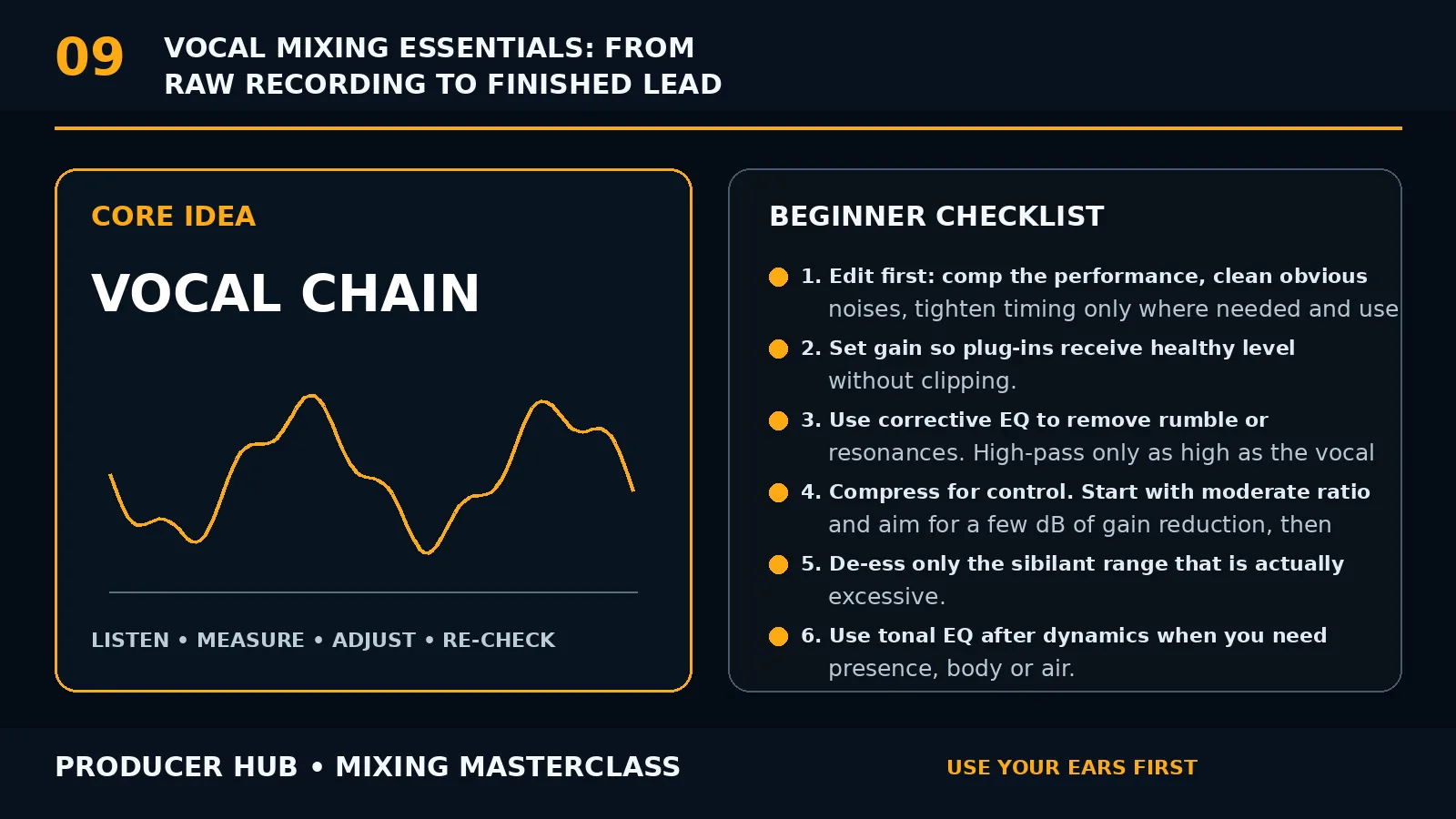
Edit, gain stage, de-ess, compress and automate vocals so they stay present without being harsh.
Open lesson
Use attack and release to shape groove, punch and consistency rather than compressing every channel by habit.
Open lesson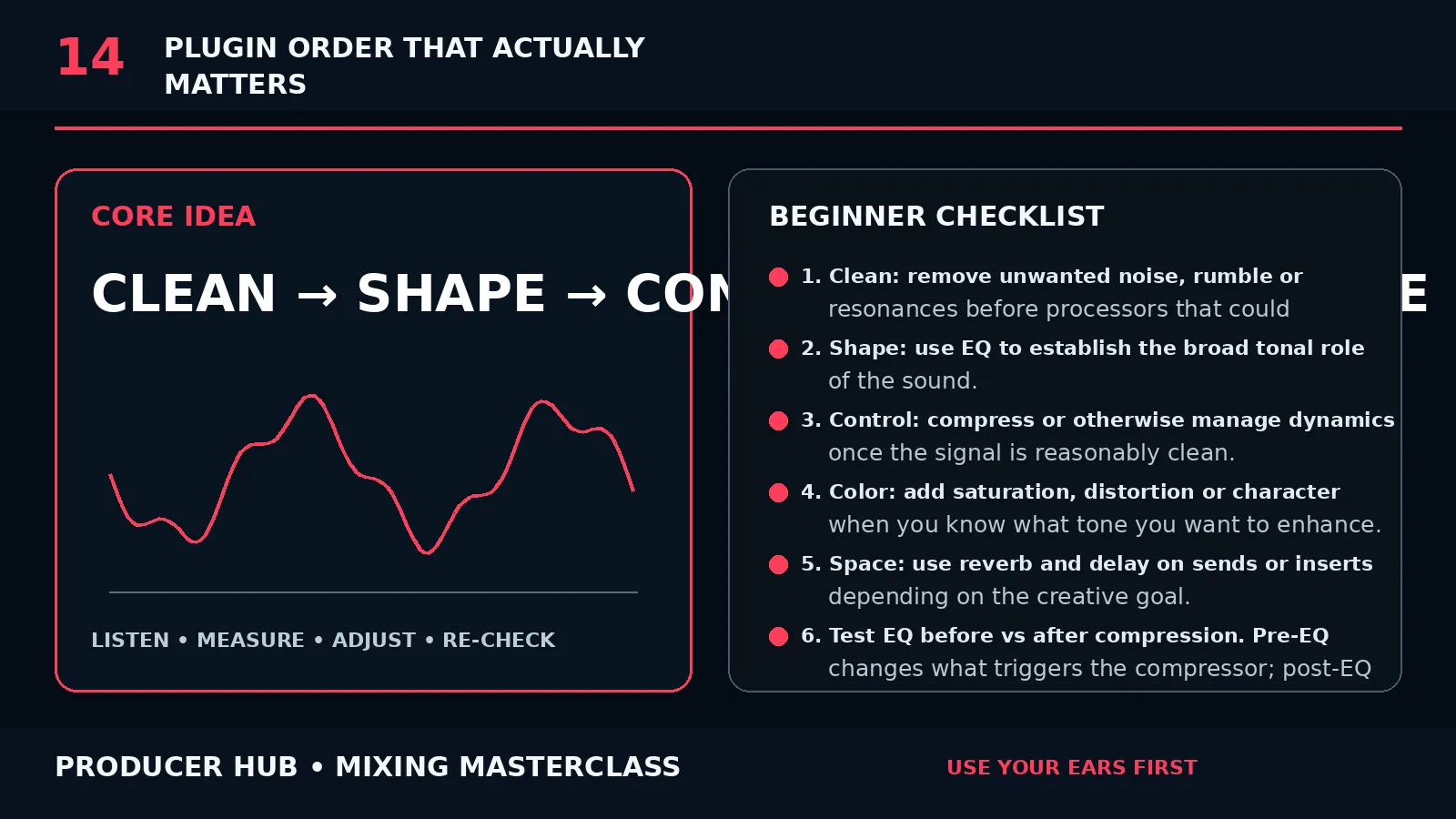
Start with source cleanup, then tone, movement, space and bus decisions. Break the order only with intent.
Open lessonA cleaner, category-led centre for fast fixes, deeper walkthroughs and session checks. Members can jump in by what they hear instead of digging through a long list.
Every tutorial now has Producer Hub-owned artwork, a quick symptom check, a practical fix and a final reference pass.
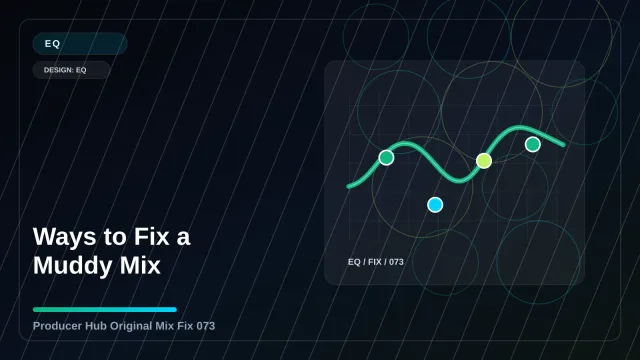
Why your mix is muddy — the single most common cause, and the one move that clears it.
Cut or boost with EQ — how to decide in seconds whether to cut first or boost.
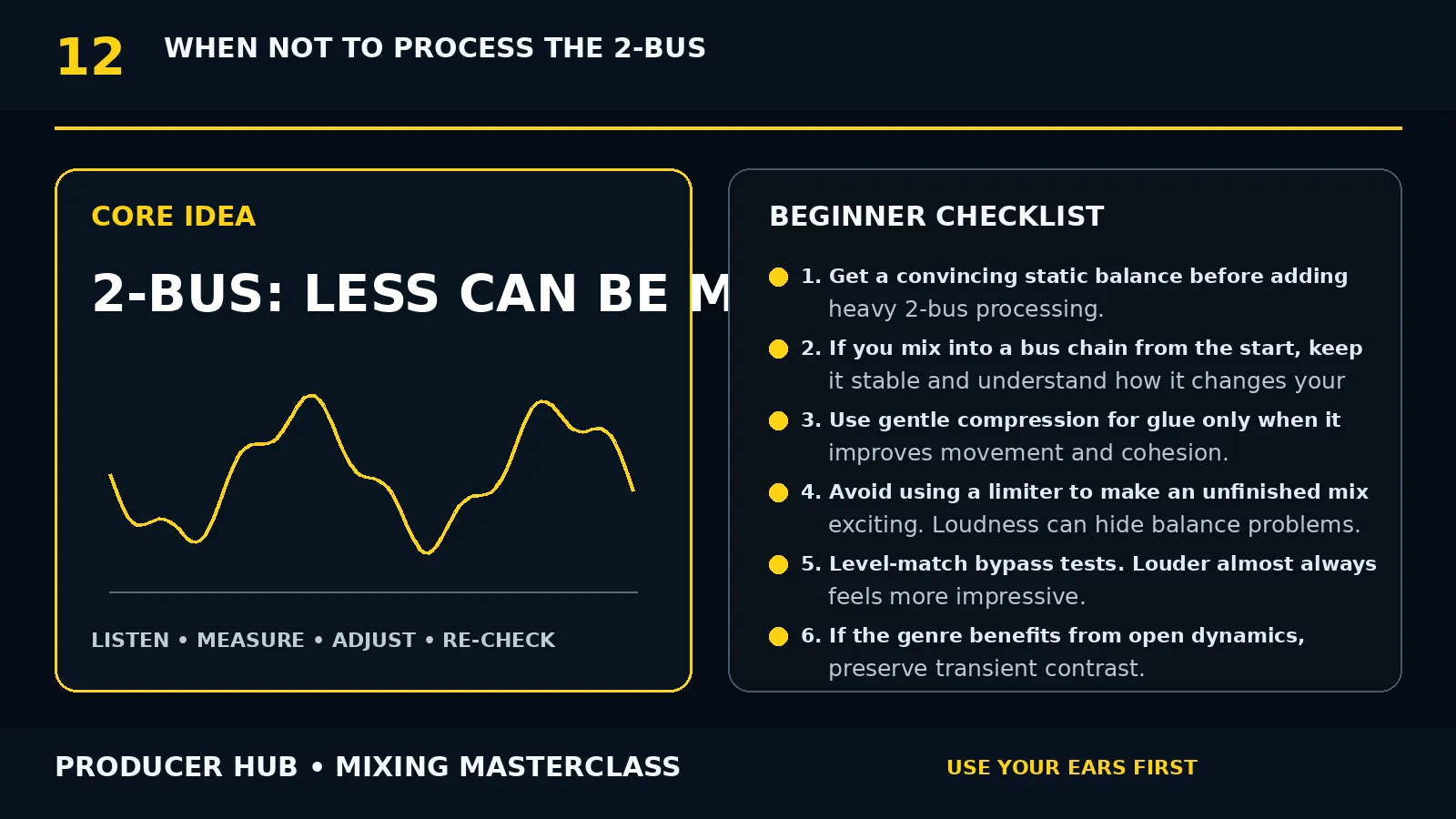
Do not EQ everything — why less processing usually wins, and what to leave alone.
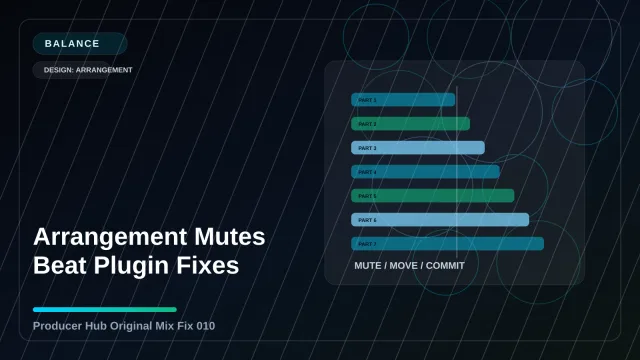 Balance
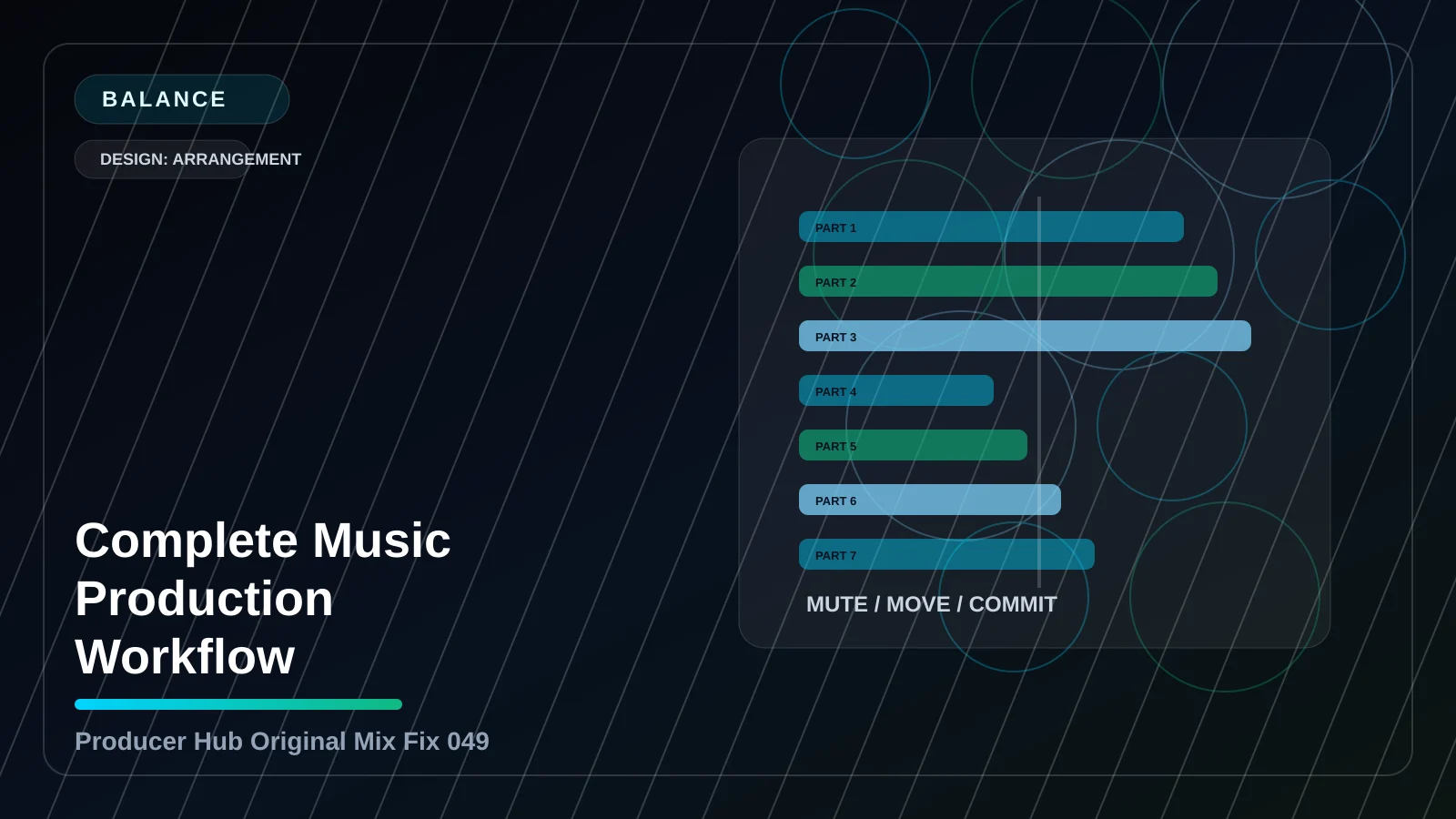
level, gain, rough-mix and arrangement decisions.
Open Balance fixes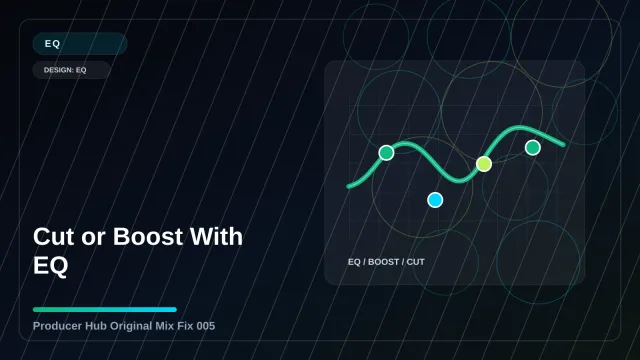 EQ
mud, harshness, masking, dullness and resonance fixes.
Open EQ fixes Dynamics
compression, transient, punch, control and density moves.
Open Dynamics fixes Low-end
kick, bass, sub, sidechain and small-speaker translation.
Open Low-end fixes Parts
vocals, drums, synths, guitars, samples and arrangement parts.
Open Parts fixes Width
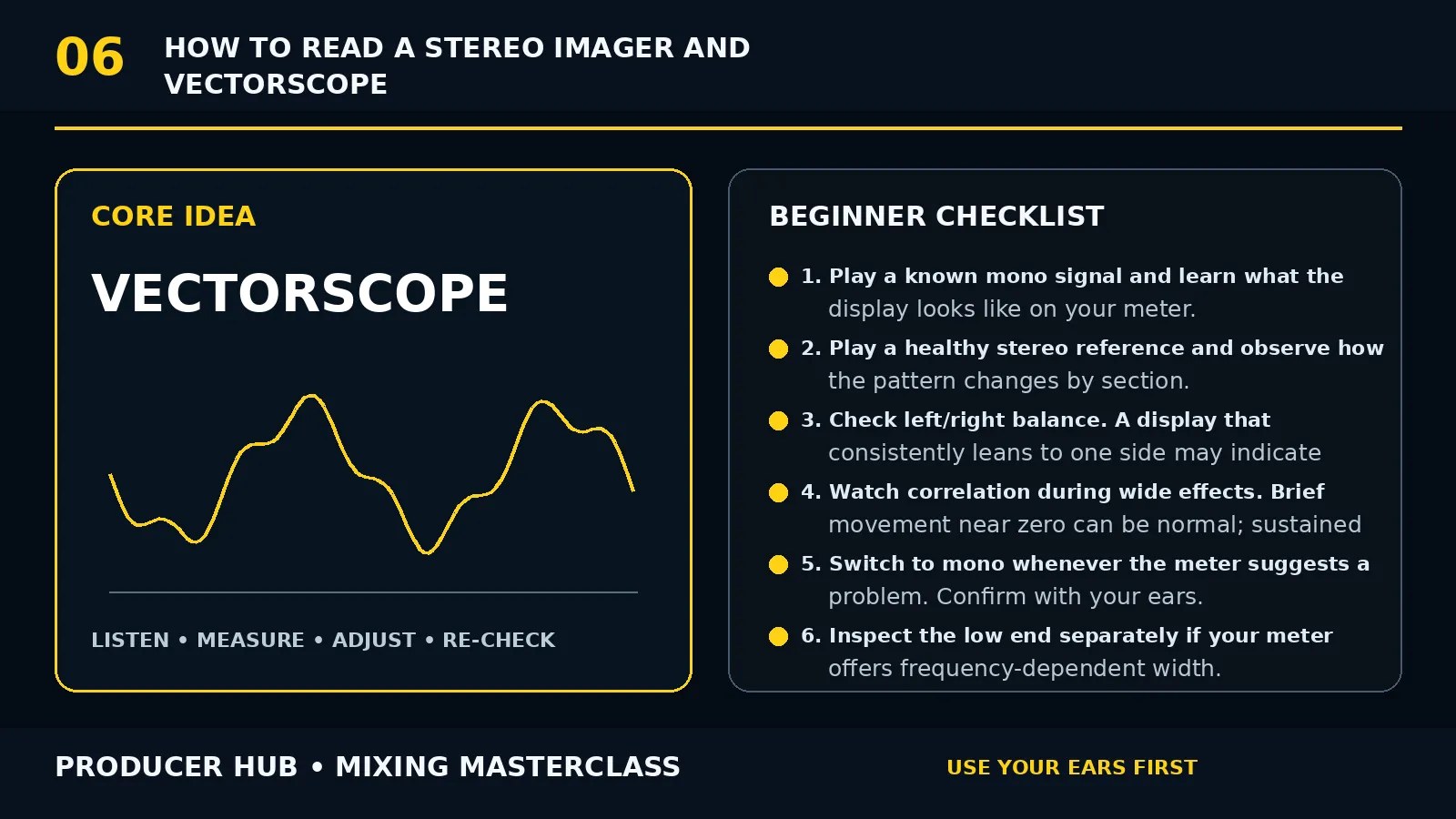
stereo, depth, reverb, delay, panning and mono checks.
Open Width fixes Routing
busses, sends, returns, groups, stems and workflow.
Open Routing fixes Final check
references, loudness, export, monitoring and release checks.
Open Final check fixesThe same ideas apply whether you use Vital, Serum, Massive, Pigments, Phase Plant, Ableton Wavetable or your DAW stock synth.
Start with the shape, then adjust the synth. Genre sound design is mostly envelope, filter movement, layering and mix placement.
HouseSaw or sampled chord, quick attack, short release, low-pass around the hook pocket, small room or plate.
UK GarageSine/triangle sub with a filtered mid layer. Short notes, swing timing and envelope movement matter more than distortion.
DnBTwo detuned saws, low-pass automation, mid distortion and a clean mono sub underneath. Resample for variation.
TranceMultiple saw voices, wide unison, long filter opening, sidechain movement and delay that supports the rhythm.
 Future Bass
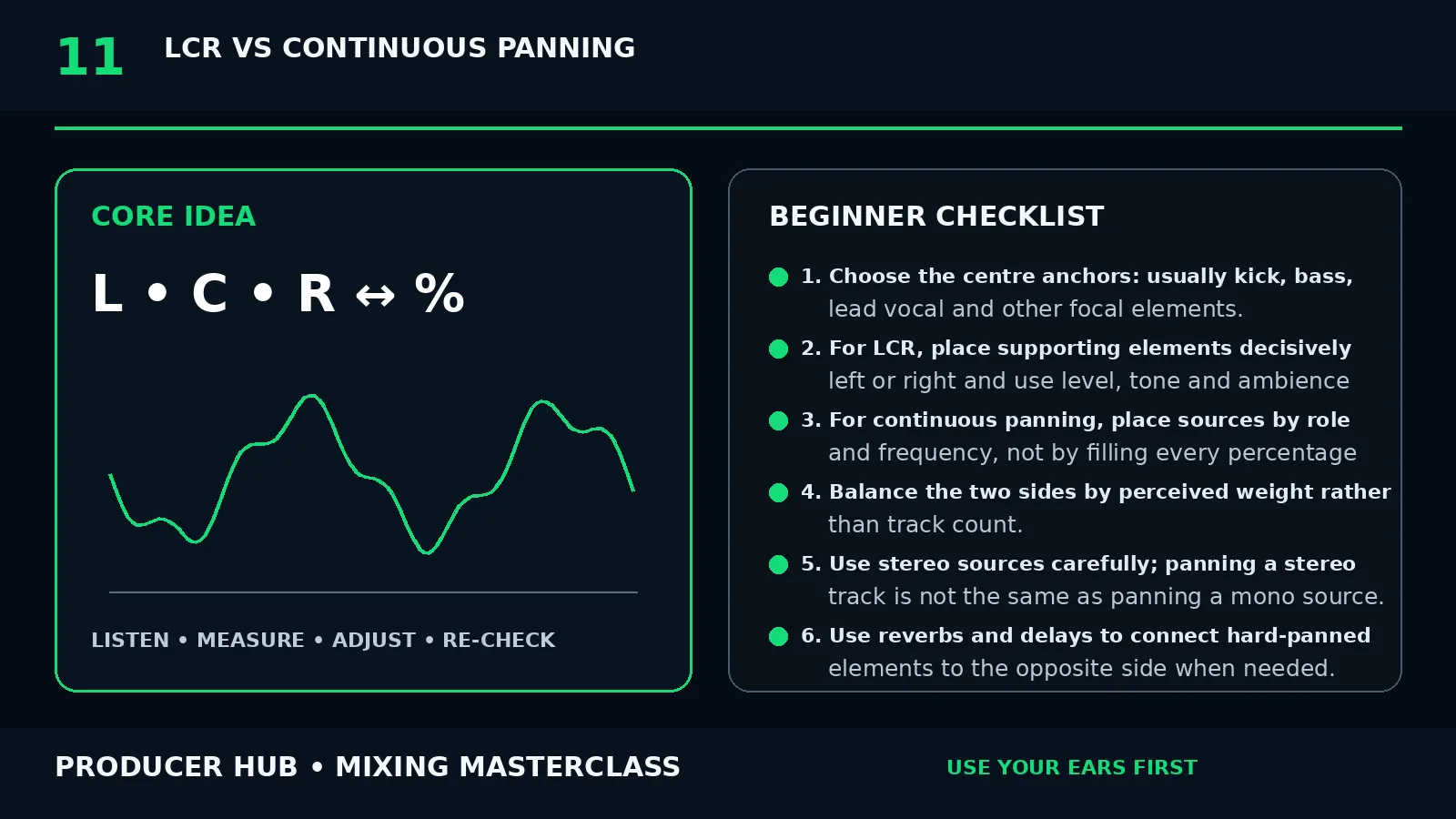
Wide saw chords, volume/filter LFO, pitch bends and vocal chop answers. Keep the sub separate and centred.
TechnoKick send into reverb, filter and distortion for rumble. Use noise, FM hits and small modulations for movement.
Lo-fiGentle low-pass, slow attack, chorus, tape wobble and reduced highs. Leave transients softer than modern EDM.
 Dubstep
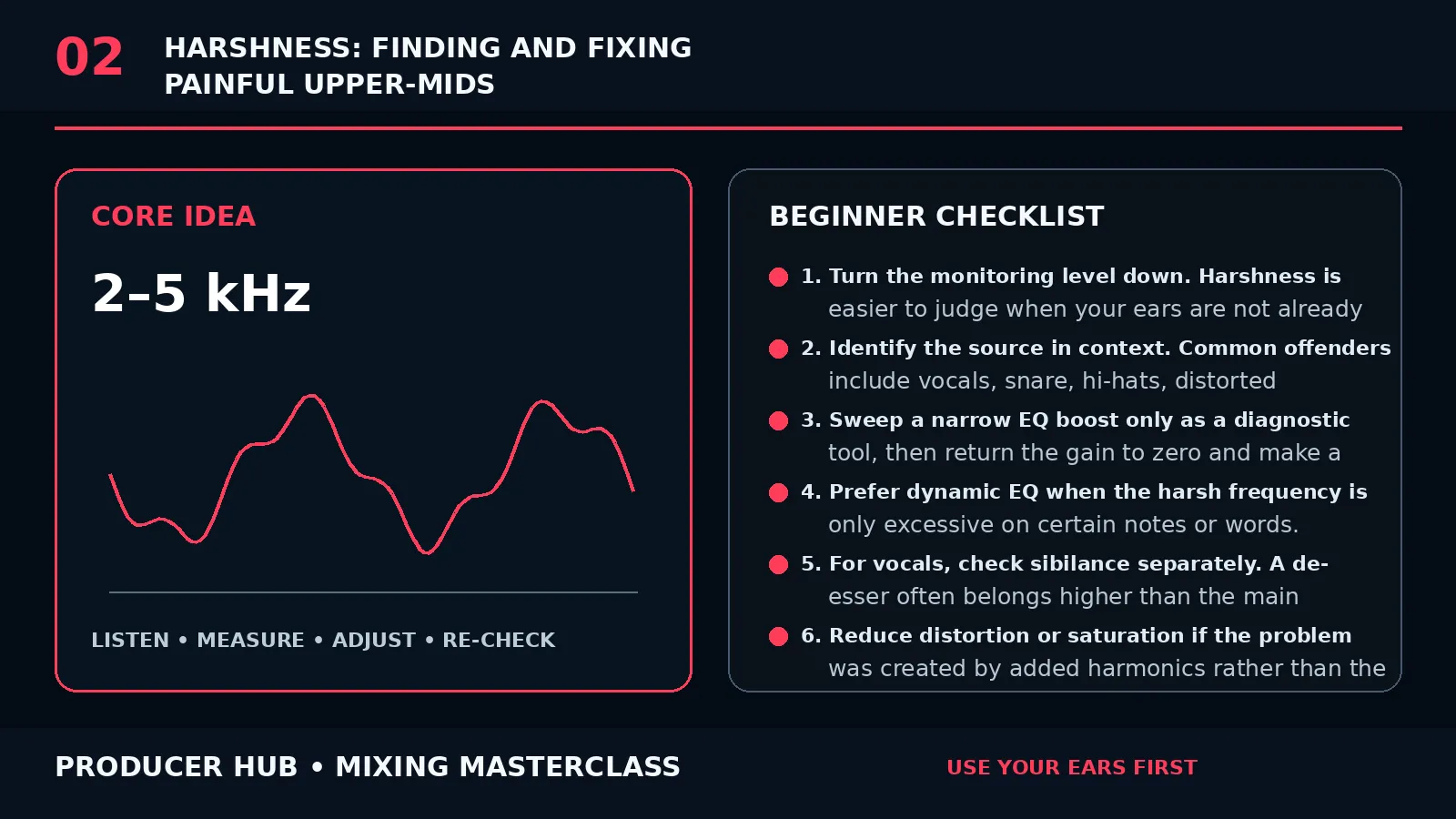
Automate wavetable position, filter and distortion. Bounce phrases to audio so every answer has a clear shape.
Use these as rules of thumb when you are stuck in the loop stage.
 One job per layerBefore adding a sound, name its role: sub, punch, groove, hook, texture, width, fill or transition.Commit small bouncesPrint risky synth ideas to audio, then edit them like samples. It stops endless preset tweaking.Reference one problemCompare only low-end, vocal level, width or brightness. Referencing the whole track at once gets confusing.Automate before addingFilter, volume and send automation often gives more excitement than another new layer.