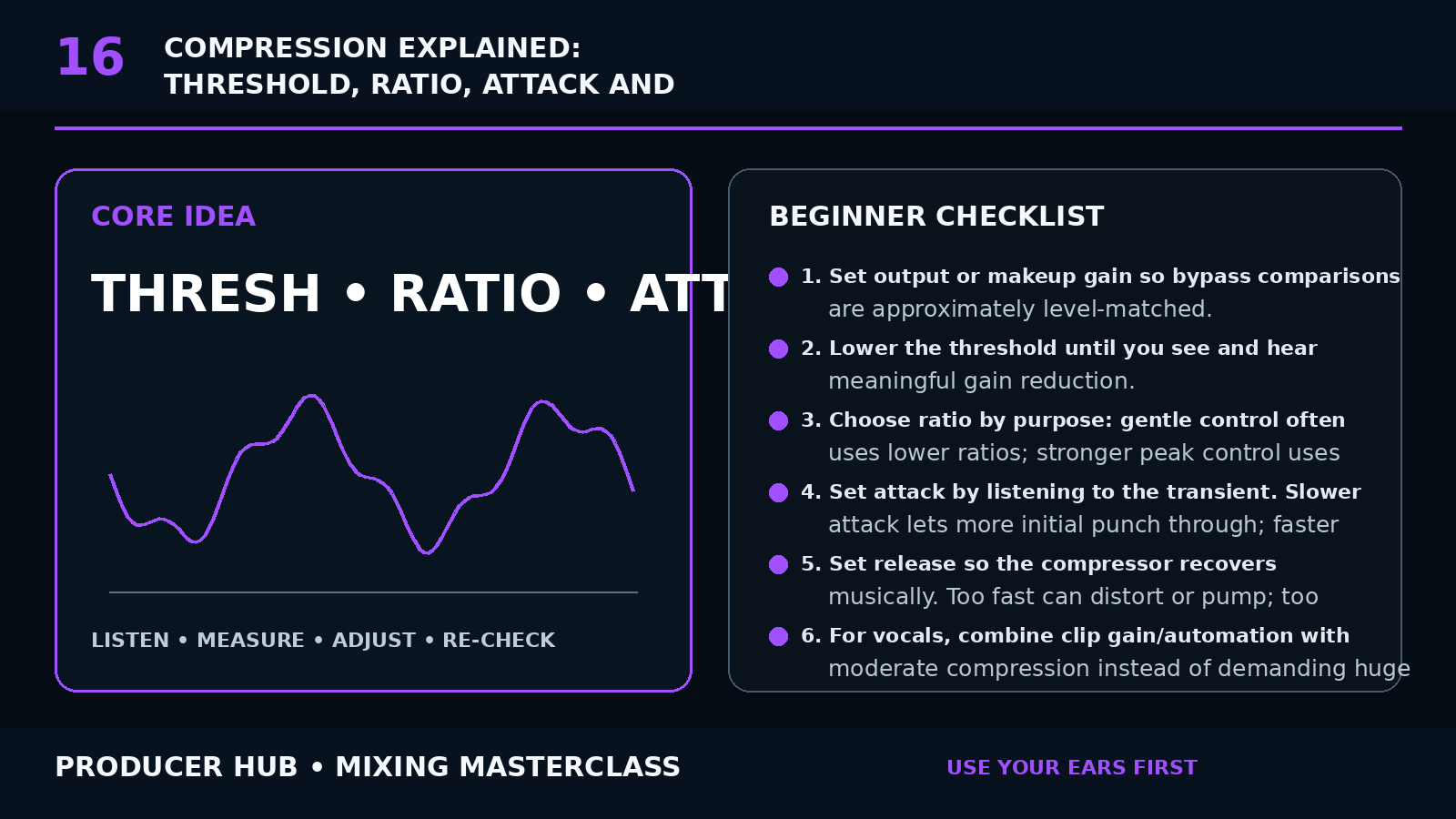
The Core Concept
A compressor reduces level when the signal meets the detector conditions. The amount and timing of that reduction shape dynamics, punch and sustain.
Threshold determines when compression begins; ratio determines how strongly level above the threshold is reduced; attack and release control how quickly gain reduction engages and recovers.
Compression is not automatically “better.” Use it to solve a dynamic problem or create a deliberate envelope.
Step-by-Step Tutorial
- Set output or makeup gain so bypass comparisons are approximately level-matched.
- Lower the threshold until you see and hear meaningful gain reduction.
- Choose ratio by purpose: gentle control often uses lower ratios; stronger peak control uses higher ratios.
- Set attack by listening to the transient. Slower attack lets more initial punch through; faster attack catches peaks sooner.
- Set release so the compressor recovers musically. Too fast can distort or pump; too slow can keep the signal pinned down.
- For vocals, combine clip gain/automation with moderate compression instead of demanding huge gain reduction from one compressor.
- For drums, use attack and release to shape punch and sustain.
- Try serial compression: two gentle stages can sound smoother than one extreme stage.
- Use parallel compression when you want density while preserving dry transients.
- Judge compression in the mix and at matched loudness.
Common Mistakes
- Using makeup gain to fool yourself with loudness
- Setting attack/release by numbers only
- Compressing because a tutorial says every track needs it
- Ignoring how EQ before the compressor changes detection
- Using one compressor to fix inconsistent editing and automation
Guided Practice
Put a compressor on a snare. Use an exaggerated ratio and threshold so the effect is obvious. Sweep attack from fast to slow, then release from fast to slow. Once you understand the envelope, reduce the settings to a musical amount.
Turn this lesson into a 20-minute mix drill
Duplicate
Save a copy of the session before changing the mix.
Solo less
Make every move while the main groove or vocal context is playing.
Level match
Bypass the change at equal loudness so louder does not trick you.
Export
Print a short before/after bounce and listen away from the DAW.