






DAW Workflows from first loop to finished track
Pick your DAW — Ableton, FL Studio, Logic, Cubase, Bitwig, Pro Tools or Reason — and follow the workflow hub built for that specific environment.
Beginner roadmaps, DAW tutorials, mixing techniques, free VST tools and honest gear breakdowns in one place.
Step-by-step DAW guides, mixing techniques and production tips from a producer with 20 years in the game. Ableton, FL Studio, Logic and more. No fluff, just results.
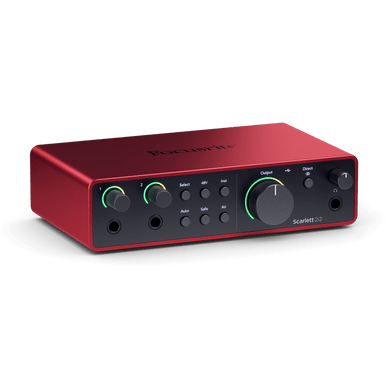
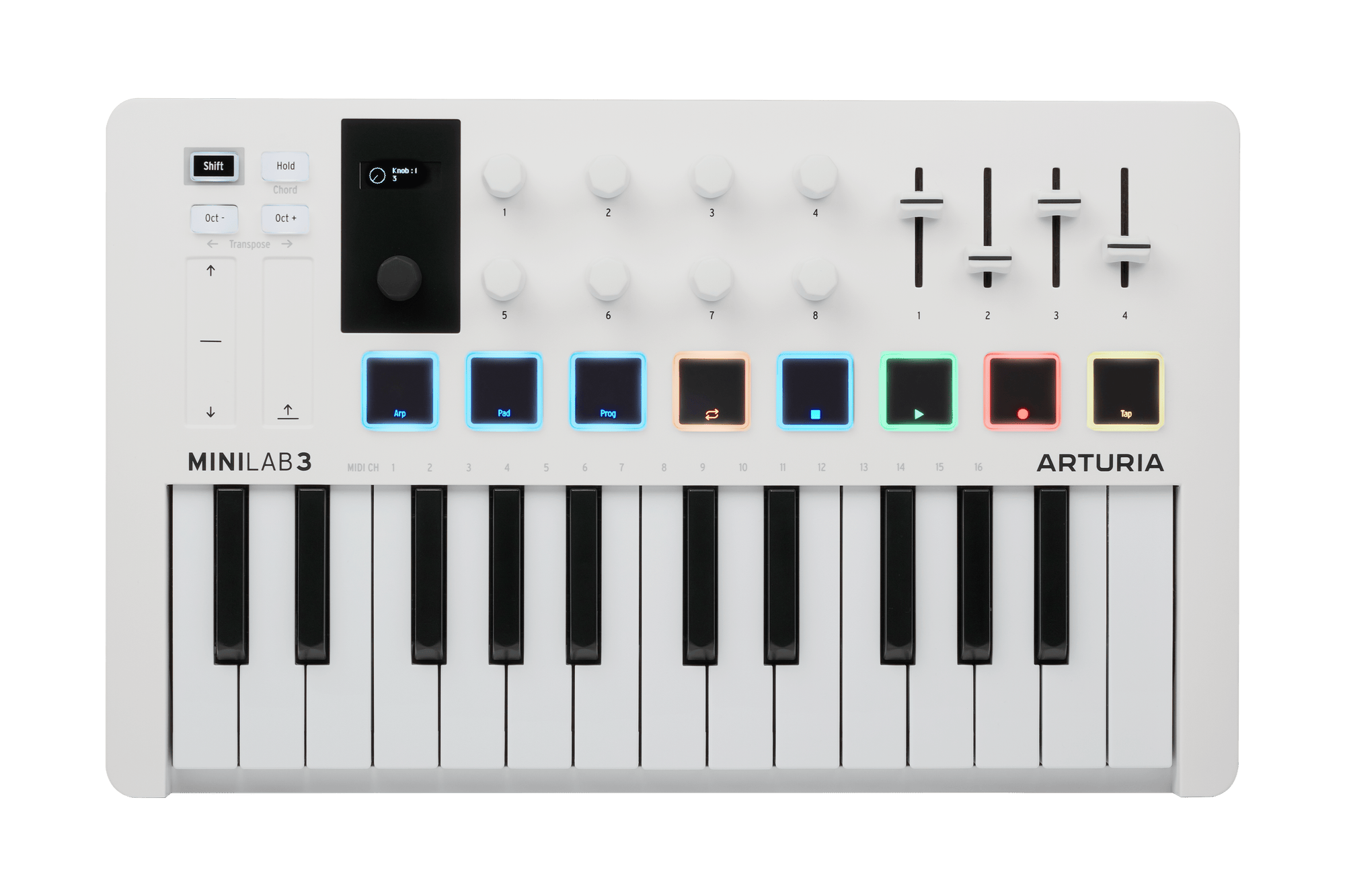
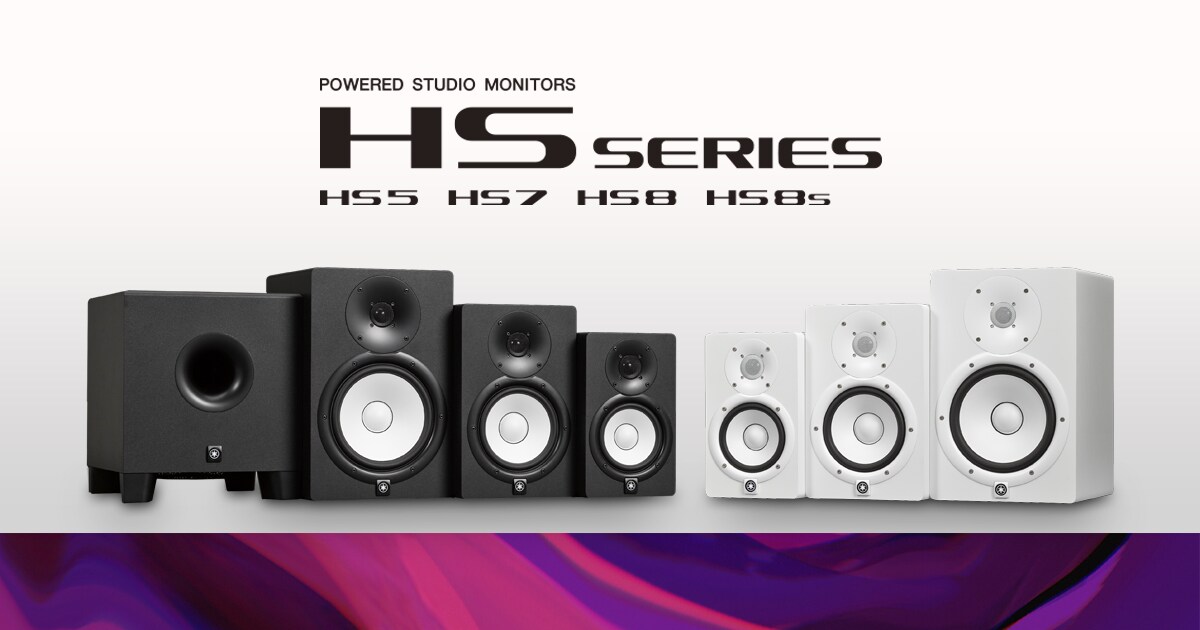
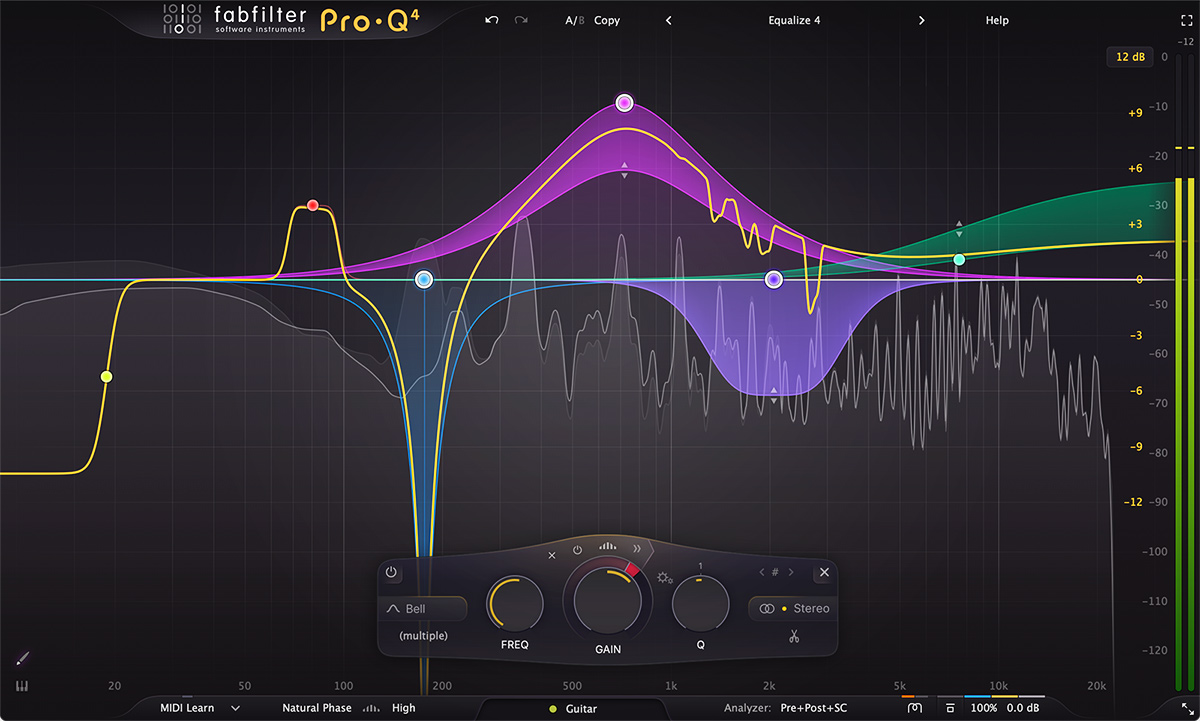
Real talk on audio interfaces, MIDI controllers, studio monitors and plugins. We test everything properly — no sugar-coating, no hype.
Email us to join the early list for new lessons, DAW guides, gear notes and workflow drops as Producer Hub grows.
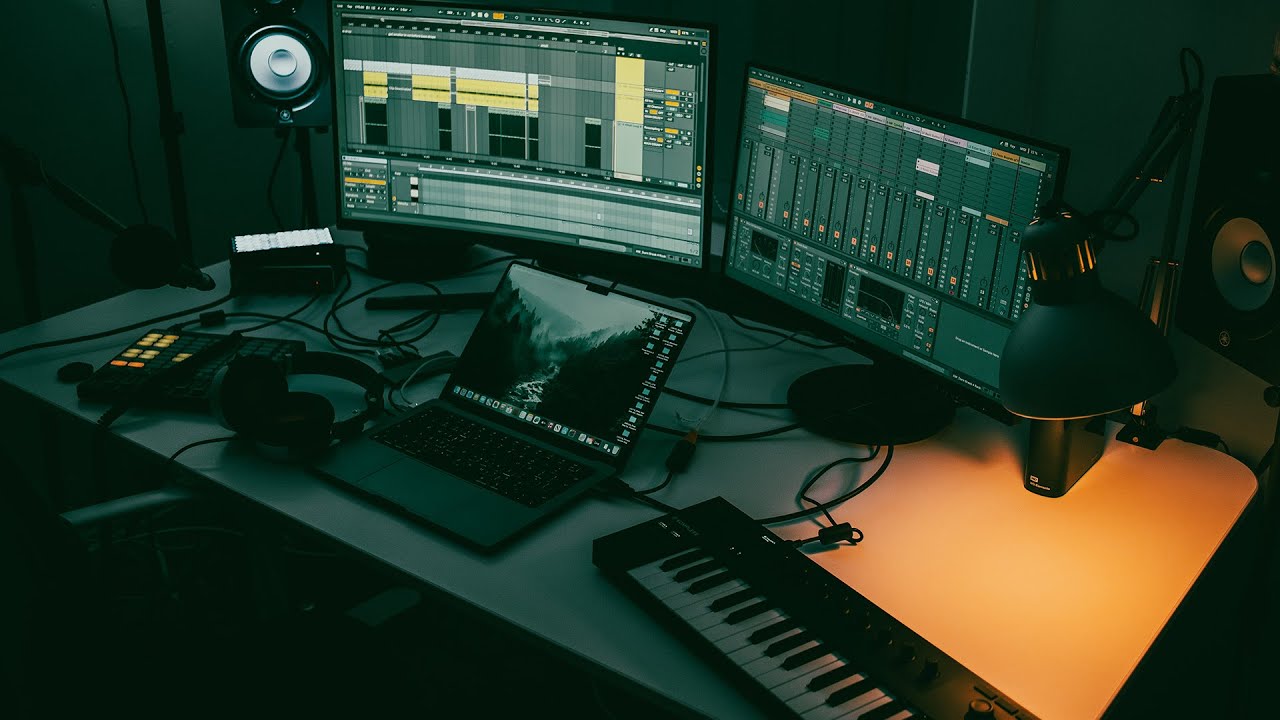
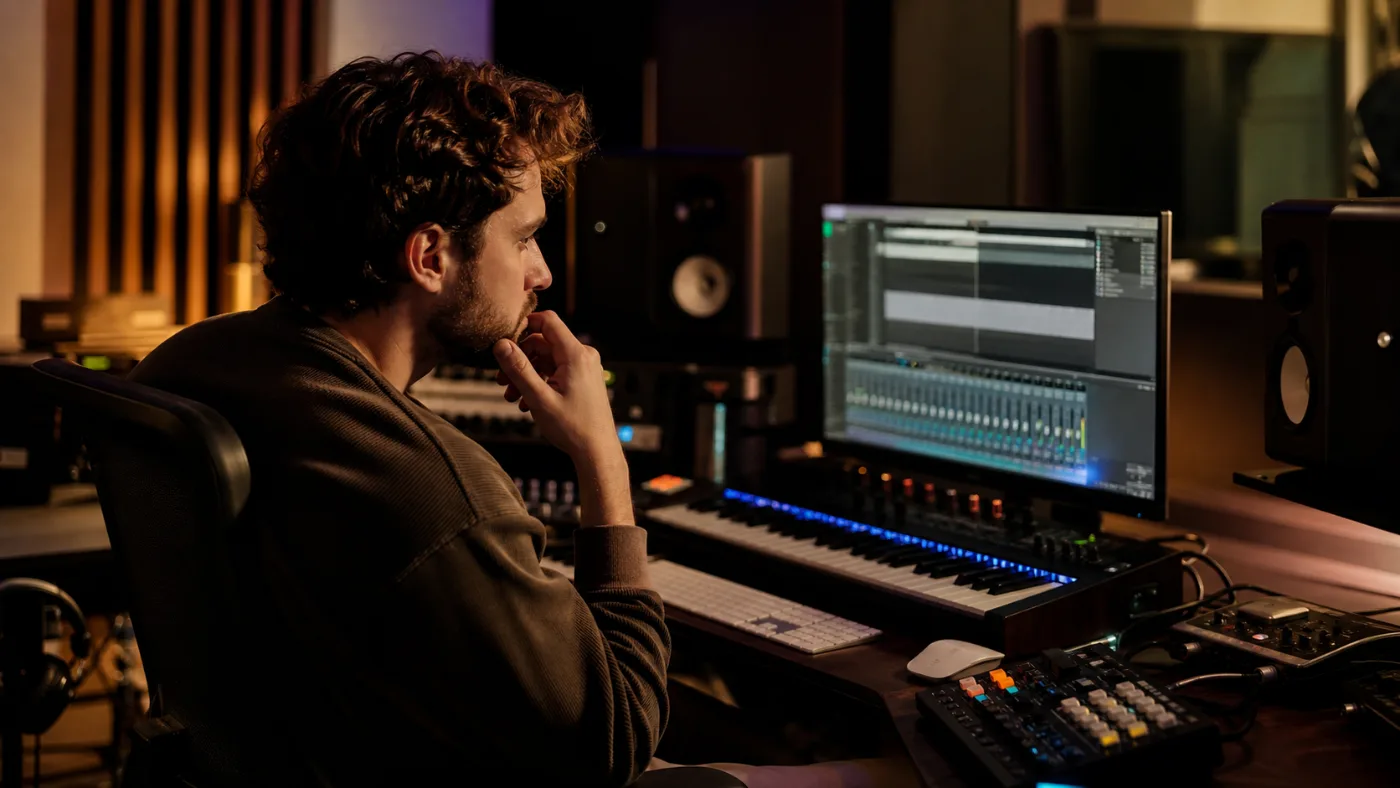
Visual inspiration for the producer lifestyle: dark rooms, glowing screens, focused sessions and finished tracks.
Get early access to new DAW hubs, full-track lessons, gear notes, chatbot upgrades and practical workflow ideas built for producers who want to finish stronger music.
Join the early Producer Hub list for new DAW lessons, workflow ideas, gear picks and site launches built to help you finish better tracks.
Join the ListUseful production updates only. No spam.
Structured hubs for the things producers actually get stuck on — whatever DAW you use: workflow, EDM arrangement, sound design, mixing and finishing.
Dedicated workflow, shortcut and full-track guides for Ableton, FL Studio, Bitwig, Logic Pro, Pro Tools, Cubase and Reason.
Choose your DAWHouse, techno, DnB, trance, UK garage and melodic techno blueprints with arrangement and drop checklists.
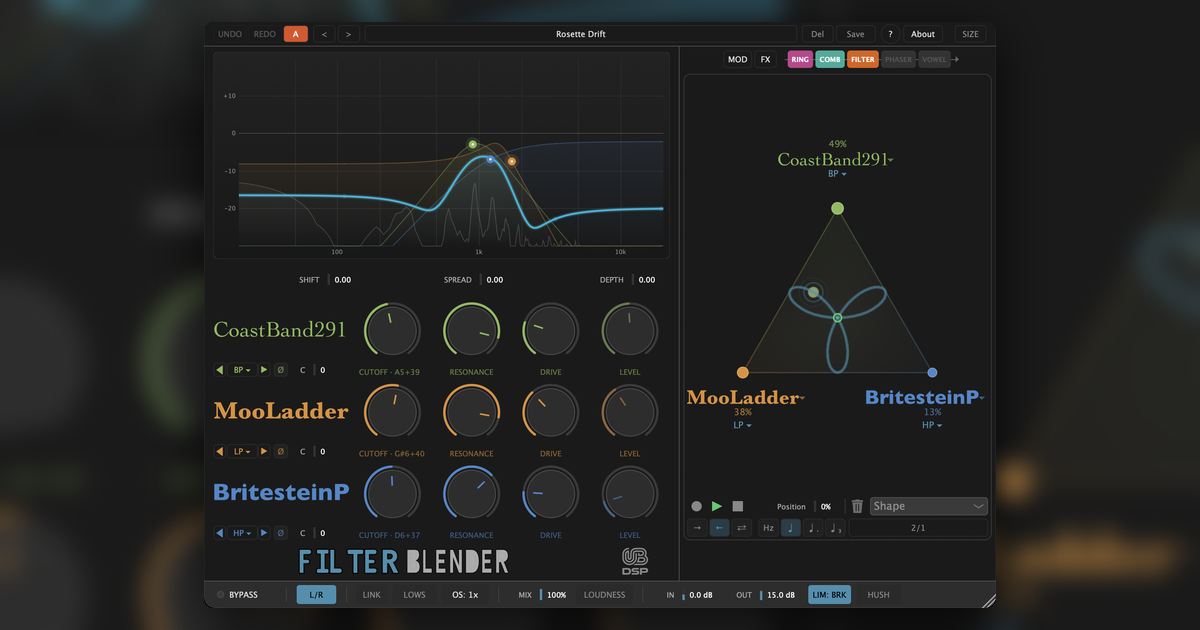
Open hubSub bass, reese bass, supersaws, drums, atmospheres, risers and fast recipes using stock DAW, Serum-style and free-synth workflows.
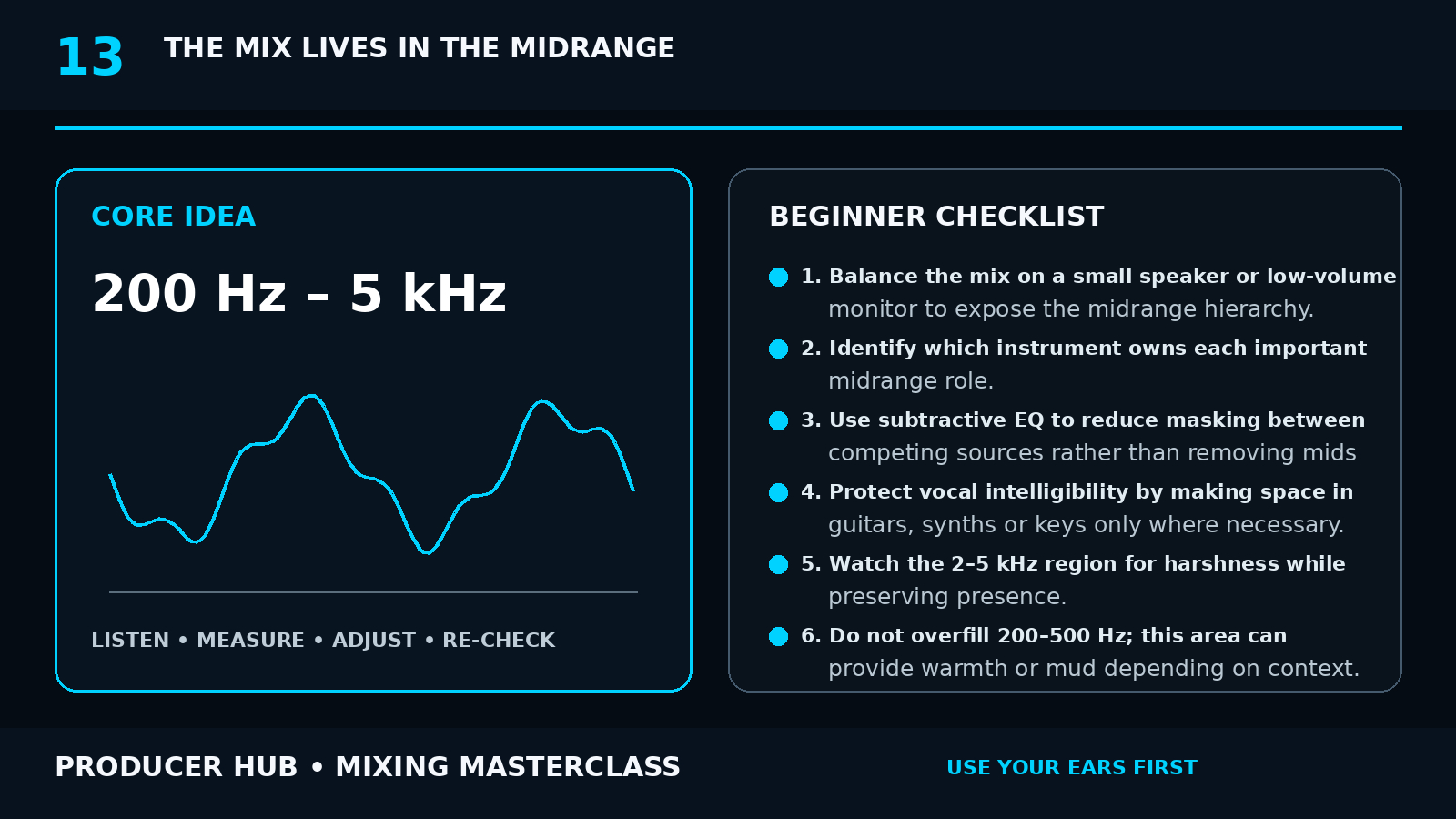
Open hubLow-end control, sidechain choices, width, reverb, harshness, reference workflow and loudness decisions that translate.
Open hubLoopmasters, Loopcloud, Splice and Beatport guides grouped by genre, workflow and how to avoid endless sample browsing.
Browse soundsFree synths, utilities, meters, wideners and creative tools chosen by job rather than hype.
Browse toolsPick the software you actually use. Each DAW path has a hub, full-track tutorial and keyboard shortcut reference.


Stuck on a specific DAW, plugin, shortcut, routing problem, stock device, arrangement move or mix decision? Open the chat button and ask the exact question. The site is built so you can jump straight to the thing you need instead of digging through every guide.
DAW updates, NAMM releases, AI tools and production gear explained for people actually making tracks.
FL Studio 2026, Ableton Live beta fixes, Logic Pro 12.3, Bitwig updates, Pro Tools 2026.4.1, Reason 14.0.2, UAD July fixes, Martinic TG100 Reverb, Spitfire Originals and fresh plugin finds explained for working producers.
Stem separation, sample search, mastering assistants, idea generation and rights-aware workflows.
Ableton Live, FL Studio, Logic Pro and Cubase updates — what actually matters for producers making music.
Start with the sound you want, follow the workflow that gets you there, then open the guide that solves the next problem in the track.
Build basses, leads, risers and transitions that move with the track instead of sitting flat in the mix.
Full partner guides for finding sounds, choosing plugins and using affiliate deals without guessing what is worth your money.

Genre-focused royalty-free packs for DnB, house, techno, UK garage, hip hop, ambient and more.
Sample packsCurated VSTs for synths, EQ, dynamics, reverb, mastering and creative effects.
Plugins
Audition samples in your DAW, key-match loops and speed up sample discovery.
Workflow
Use one-shots, vocal chops and credits properly without sounding like every other loop pack.
Sounds
Find reference tracks and genre charts for better arrangement, loudness and mix decisions.
Reference
Record pool workflow for DJ edits, club-ready versions, set testing and arrangement reference.
Record poolFree synths, metering tools, wideners and utilities that are actually worth installing.
Free toolsStart with the hub that matches the problem you are trying to solve today.
Pick your DAW — Ableton, FL Studio, Logic, Cubase, Bitwig, Pro Tools or Reason — and follow the workflow hub built for that specific environment.
Interfaces, controllers, monitors, headphones and plugins grouped by the job they solve, not just by hype.
Reference workflow, sidechain decisions, harshness control and mix checks that help tracks survive outside your room.
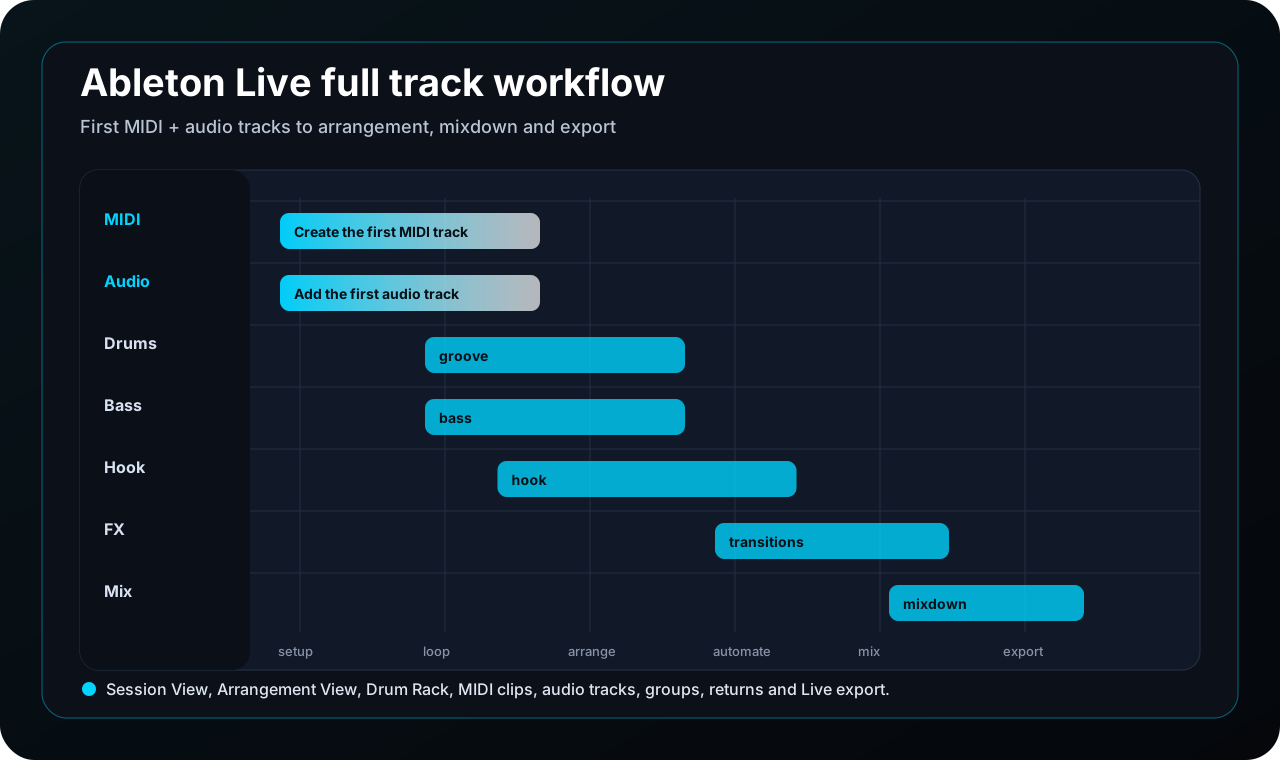
Use the Push tutorial and Push 2 cheat sheet to build loops, launch scenes, control macros and turn Session View ideas into arrangements.
Current studio choices for UK bedroom producers: interfaces, controllers, monitors and plugins that solve real problems.
Every recommendation should explain who it suits, what problem it solves and when not to buy it.
We judge studio gear by workflow impact first: driver stability, monitoring confidence, build quality, software friction, upgrade path and whether it helps producers finish music faster.
A plugin is worth covering only when it earns a place in the chain: faster decisions, a better sound, a clearer interface or a creative result that stock tools cannot reach quickly.
Focused lesson paths that keep visitors inside Producer Hub instead of sending them to random search results.
Ableton, FL Studio, Logic, Cubase — pick the hub that matches your setup and follow the 30-day practice plan.
Turn loops into intros, breakdowns and drops with genre-specific arrangement maps.
Use the mixing hub to diagnose low-end mud, weak drops and translation problems.
Join the list for new lessons, resources, gear notes and Producer Hub launches. Signups go straight to the Producer Hub inbox.
Open Subscribe PageManaged through Mailchimp with a Producer Hub backup record. No spam, ever.
From picking your first interface to nailing a festival-ready master.
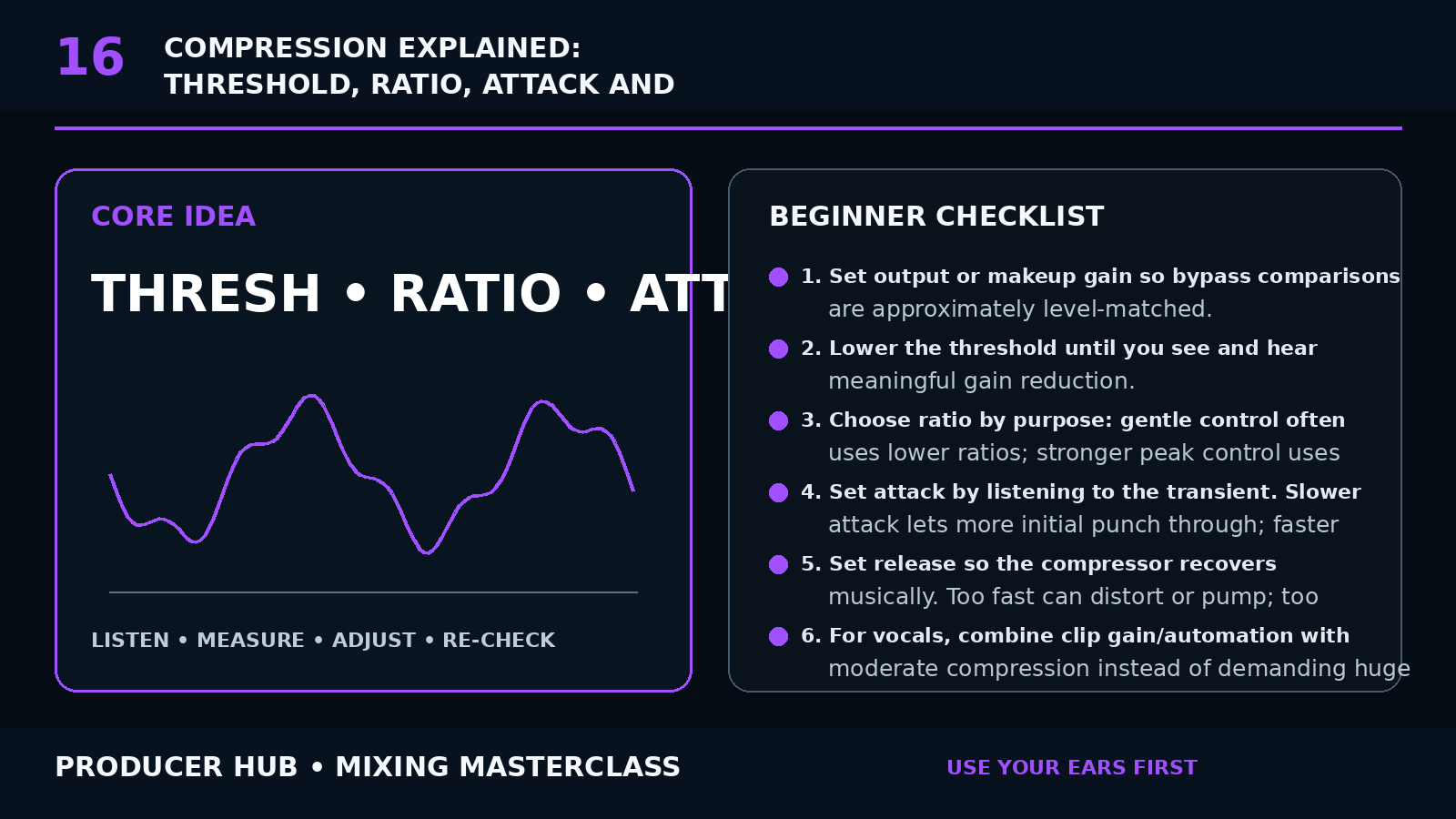
EQ, compression, sidechain, loudness — make your tracks hit hard.
Serum, Vital, Massive — craft unique sounds from scratch in any DAW.
Honest breakdowns of VSTs worth buying — and ones to skip.
Headphones, monitors, interfaces — tested so you don't waste money.