Stock vs third-party plugins
Learn why Ableton stock devices can finish serious music, where racks and macros become powerful, and when a paid plugin actually solves a real limitation.
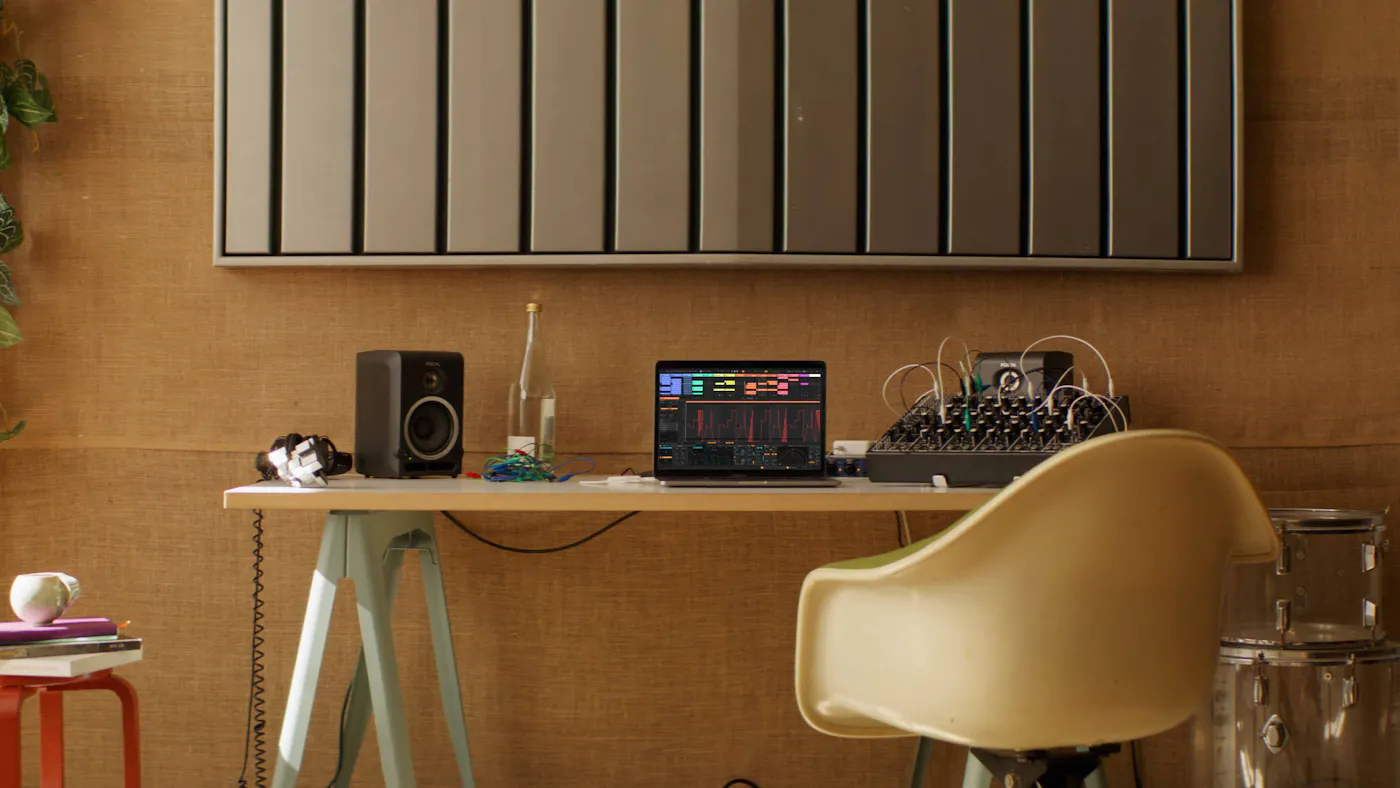

Ableton Live is built for loops, performance and fast electronic arrangement. The key is knowing when to leave Session View, commit to Arrangement, and get the track finished.
Use the hub as a map, then open the full tutorial or shortcut reference when you are ready to work through the details.
The flagship tutorial is now built as a proper track-construction masterclass, not just a quick loop-to-export walkthrough.
Learn why Ableton stock devices can finish serious music, where racks and macros become powerful, and when a paid plugin actually solves a real limitation.
Use Link Audio for collaboration, Max for Live for controlled experiments, and MIDI effects for hooks, variation, rhythm and generative ideas without losing control.
Choose Warp modes for drums, vocals, loops and full samples, then resample the best accidents into arrangement-ready audio.
Use this route if you are starting from a blank Live Set and want a finished export, not another folder of half-loops.
Choose your audio interface, install only the plugins you need, create groups for drums, bass, music and FX, then save the set as your default writing template.
Build drums in Drum Rack, sketch a bass with a stock synth or Vital, and add one hook. Keep it simple enough to arrange quickly.
Duplicate the scene into stripped, full and breakdown versions, record them into Arrangement View, then edit the structure into a complete track.
Balance levels, clean the low end, use one shared reverb, check the master with a meter and export a rough version before changing anything else.
Ableton stock devices can finish serious tracks. Add free tools only when they solve a clear job: synthesis, metering, loudness or reference checking.
Use these pages when you want a focused answer inside Ableton Live: setup, drums, MIDI, audio, sampling, vocals, routing, automation and export.
Live 12.4.3 and the 12.4.5b8 beta make Ableton more useful for producers who sketch with audio, Push and controller-heavy setups.
Use Re-Pitch warping for vocal chops, drum loops and sampled hooks, then test groove settings before committing old sets. If the timing feels different, print a safe copy and compare against the previous bounce.
Push beta fixes and Launchkey MK4 88 support make hands-on writing smoother. Build one drum rack, one bass rack and one scene-launch workflow before mapping extra controls.
Use stem separation for learning and remix prep, and Link Audio for local collaboration or capture experiments. Print anything useful into Arrangement View so the session becomes a finished track, not a live routing demo.
The full tutorial now includes practical mix moves for clean EQ, controlled compression, stereo placement, creative FX chains and export checks that translate beyond the bedroom.
Clean the low end, carve mud, keep the hook present and use broad tone moves only after the balance works.
Control peaks, add density and use sidechain movement without flattening the punch that makes the track hit.
Place important sounds in the center, widen support layers safely and build creative delay, reverb, distortion and transition chains that stay mixable.
Ableton is quick when the preferences are clean. Set the driver, sample rate, plugin folders and controller scripts before you start writing so Session View stays musical instead of becoming troubleshooting time.
Use Ableton on a machine with comfortable RAM headroom, an SSD for packs/projects and enough CPU for instruments. A practical producer setup is a modern multi-core laptop or desktop, 16 GB RAM if possible, and an external drive for large sample libraries. Check Ableton's official requirements before upgrading hardware.
In Preferences, choose your ASIO/Core Audio interface, set the sample rate, then use a small buffer for recording and a larger buffer for mixing. Enable only the inputs and outputs you actually use so track menus stay clean.
Use the Link/Tempo/MIDI preferences to enable Track for keyboards and Control Surface scripts for supported controllers. If you use Ableton Push, start with drums, scale mode, macros and scene launching before mapping every knob in sight.
Live scans VST2/VST3 folders and Audio Units on Mac. Keep one main plugin folder, rescan after installs, and use Collections to group synths, EQs, compressors, reverbs and utilities by job rather than brand.
Live routing is simple once you think in jobs: audio comes in, instruments create sound, return tracks create shared space, and external gear needs a clean round trip.
Create audio tracks for vocals, guitars, resampled loops and hardware returns. Set monitoring deliberately: Off for playback, Auto for recording, In only when you need live input through effects.
Use MIDI tracks for Drum Rack, Simpler, Wavetable, Drift, Meld and third-party instruments. Freeze or flatten heavy instruments once the part is right so the arrangement keeps moving.
Group drums, bass, music, vocals and FX. Use return tracks for shared reverb, delay and parallel processing instead of inserting a new effect chain on every track.
Use External Audio Effect for hardware inserts and External Instrument for synths. Measure latency, keep a clear input/output pair for each device, and print the hardware pass to audio before final export.
Create groups for drums, bass, music, vocals/audio and FX, plus two returns: short space and long space. Save it as a starter set.
Build one 8-bar scene with kick, snare/clap, hats, bass and one hook. Make three variations: stripped, full and breakdown.
Record scene launches into Arrangement View, then edit the timeline into intro, build, drop/chorus, breakdown and outro.
Balance levels first, high-pass non-bass parts, automate filters/sends, export a rough mix, then write three revision notes only.
Exporting from Live is straightforward, but the professional habit is to prepare versions before the deadline: full mix, instrumental, acapella if relevant and stems.
Check start/end markers, mono compatibility, return levels, master headroom, missing samples, frozen tracks and whether automation still works after arrangement edits.
Use All Individual Tracks when you need stems, but also print grouped stems for drums, bass, music, vocals and FX. Label the tempo, key, version and date in the file name.
Move from this hub into the full Ableton track tutorial, then use the mixing hub to polish low-end, width and loudness decisions.
Use Session View for speed, Arrangement View for decisions, and racks for repeatable production systems.
Build scenes for intro, groove, build, drop and breakdown. Keep each scene to one clear musical job.
Launch scenes and record a rough performance into Arrangement View. Edit the timeline after the idea has a full shape.
Group effects or instruments into racks with macros for tone, space, movement and grit.
Bounce versions before the mix feels finished. Listen away from the screen and fix the biggest problem first.
These are the commands that make Live feel fast enough to keep up with ideas.
Most Ableton projects fail when they stay in loop mode too long. The fix is structure, contrast and committing decisions.
Use Session View scenes as rough song sections, not as a permanent loop library.
Move into Arrangement View once the hook, drums and bassline work together.
Create contrast every 8 or 16 bars by removing, filtering or changing one element.
Freeze, flatten or resample CPU-heavy devices once the sound is right.
Ableton stock devices are enough to finish serious music when you learn the jobs: sound source, shaping, movement, space, control and export. Third-party plugins are useful later, but stock tools teach you the core decisions.
Layer one-shots, tune kicks, build velocity variation and create performance-ready drum groups.
Create modern basses, pads, leads and evolving textures from stock instruments.
Clean low-end, control dynamics, add density and check width/mono compatibility.
See how stock devices compare with third-party plugins inside a complete start-to-finish Ableton track build.
make ten 8-bar loops in Session View.
record three ideas into Arrangement View.
build one drum rack, one bass rack and one FX rack.
finish one full track, export it and write revision notes.
Use these for current specs, manual details and official learning material. Affiliate buy links are handled separately once approved retailer routes are confirmed.
Official Live overview, editions and feature information from Ableton.
Open Ableton LiveOfficial reference for Live setup, Session View, Arrangement View, devices, MIDI, audio, export and routing.
Open manualOfficial Push learning route for pads, clips, instruments, sequencing and hands-on Live workflow.
Open Learn PushEvery DAW can finish professional music. Pick the workflow that helps you finish consistently.