Affiliate disclosure: Some retailer links may earn Producer Hub a commission at no extra cost to you. Interface recommendations are based on fit, workflow, features, official specifications and suitability for real home studios.
Quick answer
Most bedroom producers should start by comparing the Focusrite Scarlett 2i2 4th Gen, MOTU M2 and SSL 2. Choose the Scarlett if you want the safest beginner workflow, the MOTU if clean metering and technical performance matter most, or the SSL if you want the 4K colour option and SSL-style workflow.
Producer Hub audio interface shortlist
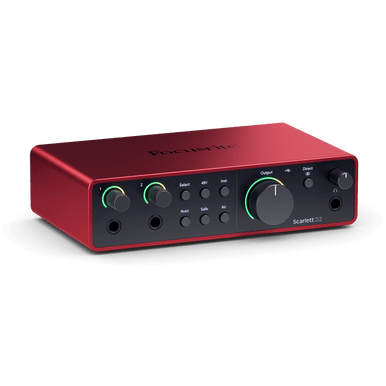
Focusrite Scarlett 2i2 4th Gen
Best for: first serious home studios.
Two inputs, useful Auto Gain and Clip Safe tools, simple setup and a strong software ecosystem.
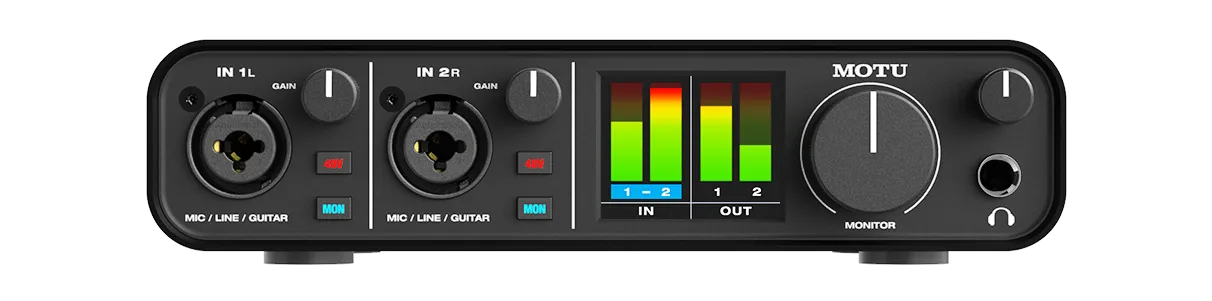
MOTU M2
Best for: clean recording and visible level metering.
The front-panel metering, MIDI I/O and strong audio performance make it a serious shortlist pick.
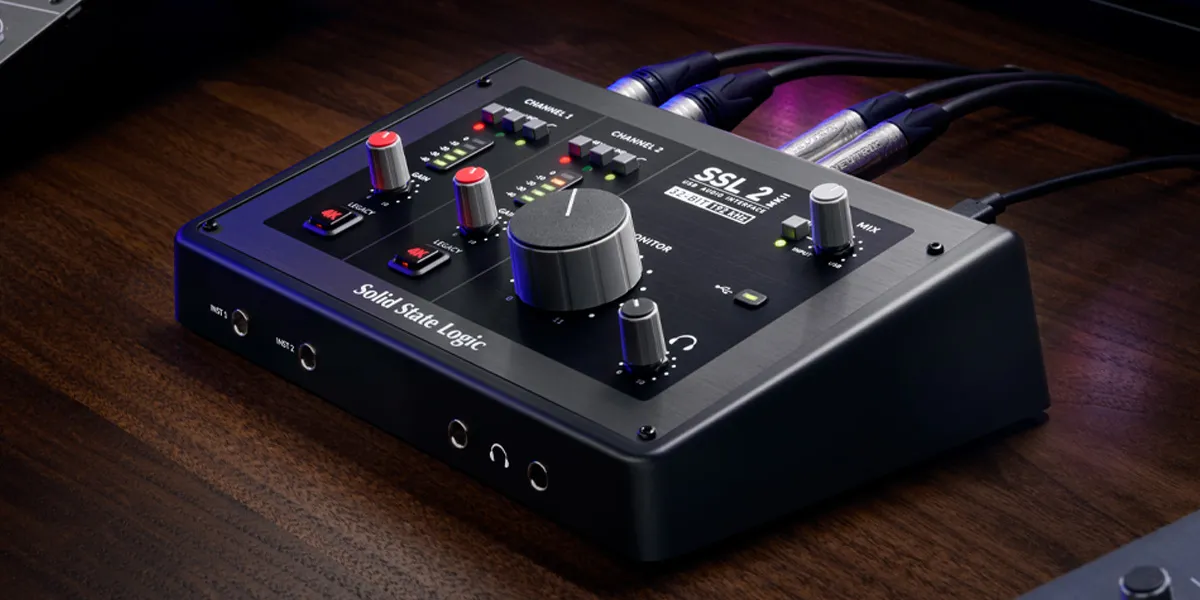
SSL 2 / SSL 2+
Best for: producers who want a colour option.
Legacy 4K mode is the headline feature. Choose SSL 2+ if you specifically need MIDI I/O and extra outputs.
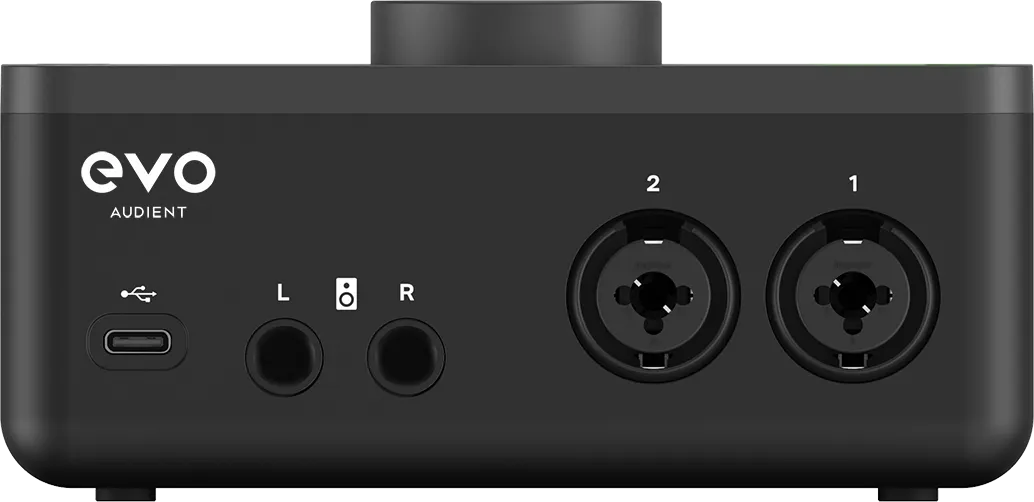
Audient EVO 4
Best for: simple automatic level setting.
A compact route for producers who want fewer controls and a fast setup rather than a traditional front panel.
Choose by skill level
Beginner
Prioritise two inputs, direct monitoring, a clear headphone output and simple software. Scarlett 2i2, Audient EVO 4 and Scarlett Solo are sensible starting points.
Intermediate
Look harder at metering, monitor control, MIDI, driver stability and whether you need a second headphone output. MOTU M2 and SSL 2+ become stronger options.
Advanced
If you regularly record several sources, outgrow 2-in/2-out interfaces and start comparing ADAT, extra line I/O, multiple headphone mixes and better monitor routing.
Do not overbuy
If you mostly write in headphones and record one vocal at a time, a clean two-input interface can be enough for years.
Popular audio interface comparisons
Scarlett 2i2 vs MOTU M2
Beginner workflow and bundled ecosystem versus metering, MIDI and technical transparency.
Open comparisonScarlett 2i2 vs SSL 2
Safe modern home-studio workflow versus SSL colour and 4K mode.
Open comparisonInterfaces under 100
Strict-budget choices for producers who need to start recording without stretching to a premium two-input box.
Open budget guideStarter studio kit
Interface, headphones, MIDI controller, accessories and realistic upgrade order for a first bedroom setup.
Build a starter kitWhat makes a good purchase
For a bedroom producer, an interface that matters most is 2-in/2-out with clean preamps and low-latency drivers. Look for four things, in order:
1. Clean preamps — low noise and enough gain for your mic matters more than extra inputs.
2. Low-latency drivers — solid ASIO/CoreAudio support means you can record with effects without lag.
3. The right I/O for you — two inputs covers a mic and an instrument; add more only if you record drums or a band.
4. Bundled software — the included DAW/plugin bundle can make a mid-priced interface a much better value.
Ease of setup
Modern interfaces are plug-and-play. The actual steps are:
1. Install the driver (Windows especially — this unlocks low latency).
2. Plug in, select the interface as your DAW's audio device, and set the buffer size.
3. Set the input gain so your mic peaks around -12 to -6 dB (clean, no clipping).
4. Pick the output pair and confirm you hear audio through your monitors or headphones.
A practical session
A real recording session through an interface flows like this:
A. Set buffer low while recording for low latency.
B. Set mic gain clean, then record the take.
C. Raise the buffer for mixing so heavy plugins stay crackle-free.
D. Export through the interface's output to guarantee the cleanest print.
Sources checked
Core feature checks were based on official product information from Focusrite, MOTU and Solid State Logic. Always confirm current bundles, price and stock on the retailer page before buying.
Member resource
Setting up your first interface? Join free and use the Producer Hub download library for gain staging, mixing headroom and export checklists once your interface is connected.