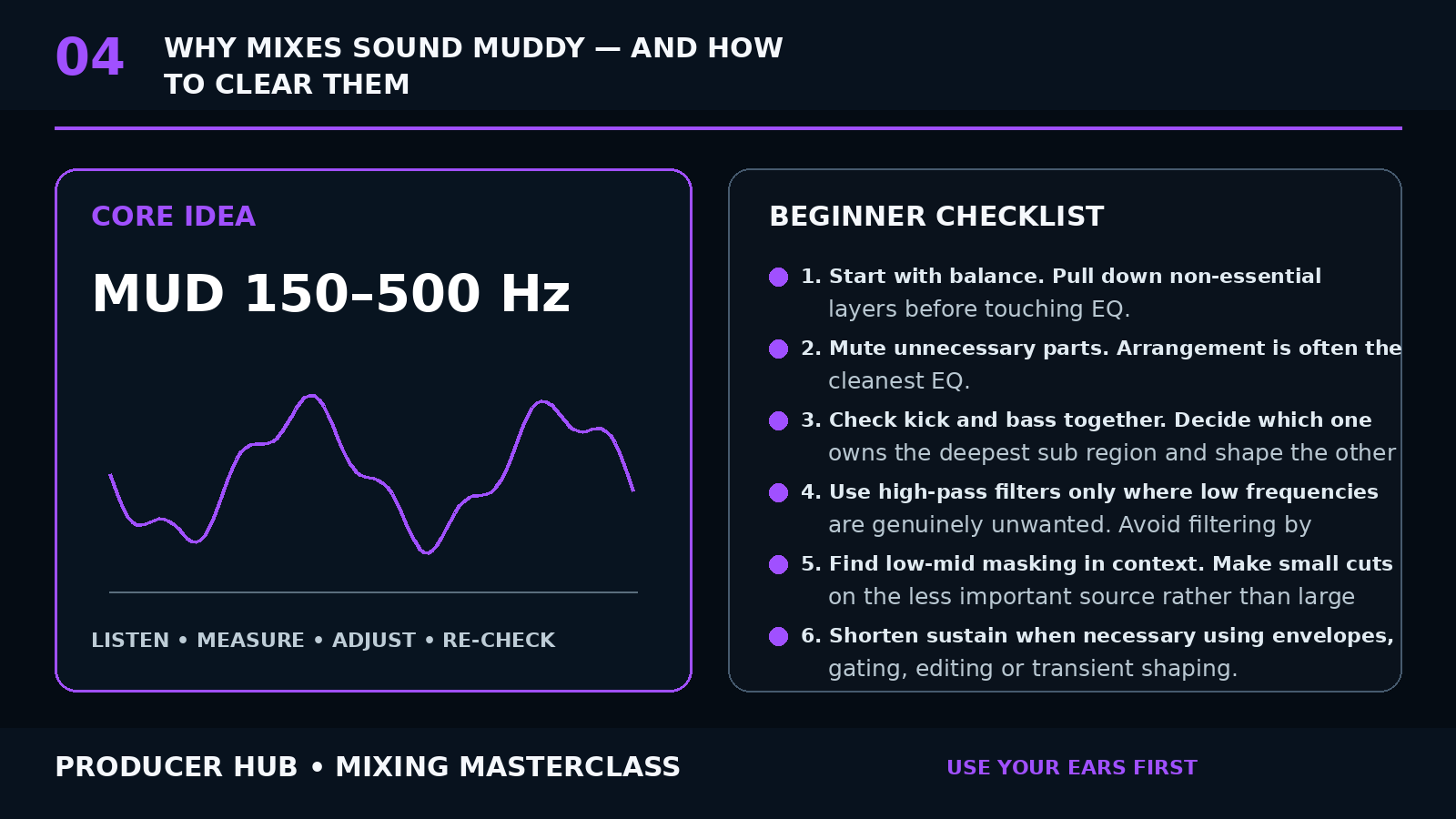
The Core Concept
Mud is a loss of definition caused by too much overlapping energy, often in the low and low-mid region, combined with masking and excessive sustain.
There is no universal “mud frequency.” Many problems appear around 150–500 Hz, but the correct move depends on the instruments and arrangement.
A clear mix comes from roles: each important sound needs an appropriate level, spectrum, position and amount of space.
Step-by-Step Tutorial
- Start with balance. Pull down non-essential layers before touching EQ.
- Mute unnecessary parts. Arrangement is often the cleanest EQ.
- Check kick and bass together. Decide which one owns the deepest sub region and shape the other around it.
- Use high-pass filters only where low frequencies are genuinely unwanted. Avoid filtering by habit.
- Find low-mid masking in context. Make small cuts on the less important source rather than large cuts on everything.
- Shorten sustain when necessary using envelopes, gating, editing or transient shaping.
- Control reverb. Shorten decay, increase pre-delay, filter returns and automate sends so the mix does not stay washed out.
- Use panning to reduce competition between similar midrange sources.
- Check the mix quietly and on a small speaker; low-mid congestion often becomes obvious when detail disappears.
- Revisit EQ after the arrangement and levels are stable.
Common Mistakes
- High-passing every track aggressively
- Scooping 250 Hz across the whole mix
- Boosting treble instead of removing masking
- Using long reverbs on many sources
- Making EQ decisions in solo
Guided Practice
Make a “mud map.” List every instrument active in the busiest eight bars and identify which ones are important in the low mids. Remove, shorten, pan or EQ the least important competitors until the section becomes readable.
Turn this lesson into a 20-minute mix drill
Duplicate
Save a copy of the session before changing the mix.
Solo less
Make every move while the main groove or vocal context is playing.
Level match
Bypass the change at equal loudness so louder does not trick you.
Export
Print a short before/after bounce and listen away from the DAW.