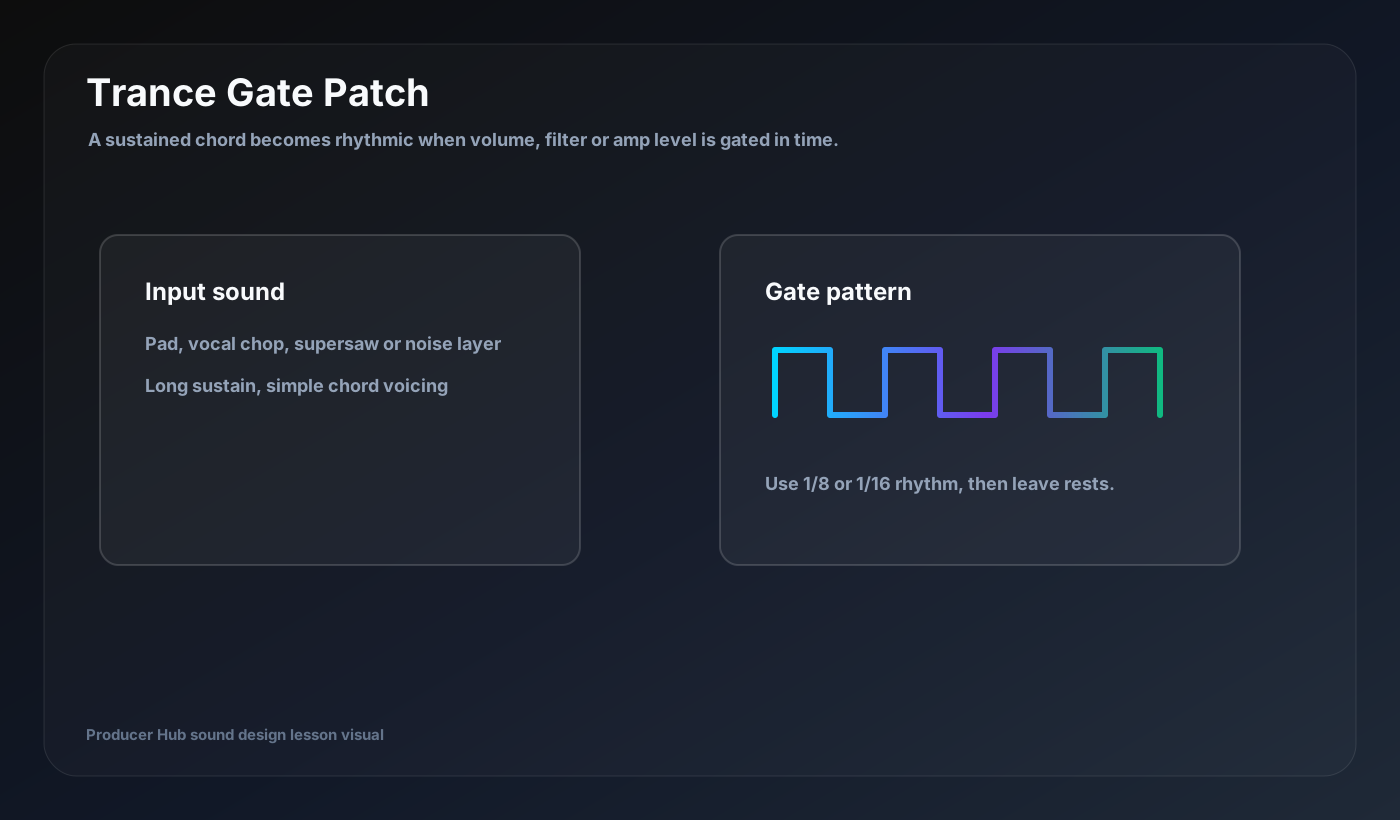
A trance gate turns a sustained sound into a rhythm. You can create it with a dedicated gate plugin, volume automation, a tremolo effect, sidechain modulation or an LFO assigned to amp volume.
Choose the input sound
Start with a sustained pad, chord, vocal chop, supersaw, noise layer or atmosphere. The source should hold long enough for the gate pattern to carve rhythm into it.
Simple harmony works best. If the source already has complex rhythm, gating can make it messy.
Program the rhythm
Start with 1/8 or 1/16 patterns. Leave rests. A good trance gate is not constant chopping; it is a rhythm that answers the drums and creates forward motion.
Try removing the final chop before a bar line. Silence can make the next kick or chord hit harder.
Shape the gate
Hard gates sound electronic and precise. Softer gates feel more musical. Adjust attack and release if the plugin allows it. Too short a release can click. Too long a release can blur the rhythm.
For smoother movement, gate filter cutoff instead of volume, or combine subtle volume gating with filter movement.
Add delay and reverb
Delay can fill the gaps between gated hits. Reverb can make the gated sound sit behind the lead. Keep both controlled with high-pass filtering and low-pass filtering.
If the gate loses punch, lower reverb before raising volume.
Arrangement uses
Use trance gates in breakdowns, pre-drops, background pads, vocal textures and melodic fills. Automate the wet/dry amount or gate depth so the part evolves across the song.
A gated pad can become the groove engine of a section without adding a new instrument.
Turn this into a patch-building drill
Open your DAW, build the patch from a blank synth, then save the result with a job-based name. The goal is not to copy settings blindly; it is to understand why every stage exists.
- Use a sustained source.
- Start with 1/8 or 1/16 rhythm.
- Leave rests.
- Adjust attack/release to avoid clicks.
- Automate gate depth across the arrangement.