Pads are not just long notes. A good pad supports harmony, fills space and adds emotion without blocking the vocal, lead, drums or bass. The best pads feel wide and alive, but they stay out of the way.
Choose a warm source
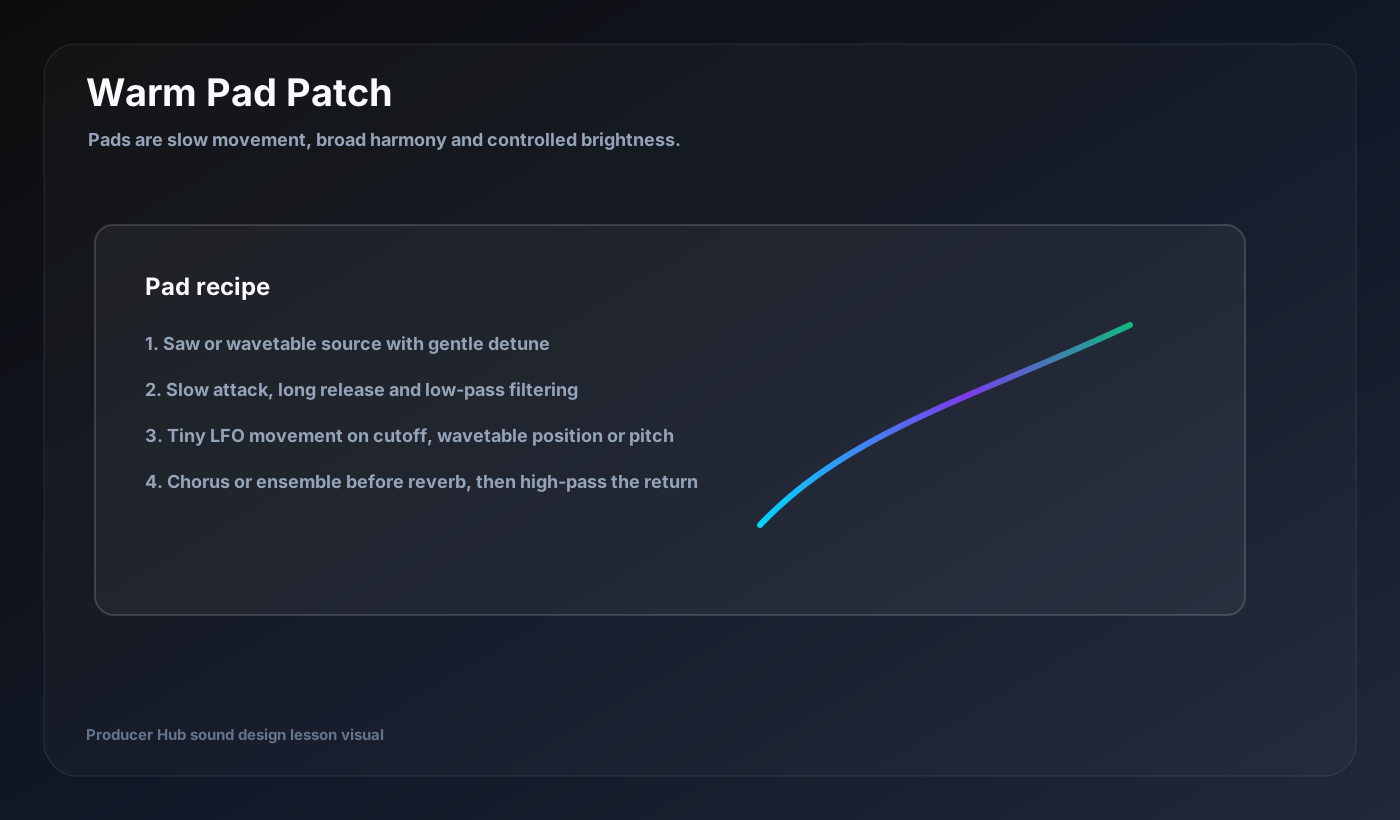
Saw, triangle, wavetable and sampled textures all work. For a classic pad, start with a saw or wavetable and use gentle detune. For a softer pad, blend triangle or sine layers. For atmosphere, layer filtered noise very quietly.
Do not start too bright. Pads usually become more useful when they are slightly darker than they sound in solo.
Use slow envelopes
Pads often use slower attack and longer release. The attack controls how softly the pad enters. The release controls how much it overlaps into the next chord. Too much release can blur harmony.
Match release to tempo and chord changes. If the chord progression moves quickly, shorten release.
Add subtle modulation
Use slow LFO movement on filter cutoff, wavetable position, fine pitch, pan or chorus depth. Keep it subtle. Pads should evolve without distracting from the main part.
Random or sample-and-hold modulation can create organic movement if the amount is low.
Place the pad with FX
Chorus, ensemble and reverb are common pad tools. Put reverb on a return if possible so you can EQ and control it. High-pass the reverb return to protect the low end.
Try sidechaining the pad very gently to the kick or vocal so it breathes around the important elements.
Make it arrangement-aware
Pads can enter in breakdowns, widen choruses, support intros or create transitions. Automate filter cutoff, volume and reverb send to follow the emotional shape of the song.
A pad should answer the question: what space or emotion is missing from this section?
Turn this into a patch-building drill
Open your DAW, build the patch from a blank synth, then save the result with a job-based name. The goal is not to copy settings blindly; it is to understand why every stage exists.
- Start darker than solo instinct.
- Use slow attack for softness.
- Control release against chord changes.
- Use subtle slow modulation.
- Filter reverb returns.