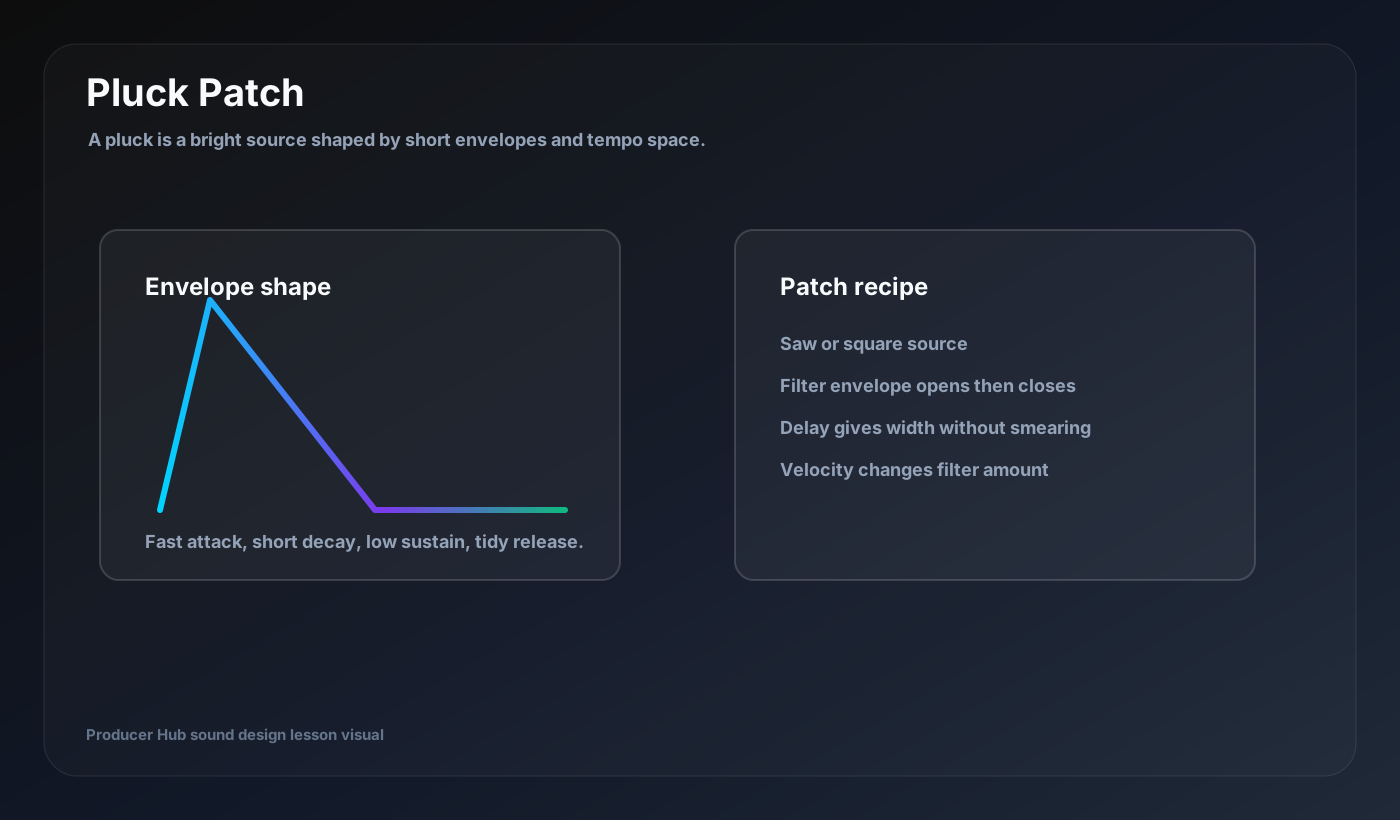
A pluck is a short, shaped synth sound with a clear front edge and controlled tail. It can be bright and catchy, soft and melodic, or percussive and rhythmic depending on envelope and filter settings.
Start with the right waveform
Saw waves make bright modern plucks. Square waves make hollow and bold plucks. Triangle waves make softer melodic plucks. Wavetables can add character if the movement is not too distracting.
Use one oscillator first. Add a second layer only when the first sound has a clear job.
Shape the amp envelope
Use fast attack, short decay, low sustain and a release that fits the groove. If release is too short, the pluck feels dry and unnatural. If it is too long, the rhythm smears.
Set envelope timing while the MIDI pattern loops with drums. Pluck design is rhythm design.
Add filter snap
Use a low-pass filter with an envelope amount. Fast attack and short decay makes the sound open then close, creating the classic pluck bite. The cutoff sets the darker baseline; envelope amount sets how far it opens.
Velocity can control filter amount so harder notes feel brighter.
Use delay for width and rhythm
Tempo delay often matters more than reverb for plucks. Use dotted or ping-pong delay for motion, but keep feedback controlled. Filter the delay so repeats sit behind the dry pluck.
Reverb should be shorter than you expect unless the pluck is meant to be atmospheric.
Make the part musical
Plucks shine when the MIDI has space. Use rests, octave jumps, velocity changes and simple call-and-response phrases. A strong pluck patch will not rescue a boring rhythm.
Save a dry version and a wet version. The dry version is easier to mix; the wet version may inspire arrangement ideas.
Turn this into a patch-building drill
Open your DAW, build the patch from a blank synth, then save the result with a job-based name. The goal is not to copy settings blindly; it is to understand why every stage exists.
- Fast attack.
- Short decay.
- Low sustain.
- Filter envelope for snap.
- Tempo delay for groove.