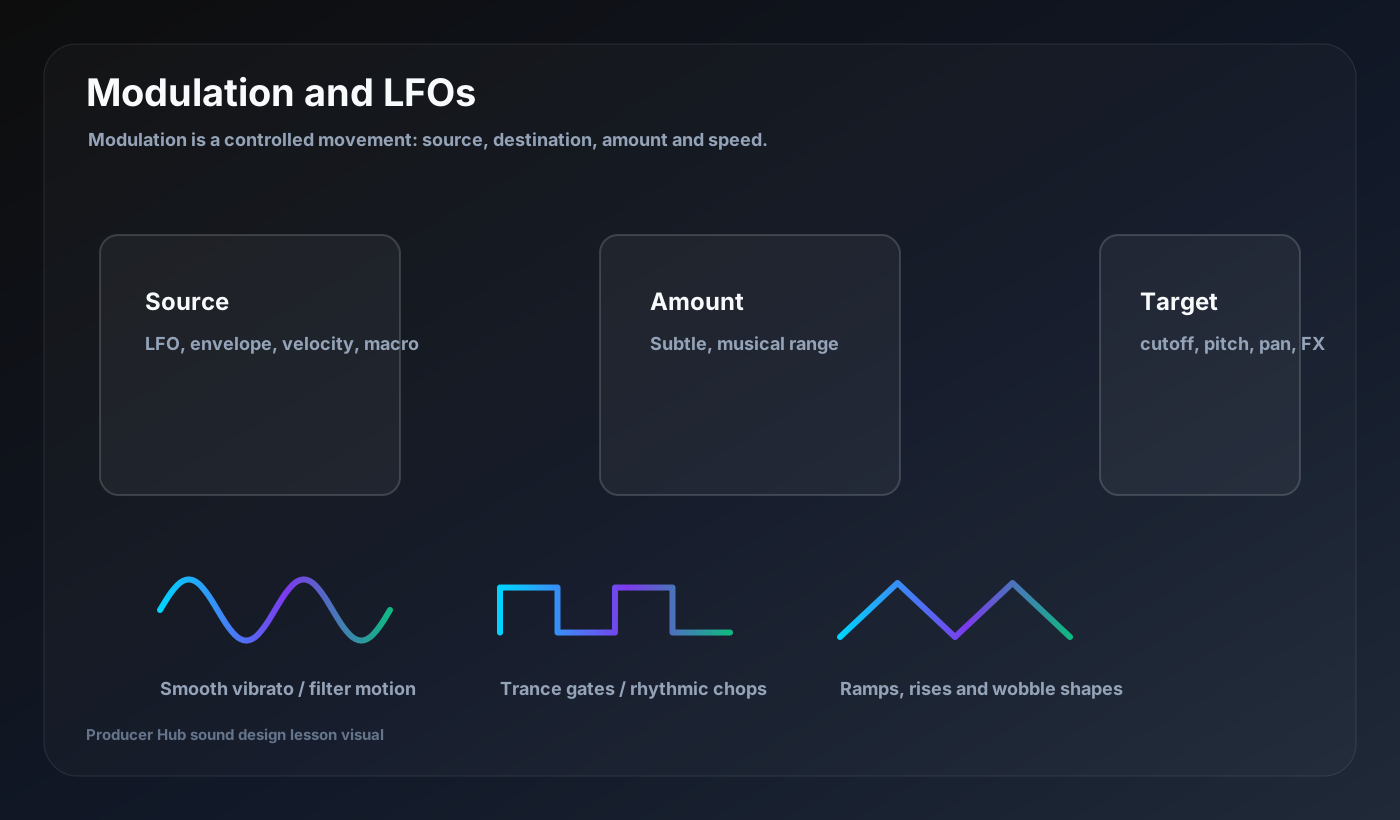
Modulation is how a static patch becomes alive. It means one control changes another control over time or through performance. LFOs are only one type of modulation source, but they are usually the easiest place to start.
The modulation formula
Every modulation route has four parts: source, destination, amount and timing. The source might be an LFO, envelope, velocity, aftertouch or macro. The destination might be filter cutoff, pitch, wavetable position, volume, pan, reverb size or distortion amount.
If a modulation sounds wrong, do not randomly change everything. Ask which part is wrong: the source shape, target, amount or speed.
LFO shapes
A sine LFO creates smooth movement. A triangle LFO rises and falls evenly. A square LFO jumps between values, which is useful for gates and chops. Saw or ramp shapes create risers, drops and repeating pushes.
Tempo sync matters. A 1/4 LFO feels like a pulse. A 1/8 or 1/16 LFO feels rhythmic. Unsynced LFOs can feel more organic but may drift against the groove.
Pitch modulation
Small pitch modulation creates vibrato. Larger pitch modulation creates sirens, risers, drops and unstable FX. On bass, keep pitch modulation subtle unless it is part of the hook.
For modern bass, try a very small amount of pitch movement plus more obvious filter or wavetable movement.
Filter and wavetable modulation
Filter modulation is the classic way to create motion because it changes brightness without always changing notes. Wavetable modulation changes the source tone itself, which can be more dramatic.
Start with slow movement for pads and fast rhythmic movement for bass. Use less amount than you want in solo; the mix will make movement feel bigger.
Macros and performance control
A macro lets you move several parameters with one knob. Good macros have musical ranges. Bad macros go from usable to broken too quickly.
Create four macros for saved patches: tone, movement, space and intensity. This turns one patch into a reusable member-library style tool.
Turn this into a patch-building drill
Open your DAW, build the patch from a blank synth, then save the result with a job-based name. The goal is not to copy settings blindly; it is to understand why every stage exists.
- Source, destination, amount, timing.
- Use tempo sync for rhythmic parts.
- Use smooth LFOs for pads.
- Use square/ramp shapes for gates and builds.
- Build macros with musical ranges.