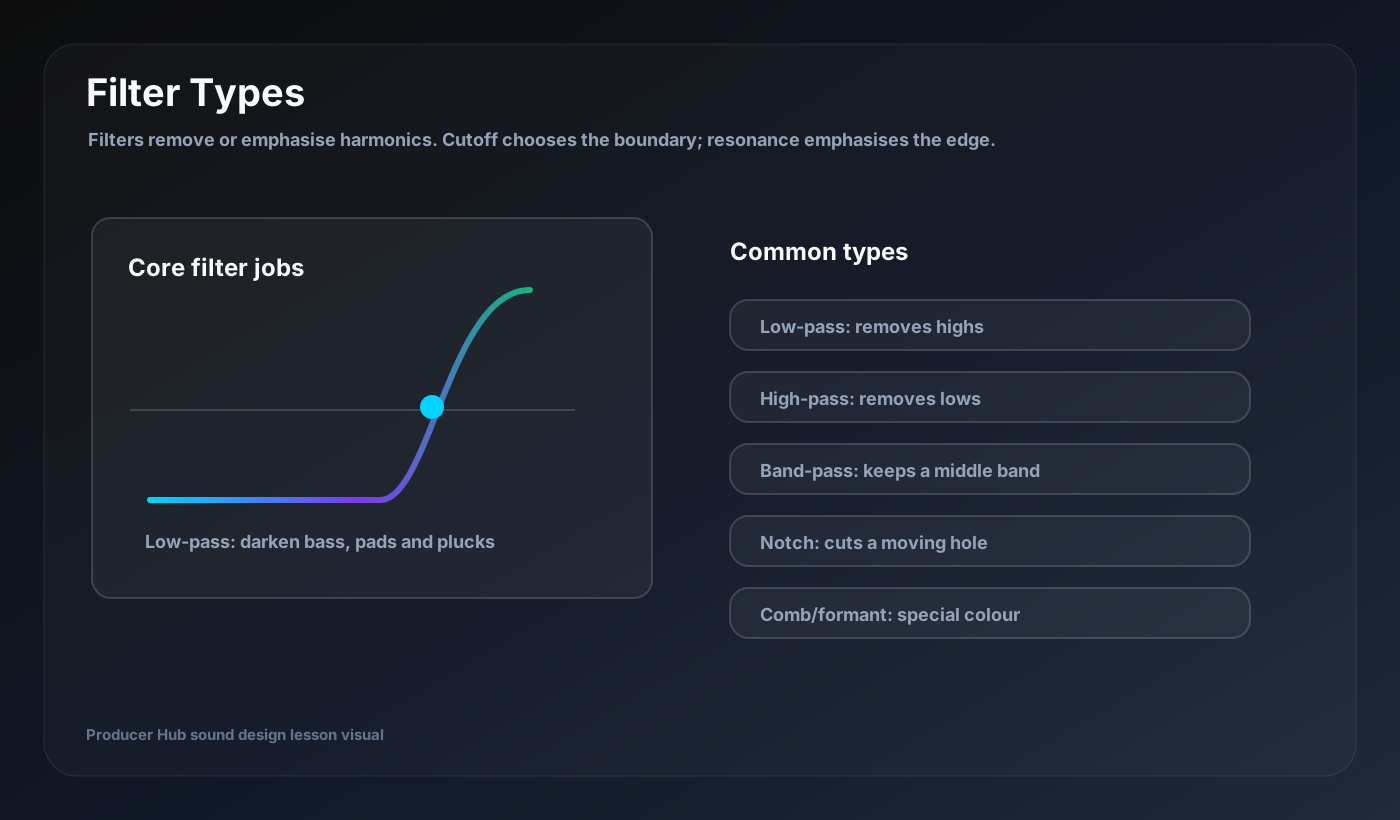
A filter is the fastest way to turn a raw oscillator into a sound that belongs in a track. It removes or emphasises frequencies, and when you automate it, the patch starts to breathe.
Cutoff and resonance
Cutoff is the point where the filter starts doing its work. Resonance boosts the area around the cutoff. Low resonance sounds smooth and practical. High resonance can sound acid-like, vocal, whistly or harsh depending on the synth and source.
If a patch becomes painful, lower resonance before blaming the oscillator. Resonance is powerful because it creates a peak that can dominate the whole sound.
Low-pass filters
A low-pass filter lets low frequencies pass and reduces high frequencies. It is the classic filter for basses, pads, plucks and builds. Closing the cutoff makes a sound darker. Opening it makes the sound brighter and more energetic.
Use a filter envelope on a low-pass filter for plucks: fast attack, short decay, low sustain and a musical amount.
High-pass filters
A high-pass filter removes low frequencies. Use it to keep pads, leads, FX and reverb returns away from the kick and bass. Be careful on thin sounds: too much high-pass filtering makes a mix feel weak.
For synth layers, high-pass the wide or bright layer while leaving the main bass or root layer alone.
Band-pass and notch filters
A band-pass filter keeps a selected region and removes lows and highs around it. It is useful for telephone tones, focused movement, risers and special effects. A notch filter cuts a narrow area and can create moving vowel-like or phaser-like shapes.
Move band-pass and notch filters slowly for atmosphere, or rhythmically for bass motion.
Filter drive and key tracking
Many synth filters include drive, saturation or analog-style character. This can make a patch feel louder, thicker and more alive. Key tracking makes the filter open differently across the keyboard, helping high notes stay bright while low notes stay controlled.
Use key tracking on playable leads and basses. Leave it off when you want every note to have the same darkness.
Turn this into a patch-building drill
Open your DAW, build the patch from a blank synth, then save the result with a job-based name. The goal is not to copy settings blindly; it is to understand why every stage exists.
- Use low-pass to control brightness.
- Use high-pass to make space.
- Use resonance carefully.
- Automate cutoff for arrangement energy.
- Try key tracking on playable patches.