The Core Concept
A waveform is a repeating shape that describes how an oscillator changes over time. Its harmonic content strongly influences timbre.
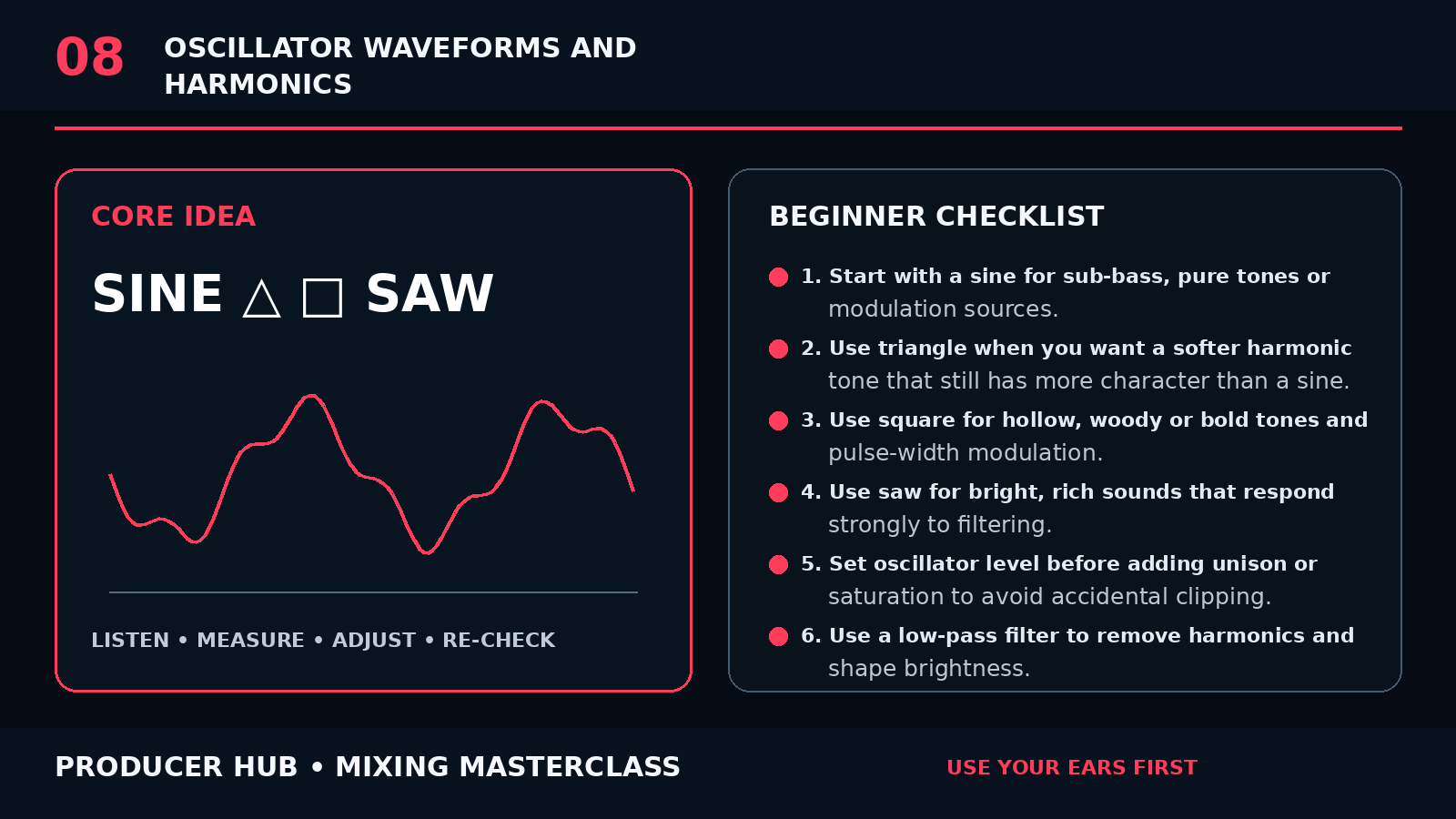
A sine wave contains only the fundamental. A triangle contains mainly odd harmonics that fall quickly. A square contains odd harmonics with a slower roll-off. A saw contains both odd and even harmonics and is harmonically dense.
Filters, envelopes, modulation, unison and distortion can transform the raw waveform dramatically.
Step-by-Step Tutorial
- Start with a sine for sub-bass, pure tones or modulation sources.
- Use triangle when you want a softer harmonic tone that still has more character than a sine.
- Use square for hollow, woody or bold tones and pulse-width modulation.
- Use saw for bright, rich sounds that respond strongly to filtering.
- Set oscillator level before adding unison or saturation to avoid accidental clipping.
- Use a low-pass filter to remove harmonics and shape brightness.
- Use amplitude and filter envelopes to create attack, body and decay.
- Add movement with LFOs, velocity, aftertouch or macro modulation.
- Layer waveforms only when each layer has a clear role.
- Check the patch in the mix; a huge solo sound can occupy too much spectrum.
Common Mistakes
- Choosing a waveform only by genre stereotypes
- Layering many oscillators at full level
- Ignoring phase when stacking subs
- Using unison to fix a weak patch design
- Forgetting that filters and envelopes are part of the sound
Guided Practice
Create the same bass patch four times, changing only the oscillator waveform. Match loudness and compare how much filtering each version needs to sit in the same mix.
Turn this lesson into a 20-minute sound design drill
Duplicate
Save a copy of the patch or session before changing the sound.
Solo less
Make every waveform, filter and envelope move while the track context is playing.
Level match
Level-match the patch before and after processing so brighter does not trick you.
Export
Print a short before/after bounce and check the patch on headphones, speakers and phone.