The Core Concept
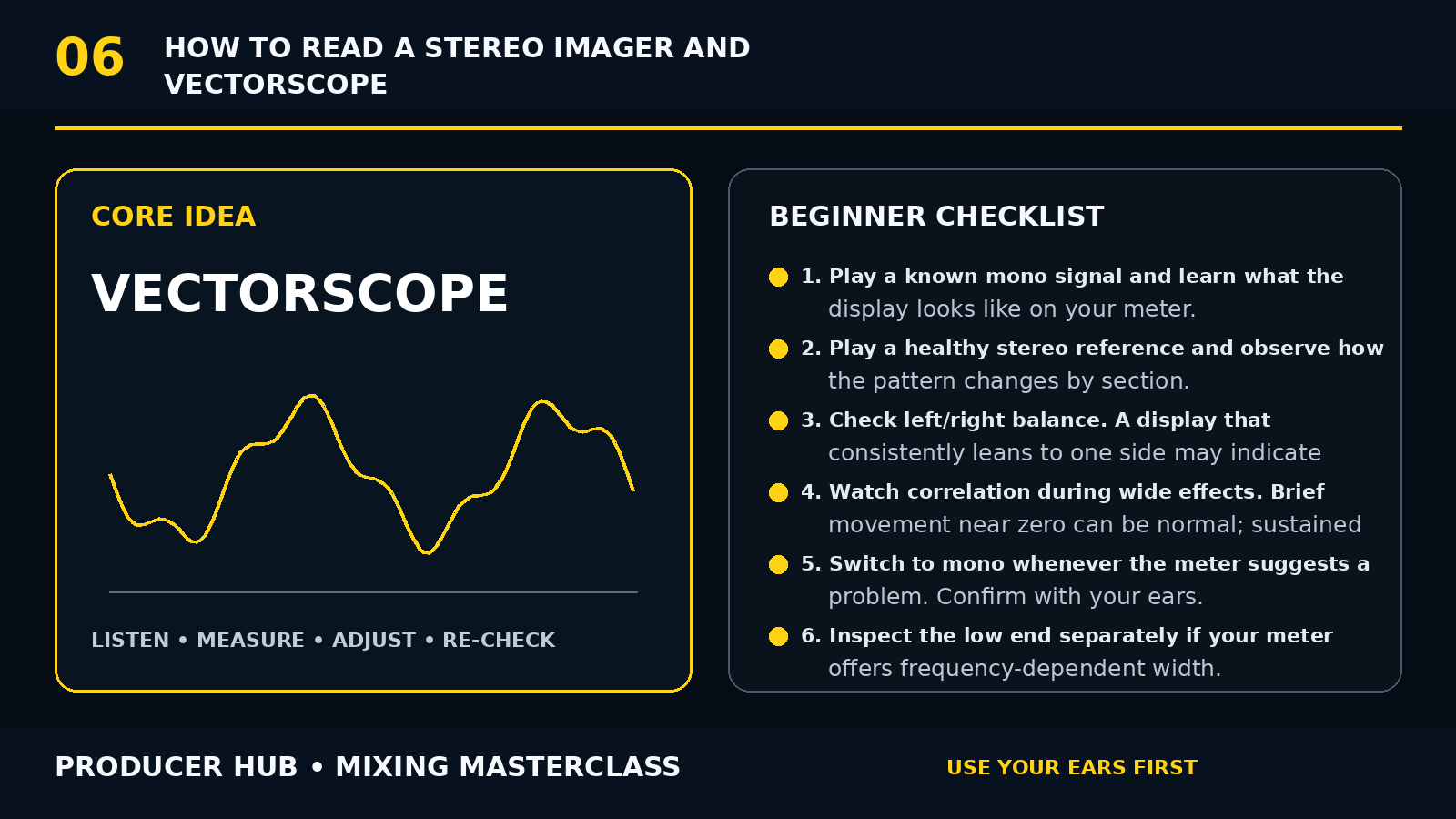
A vectorscope displays the relationship between left and right channels. A narrow vertical pattern usually indicates a centred or highly correlated signal; wider patterns indicate more stereo difference.
A correlation meter typically runs from negative values through zero to positive values. Positive correlation is generally more mono-compatible; persistent negative readings can indicate cancellation risk.
Meters diagnose relationships. They do not decide whether a mix sounds good.
Step-by-Step Tutorial
- Play a known mono signal and learn what the display looks like on your meter.
- Play a healthy stereo reference and observe how the pattern changes by section.
- Check left/right balance. A display that consistently leans to one side may indicate level or arrangement imbalance.
- Watch correlation during wide effects. Brief movement near zero can be normal; sustained negative readings deserve a mono check.
- Switch to mono whenever the meter suggests a problem. Confirm with your ears.
- Inspect the low end separately if your meter offers frequency-dependent width.
- Do not chase a perfectly symmetrical picture. Real arrangements can be intentionally asymmetric.
- Use the meter while adjusting wideners, M/S processing and stereo modulation.
- Compare verses and choruses to understand width contrast.
- Close your eyes and listen before making the final decision.
Common Mistakes
- Mixing to make a pretty shape
- Assuming wide always means better
- Treating zero correlation as automatically bad
- Ignoring musical asymmetry
- Using a meter instead of a mono check
Guided Practice
Load three professional references in different genres. Screenshot or note their vectorscope shapes in verse and chorus, then compare your own mix without trying to copy the exact geometry.
Turn this lesson into a 20-minute mix drill
Duplicate
Save a copy of the session before changing the mix.
Solo less
Make every move while the main groove or vocal context is playing.
Level match
Bypass the change at equal loudness so louder does not trick you.
Export
Print a short before/after bounce and listen away from the DAW.