What you hear
This tutorial is for the moment when the session is slowing you down because routing, plugin choices or prep are unclear. Before reaching for another plugin, loop the busiest eight bars and ask what the listener should notice first.
- Mute the part, then bring it back at a sensible level.
- Check whether the problem is tone, level, timing, space or arrangement.
- Compare against one reference track at matched loudness.
Fix it in the session
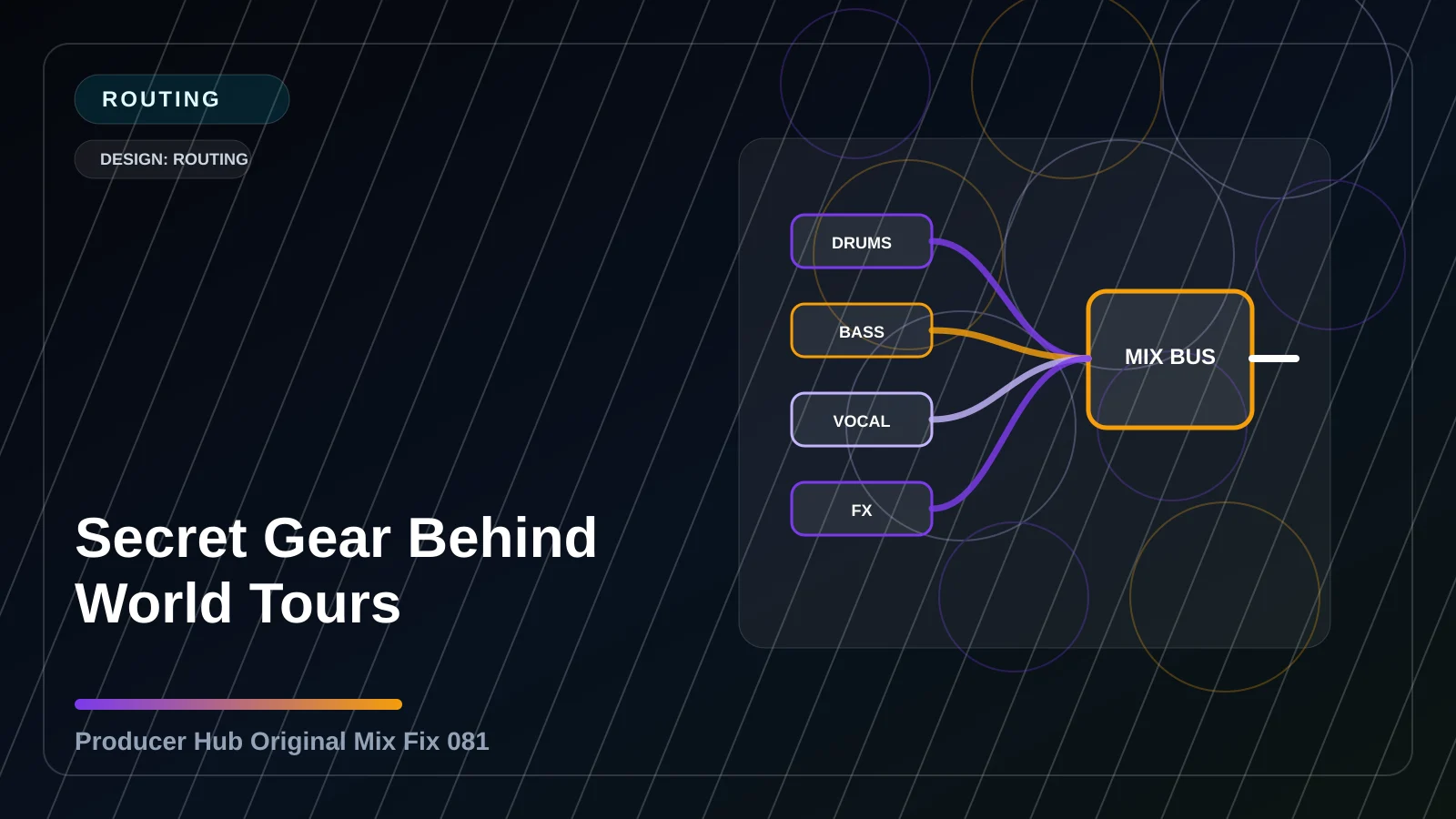
The practical move: group related sounds, name the signal path, and use buses or sends only where they make repeat moves easier. Keep the change small enough that you can hear the result without losing the character of the original sound.
- Set a starting balance with all processors bypassed where possible.
- Make one focused change that solves the named problem.
- Level-match before deciding whether the move helped.
- Automate the move only where the song actually needs it.
Check it before moving on
Final check: you should be able to explain where the sound goes in one sentence. If the fix only works while soloed, it is not finished yet. Judge it in context, then print or mark the decision and keep moving.
- Check quiet volume, normal volume and one consumer playback system.
- Collapse to mono if the move touches width, space or low end.
- Write down the result in the session notes so you do not redo the same decision later.