1. Cover the workflow
EQ, compression, reverb and delay are the core chain. Start with these before anything 'creative'.
VST effects are the plugins that shape, polish and colour your sound — EQ, compression, reverb, delay and the creative bits in between.
Start with one great EQ and compressor (FabFilter Pro-Q 3 and Pro-C 2 are the industry standard), then add reverb (Valhalla VintageVerb or Room) and character (Soundtoys, or Waves SSL). Your DAW's stock plugins cover the basics free — buy plugins that do something the stock tools cannot.
EQ, compression, reverb and delay are the core chain. Start with these before anything 'creative'.
One great EQ beats ten average ones. Buy a few tools you'll actually learn deeply.
Clean tools (Pro-Q) are transparent; character tools (Soundtoys, Waves) add colour. Know which you need.
Check a plugin runs stable on your system before building a session around it.
Drop VST3 files in the plugin folder and rescan in your DAW.
iLok or account login — do it once per plugin.
Save your own starting presets for EQ/comp so you move faster.
Load your core FX chain into a default track template.
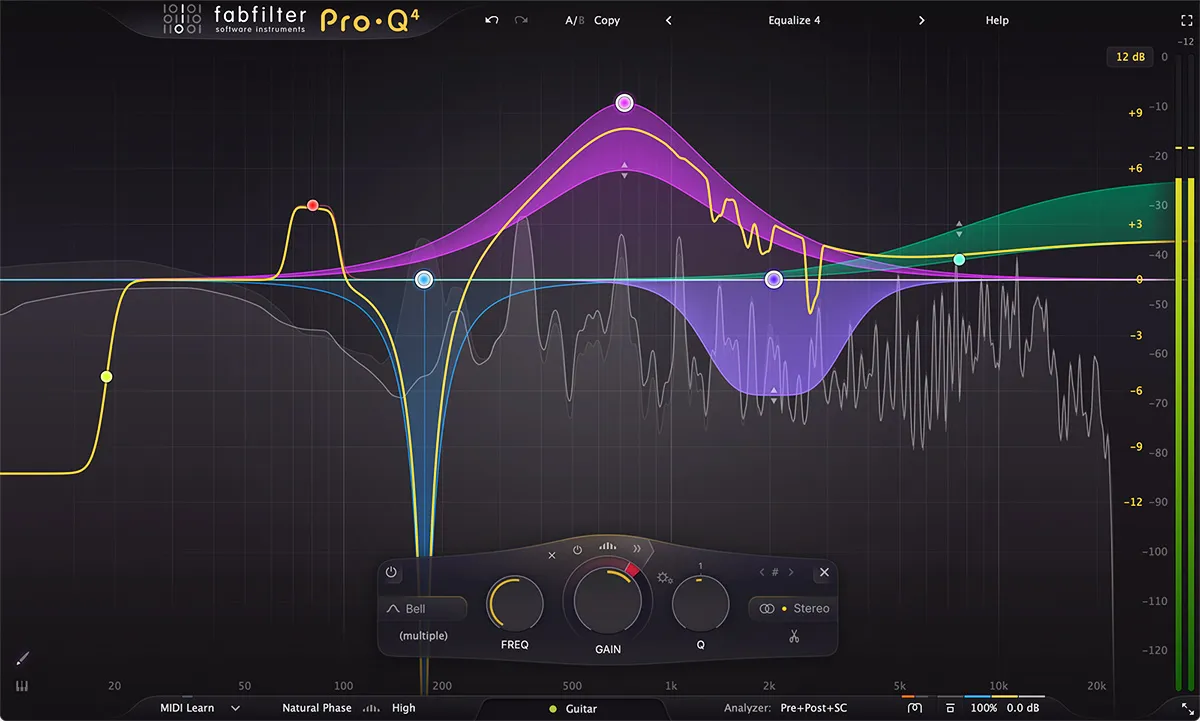
The transparent EQ standard — visual, precise, musical.
Full review →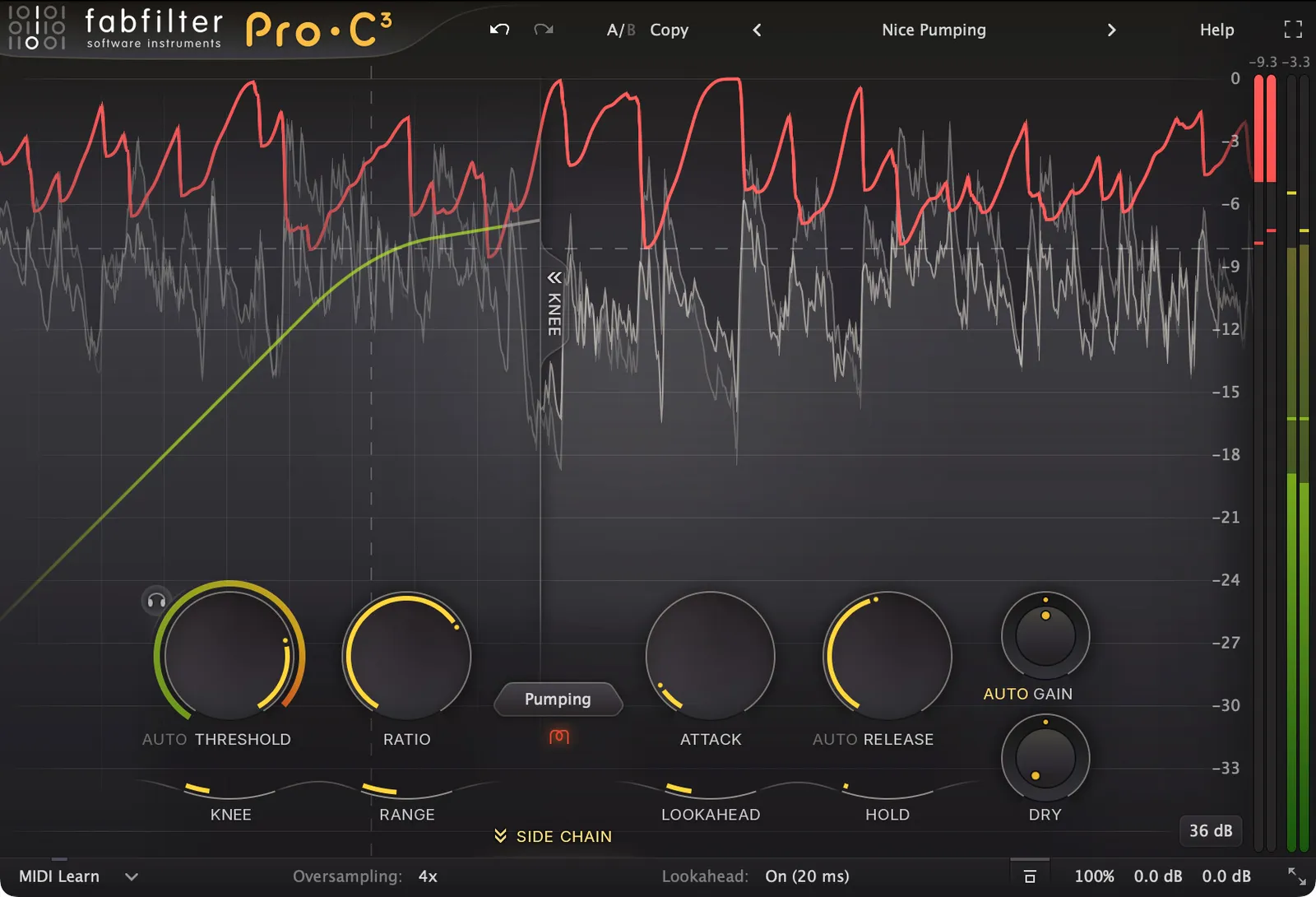
The clean, transparent compressor with brilliant metering.
Full review →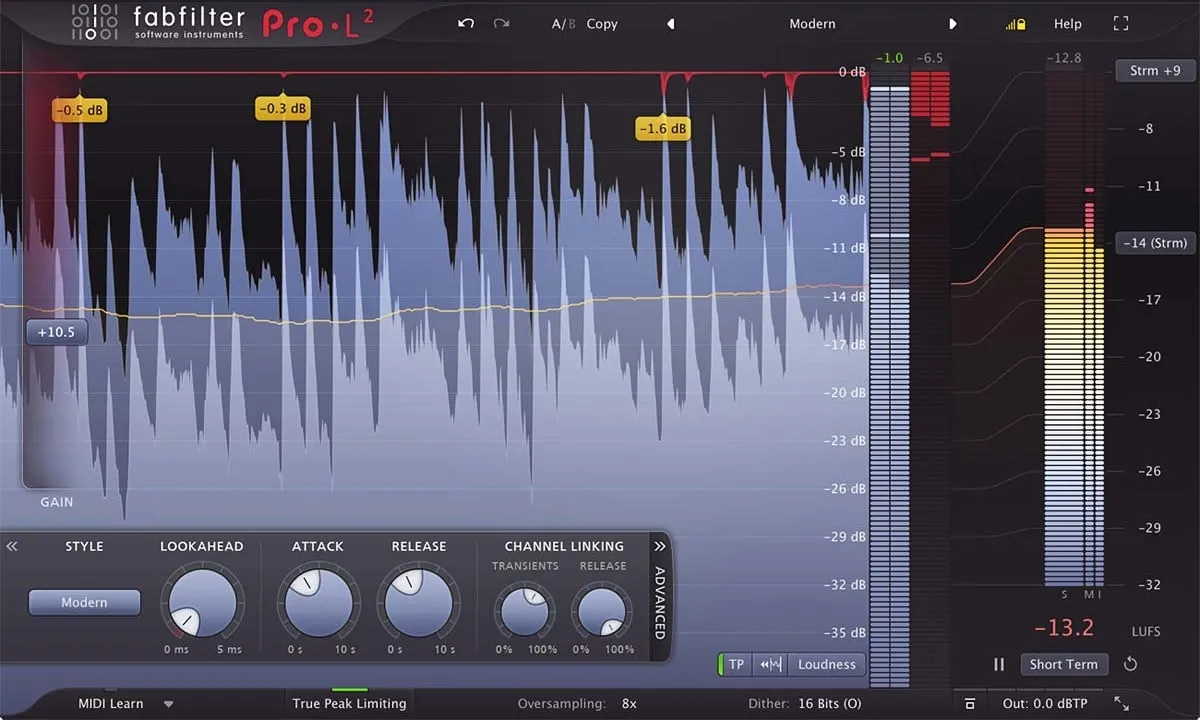
The transparent mastering limiter for clean, loud results.
Full review →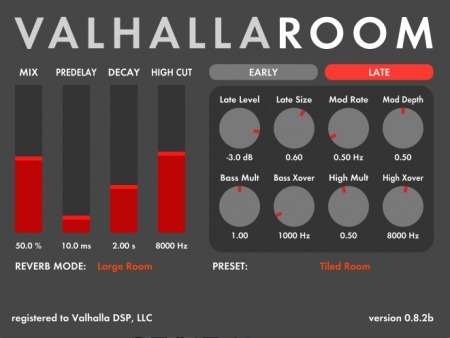
Gorgeous, affordable reverbs the industry swears by.
Full review →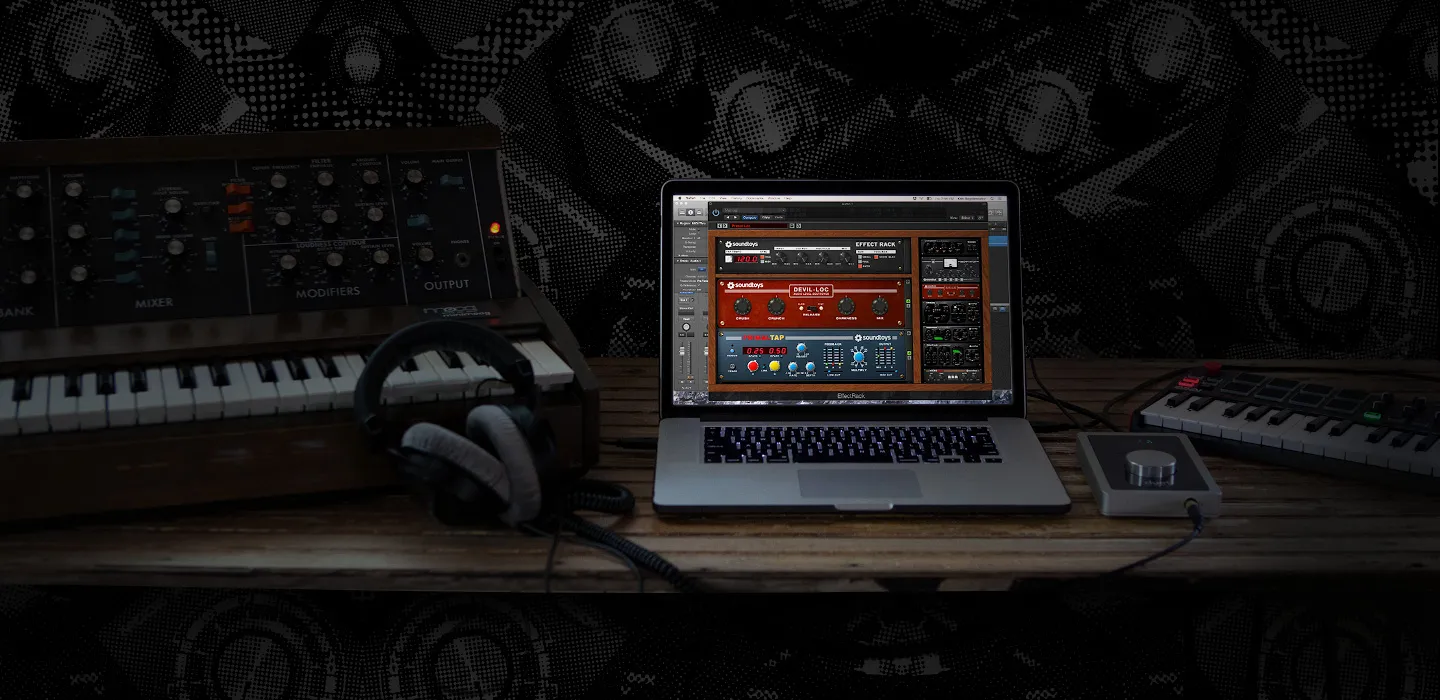
The character bundle — Decapitator, EchoBoy and more.
Full review →
The huge bundle of mixing and mastering tools.
Full review →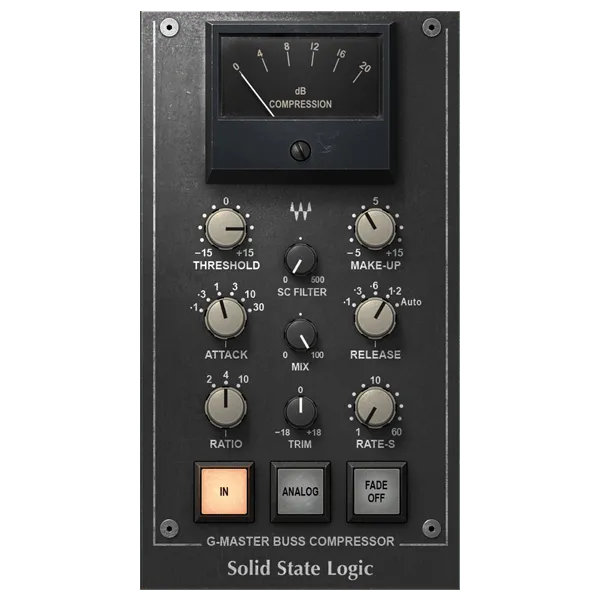
The classic SSL bus compressor — warm glue for the mix.
Full review →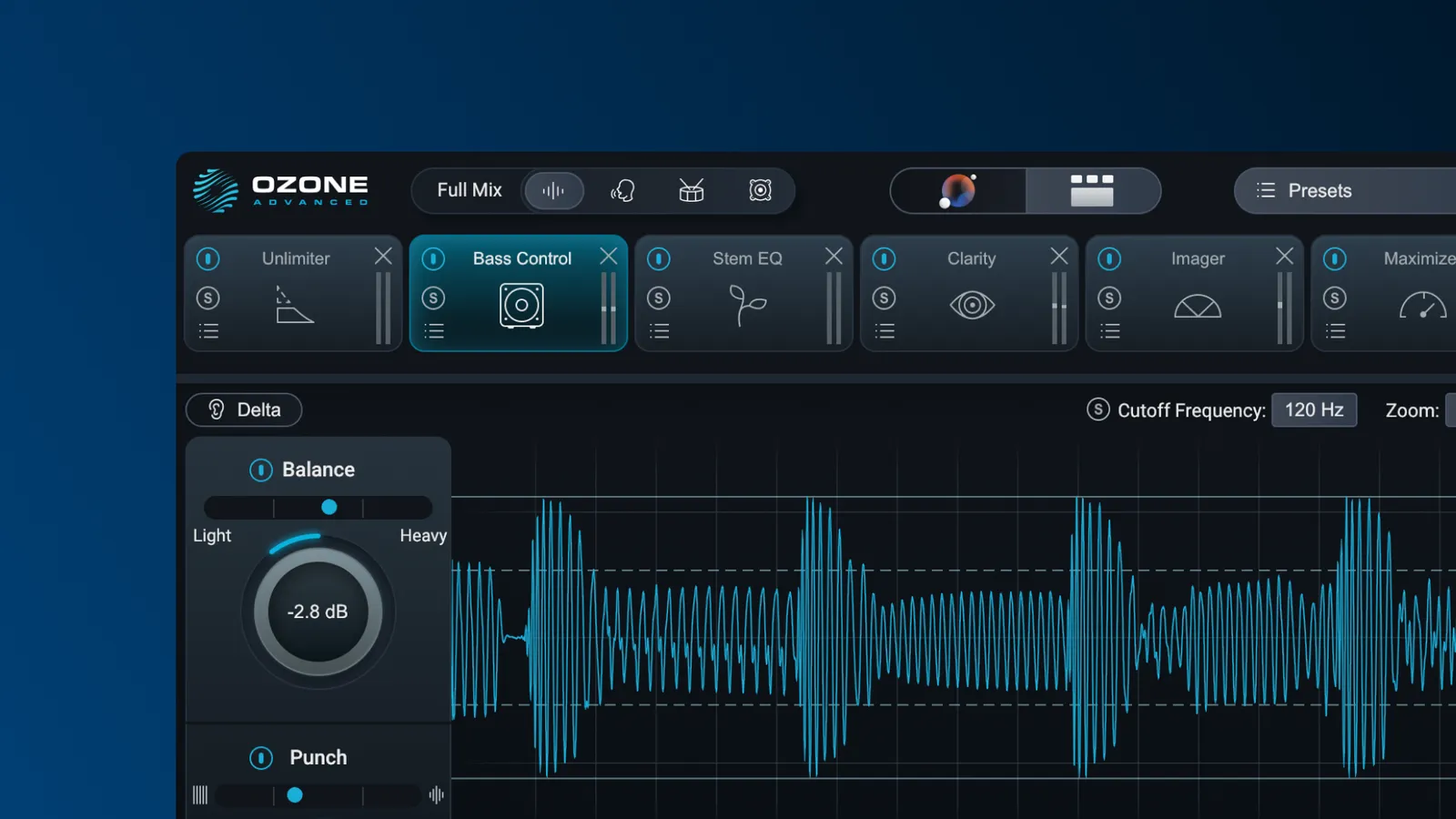
The all-in-one mastering suite — EQ, dynamics, maximizer.
Full review →
A gorgeous free reverb/delay — the best first reverb at zero cost.
Official site →
The visual mixing channel strip that helps you place and balance.
Official site →Pros: precise, transparent, visual. Cons: price. Best for: accurate mixing.
Pros: instant colour and vibe. Cons: less transparent. Best for: creative colour.
Pros: beautiful, cheap. Cons: none, really. Best for: space and depth.
Pros: all-in-one. Cons: overused without learning. Best for: a fast, clean master.
Valhalla Supermassive, TDR Nova, stock DAW FX — a complete free chain.
Valhalla verbs, single FabFilter/Soundtoys plugins — the sweet spot.
FabFilter bundle, Soundtoys full, Waves bundles — committed mixers.
Get levels right with stock tools before reaching for colour.
Clean mud and harshness with a transparent EQ.
Add saturation and reverb to place sounds in a space.
A/B against a commercial track — here transparent tools shine.
EQ, compression, reverb and delay are the core chain. Everything else is flavour — buy after the basics.
Yes, most are excellent for the basics. Buy plugins that do something stock tools cannot.
Valhalla Room or VintageVerb are the go-to affordable reverbs. Supermassive is a great free option.