Buying note: Prices mentioned are indicative, not live quotes. Check the retailer for today's UK price, VAT, availability and delivery. Producer Hub is an editorial affiliate site, not the seller. How affiliate links work.
← Back to GearA next-generation Ableton Live controller — 64 expressive pads, eight touch strips and a built-in step sequencer, built for studio and live use.
Producer Hub checks official manufacturer specs, current UK pricing, DAW compatibility and real bedroom-studio use cases before recommending gear. This is an editorial review unless the page clearly states hands-on testing. Ratings are editorial scores, not paid placement. Affiliate links may earn a commission at no extra cost to you.
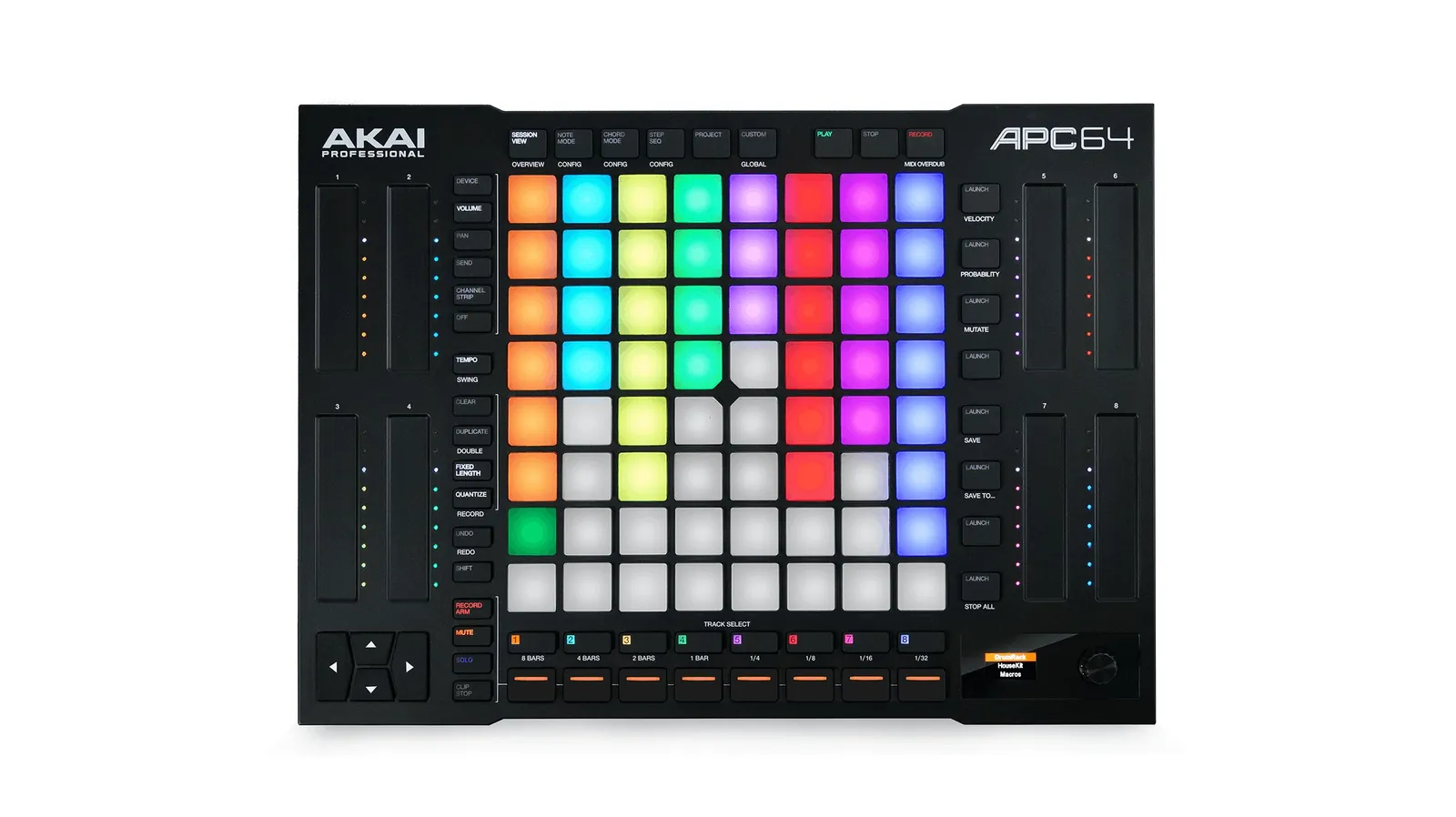
The APC64 updates Akai's classic clip-launching formula with 64 velocity-sensitive RGB pads that support polyphonic aftertouch, plus eight fully assignable touch strips for hands-on control of devices, pitch and modulation. A built-in step sequencer means you can sketch drum and melodic patterns directly on the hardware without touching the DAW.
| Type | Ableton Live performance controller |
| Pads | 64 velocity-sensitive RGB pads with polyphonic aftertouch |
| Touch strips | 8 fully assignable touch strips |
| Sequencer | Built-in step sequencer |
| Software | Ableton Live (version included) |
Live performers and Ableton producers who want hands-on clip launching, expressive pads and an on-device sequencer. If you mostly work in arrangement view with a mouse and keyboard, a simpler MIDI keyboard may be a better fit.
Buy the APC64 if you perform with Ableton or want expressive, hands-on clip control with a built-in sequencer. Skip it if you mainly produce in arrangement view — for that, a keyboard controller or just the mouse is enough.