The verdict
What you actually get
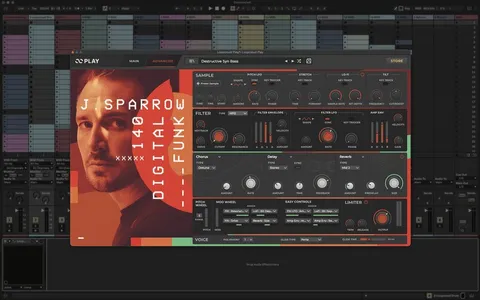
Turn any loop into a chromatic, playable instrument — Loopcloud Play maps your samples across the keyboard so a vocal chop or a bass hit becomes a patch you can perform.
- Play loops chromatically as a real instrument
- Slice, map and pitch any sample into a playable patch
- Perfect for making vocal chops and bass hits feel musical
Who it suits
Best for
Producers who love flipping samples and vocal chops into original melodic ideas.
When to skip it
Not the right fit?
If you treat samples as static loops and never re-pitch, Play is overkill.
In practice
How to use it
1
Drop a sample into Loopcloud Play on a MIDI track
2
Map it across the keys (chromatic or sliced)
3
Play in a new melody using your controller
4
Resample the result for a fresh, original sound
Related